
ios
Tinder
Meet new people date singles
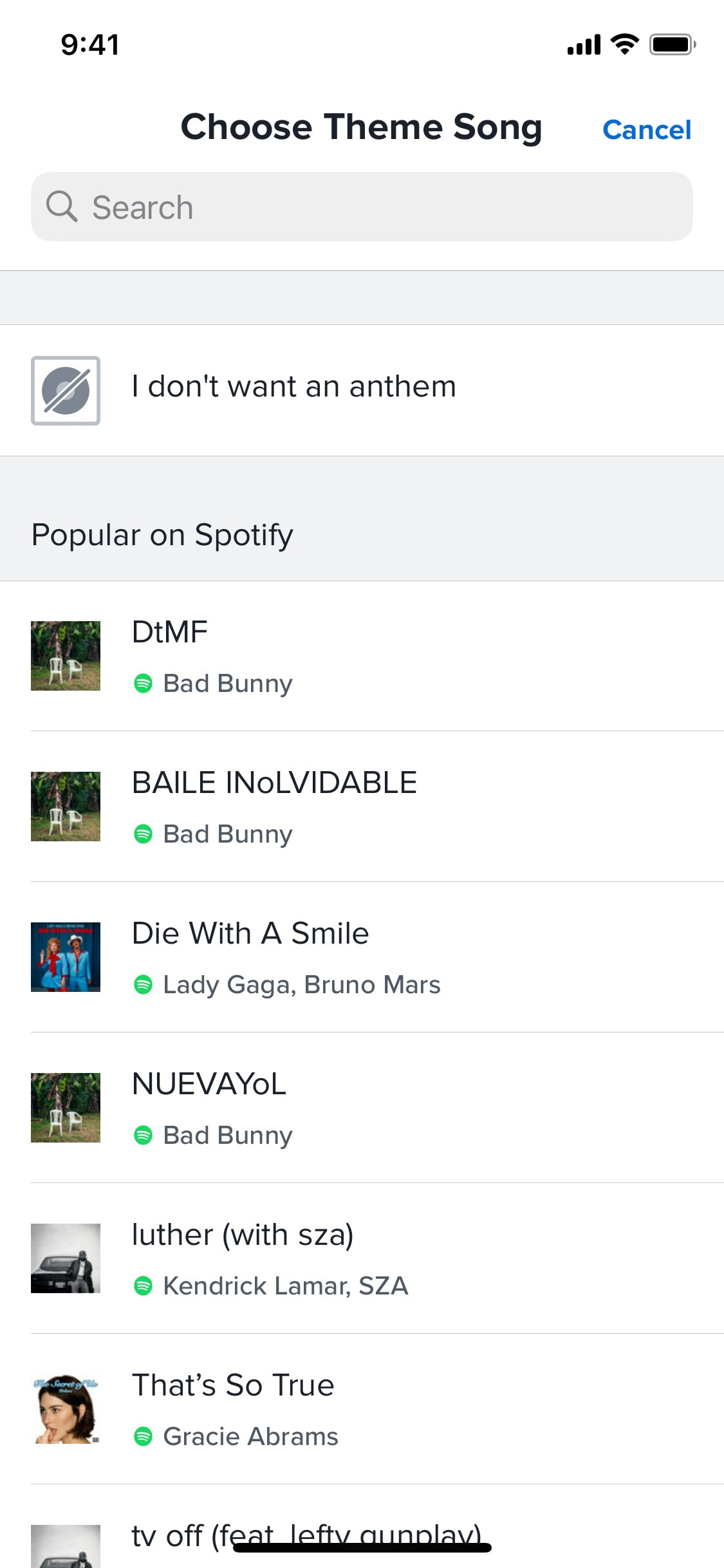
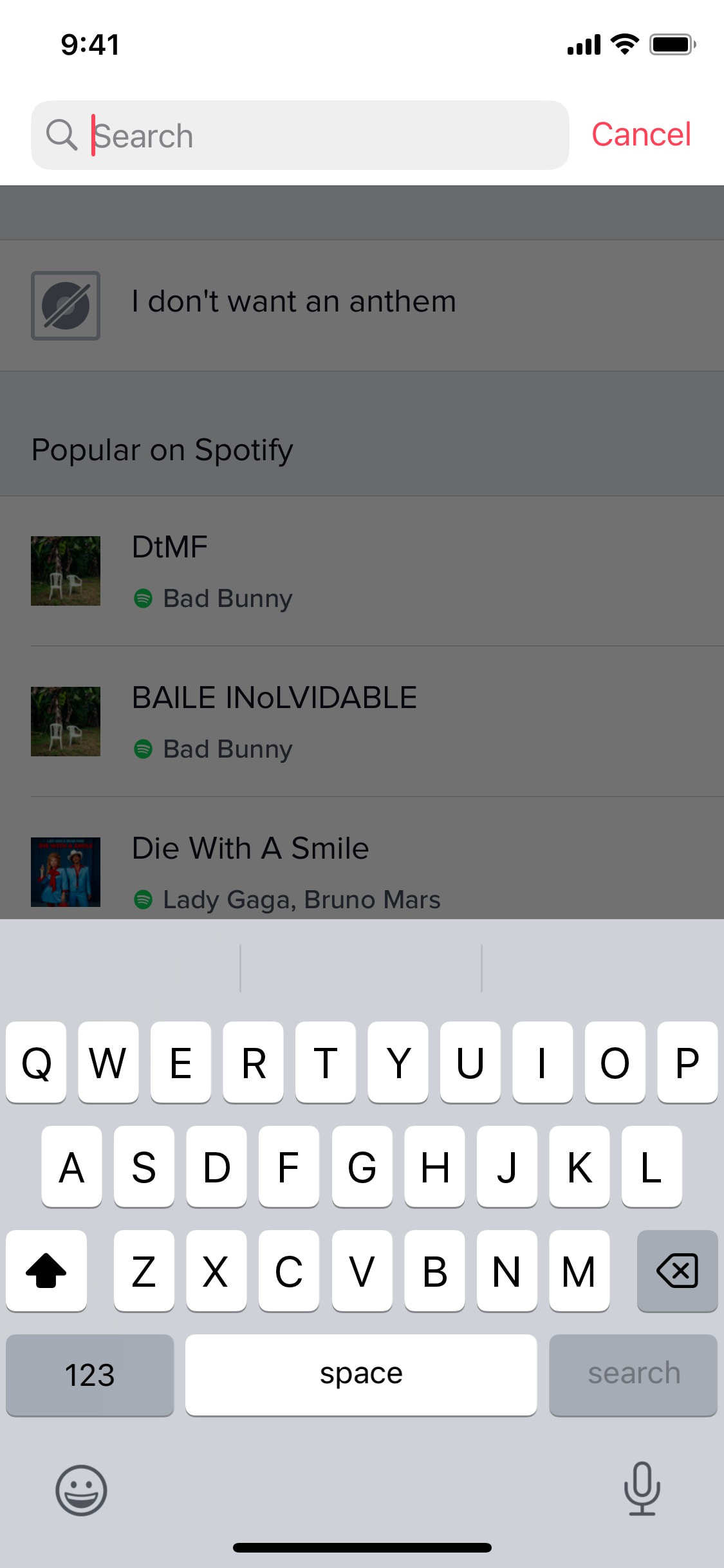
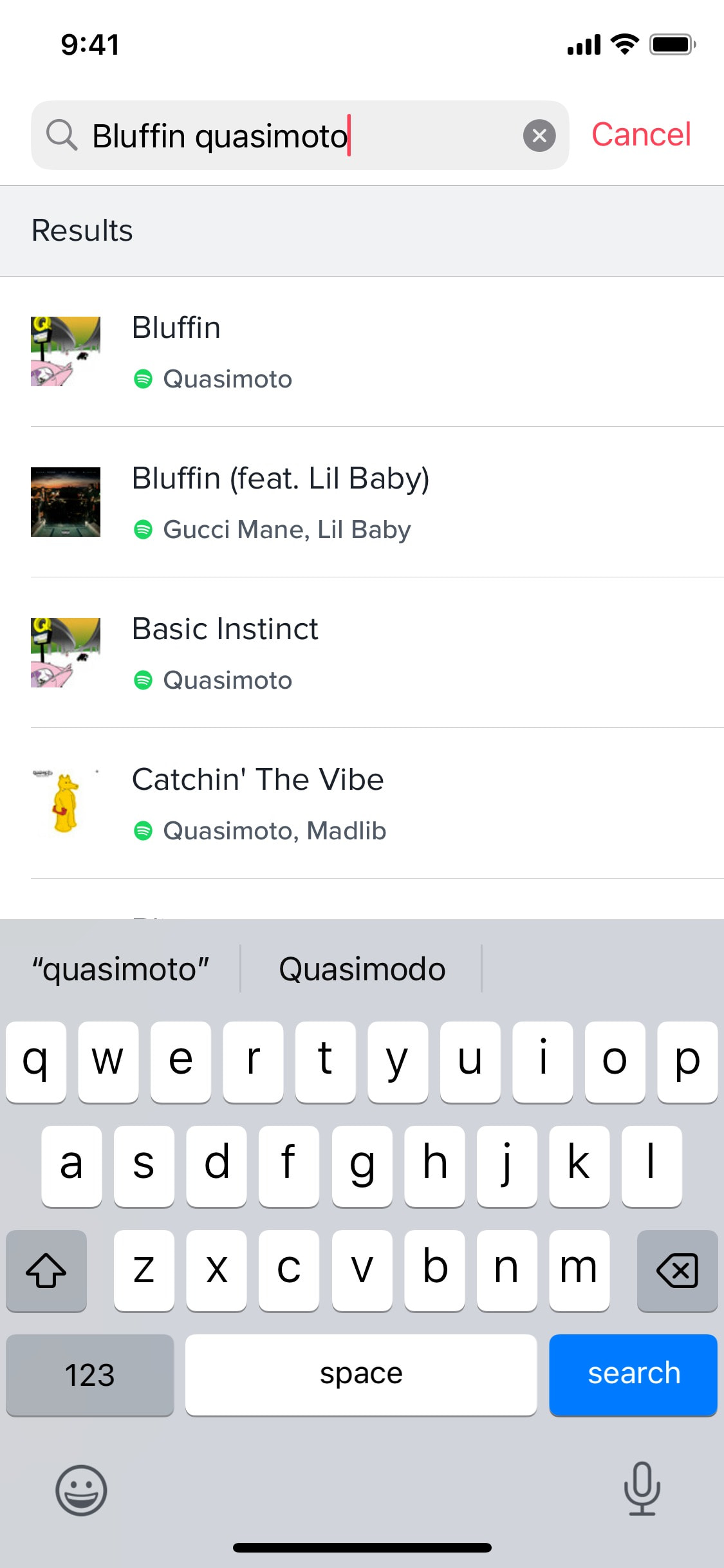
Adding anthem to profile
3 screens
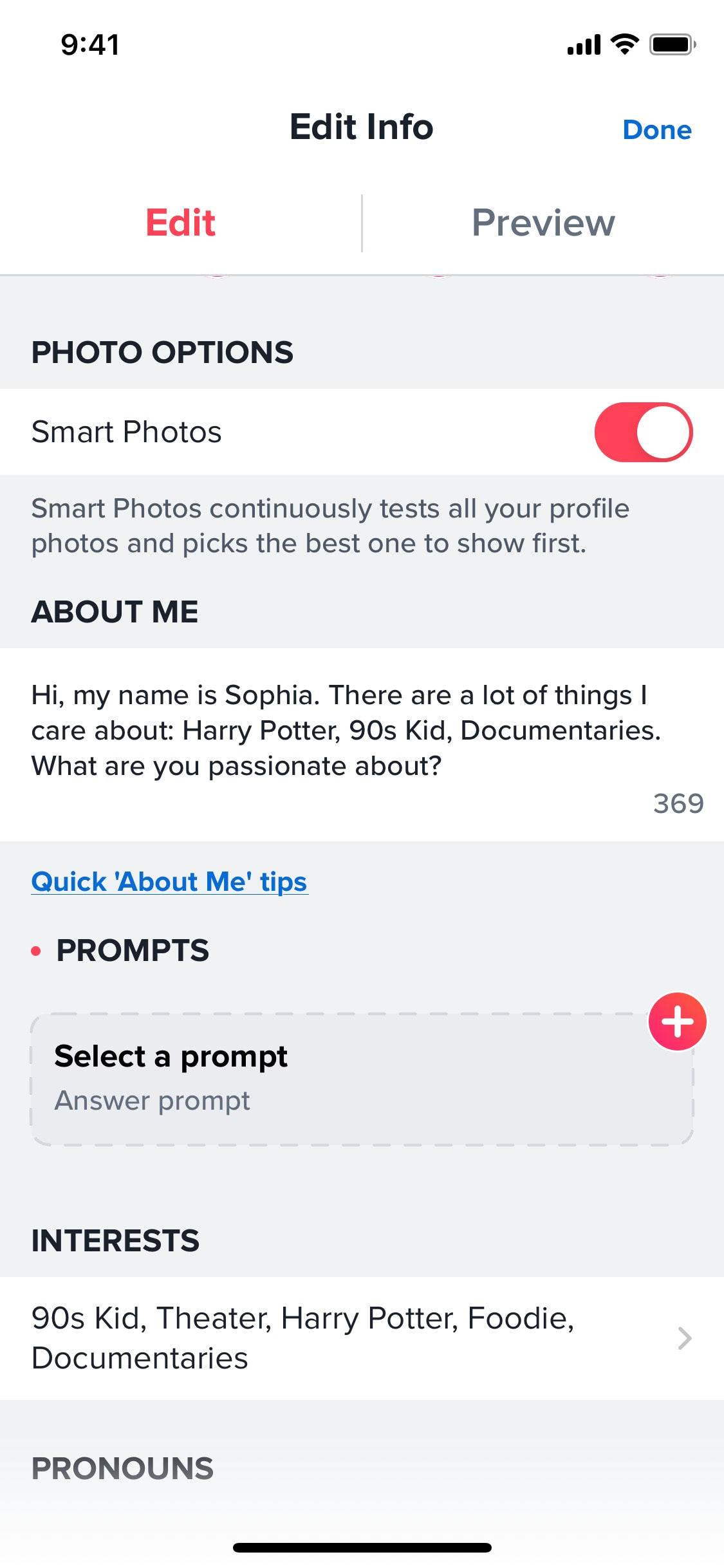
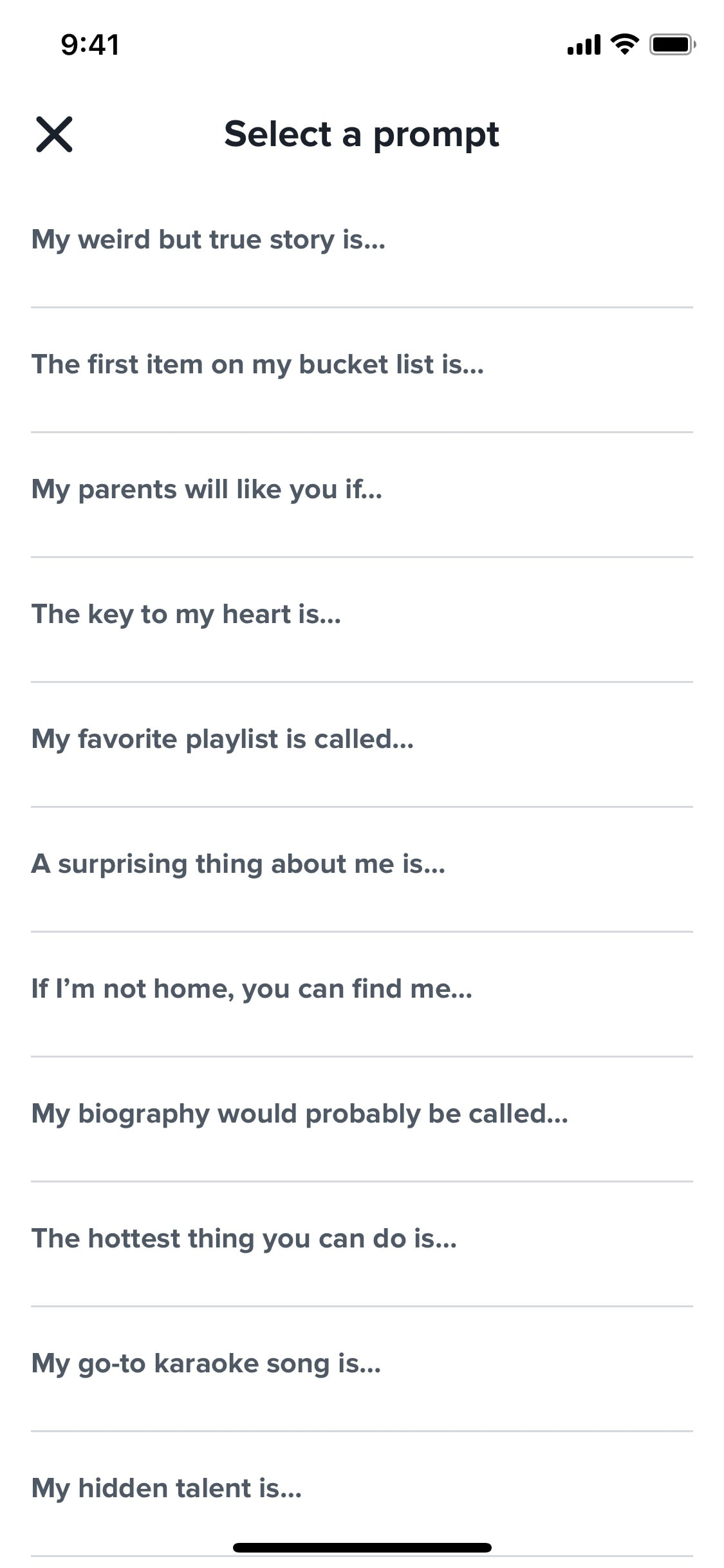
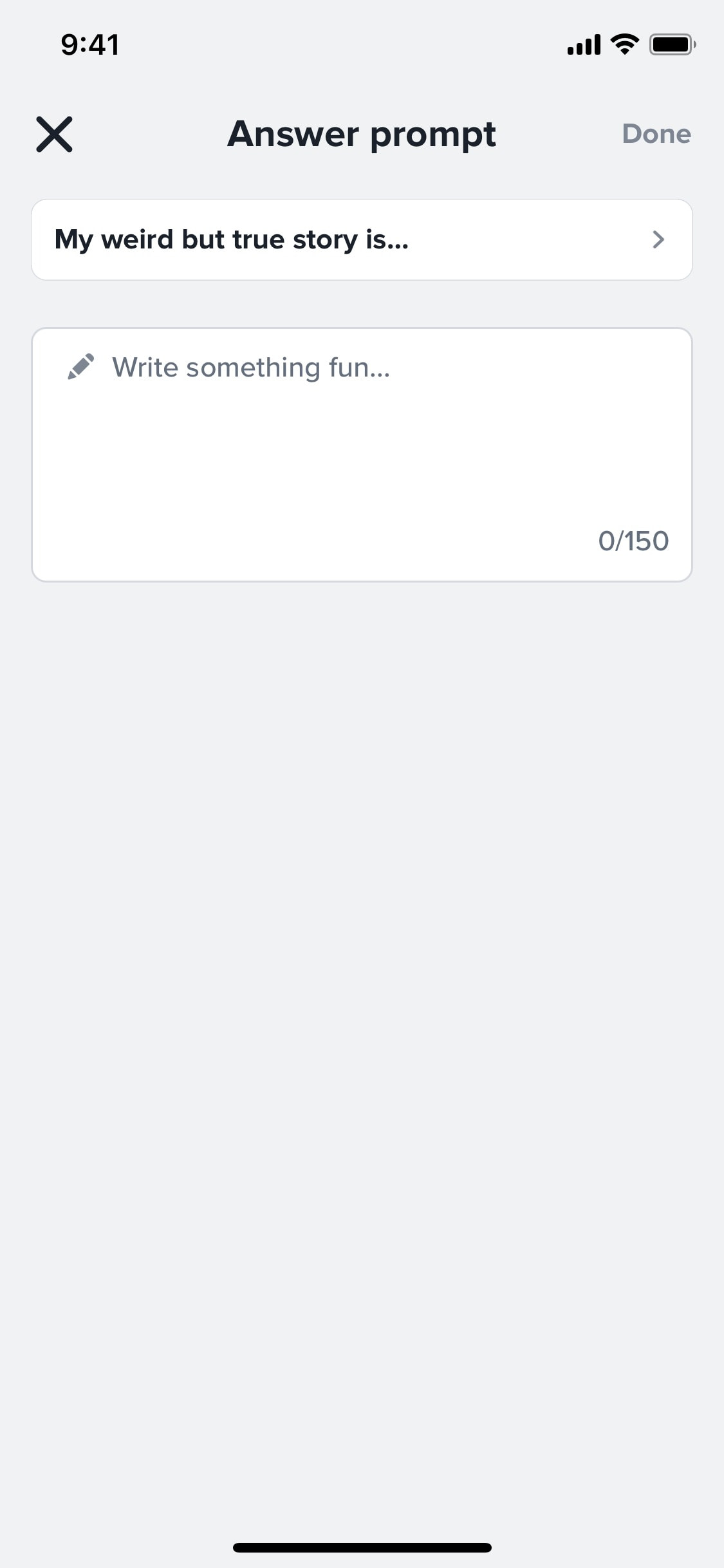
Adding info to profile
6 screens
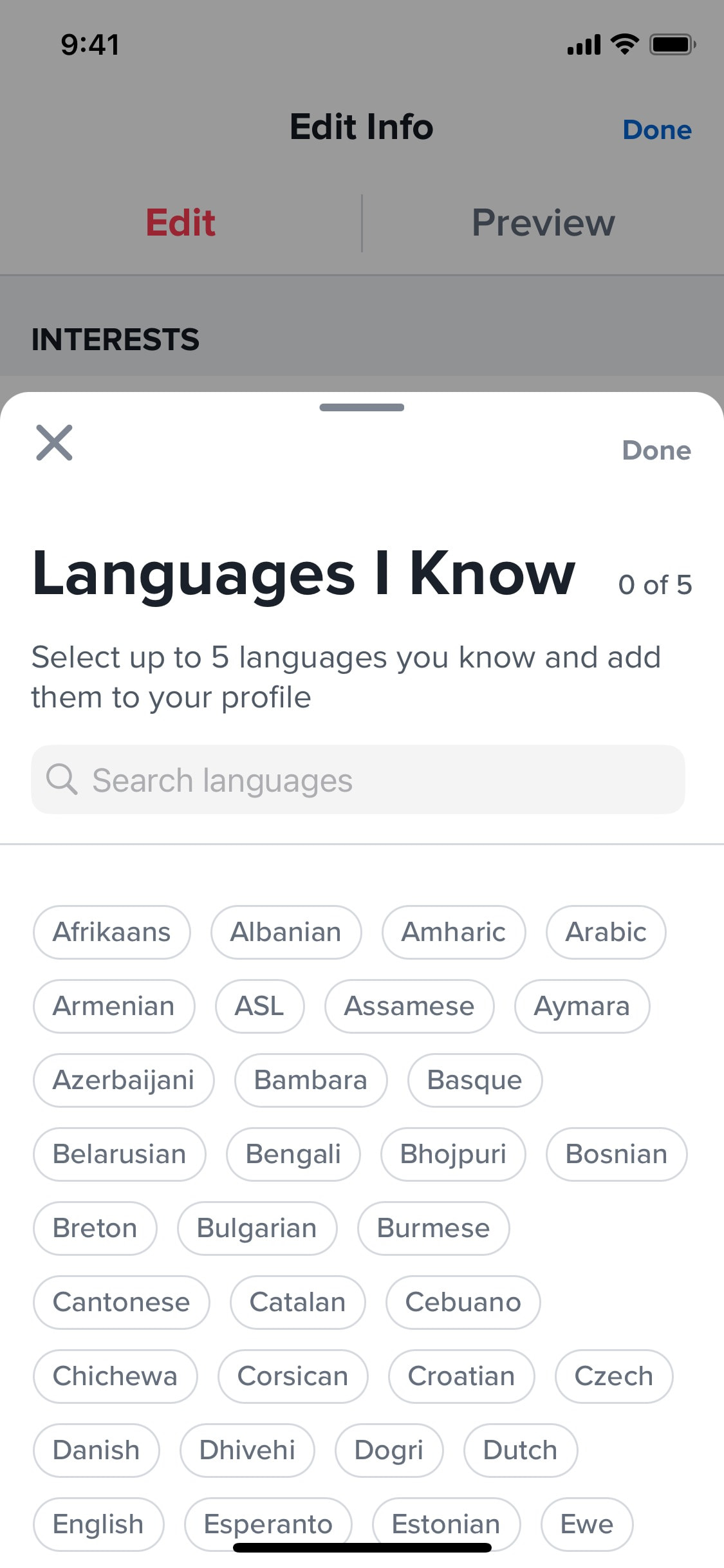
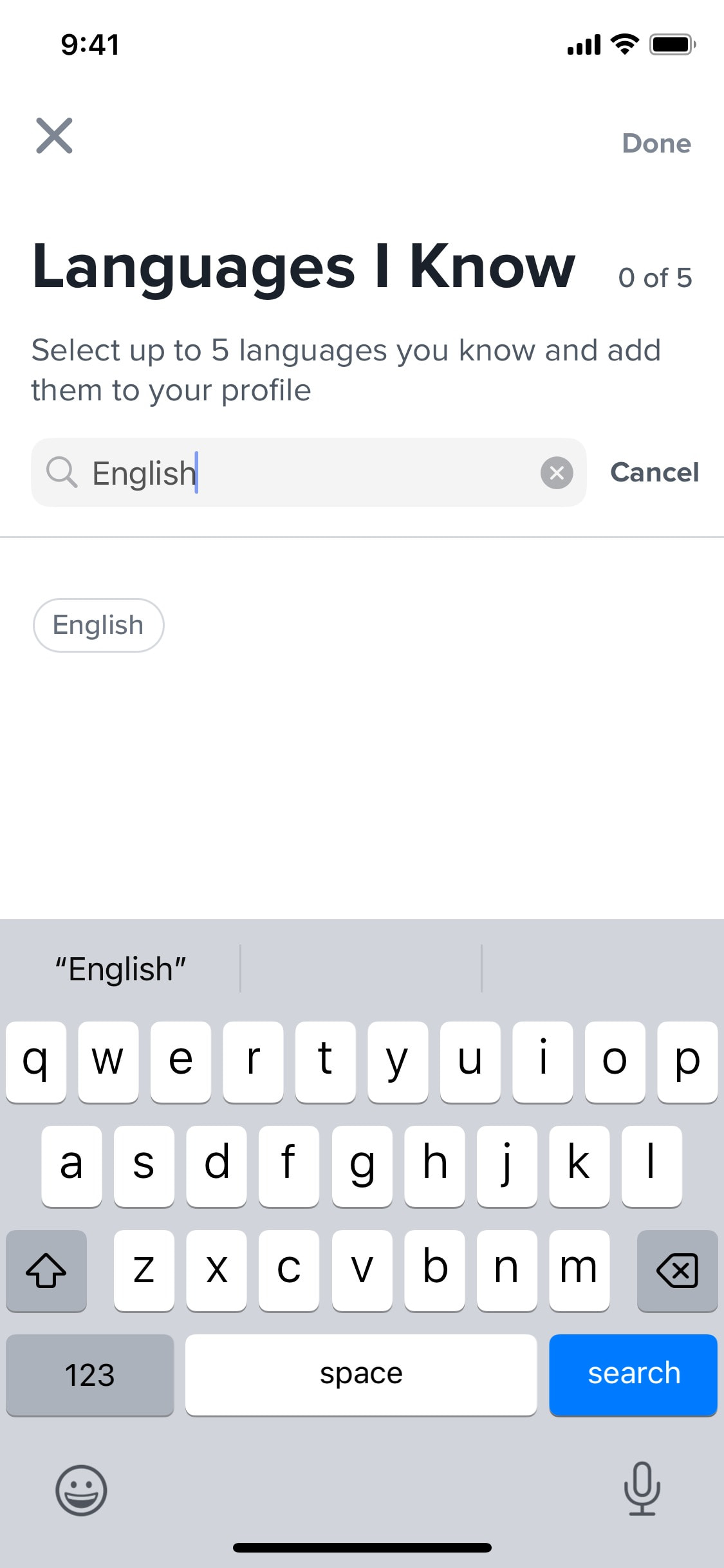
Adding language skills to profile
7 screens
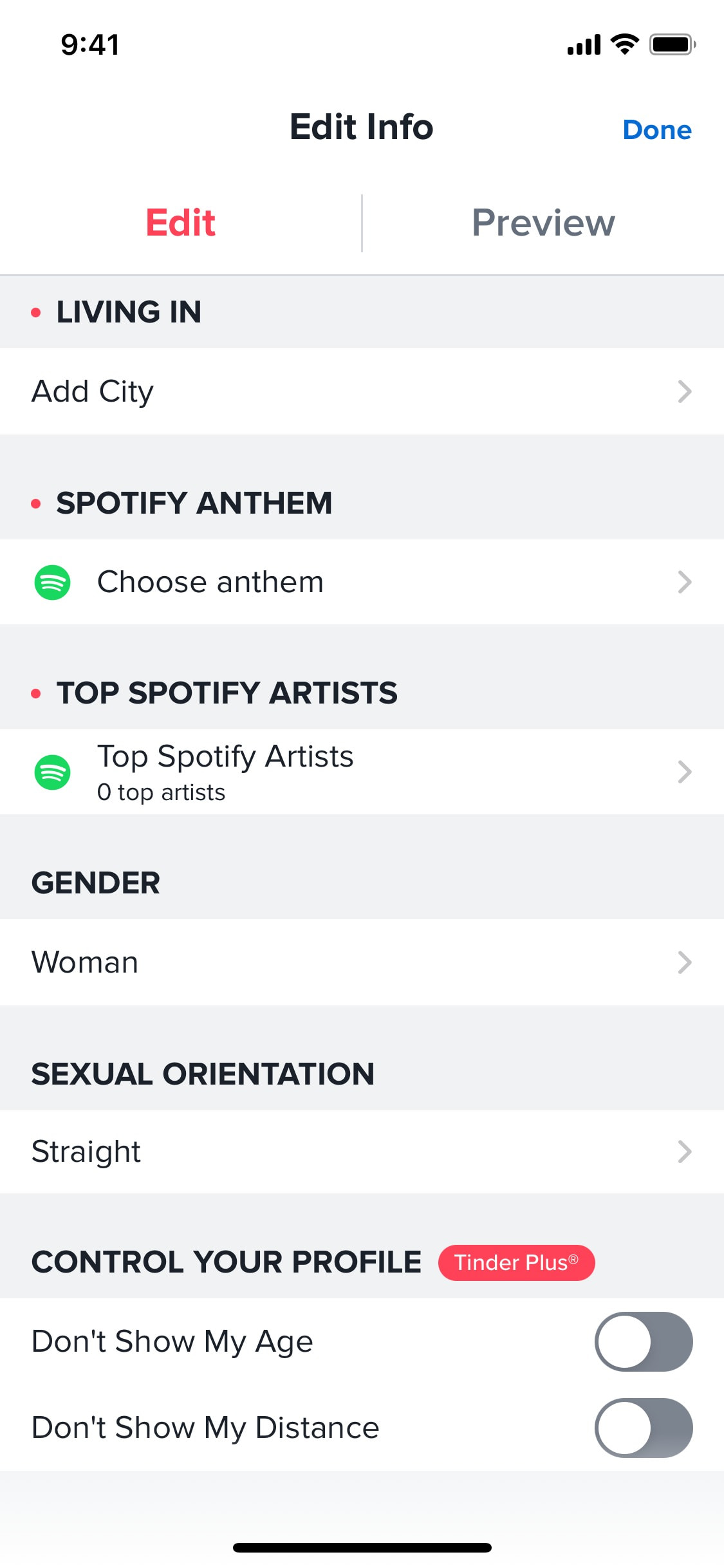
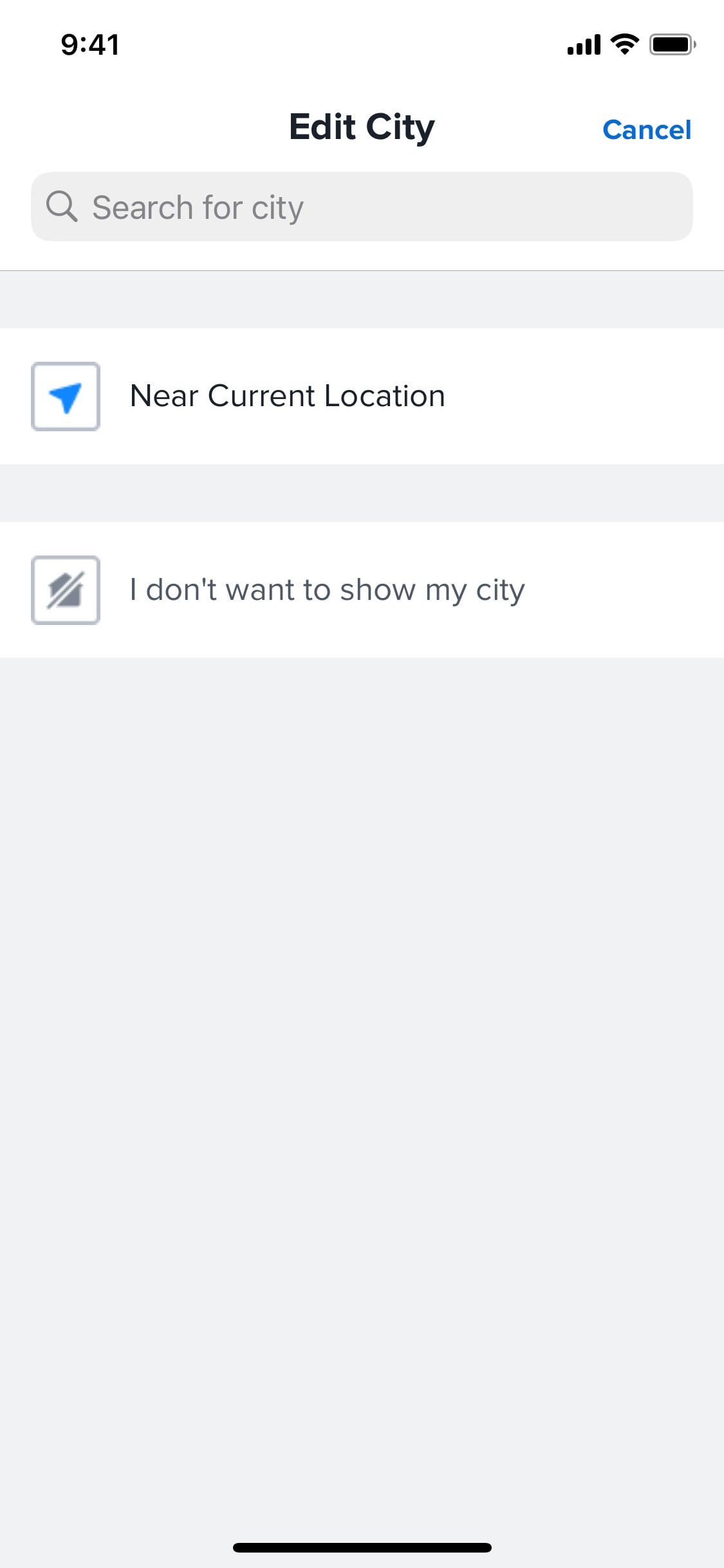
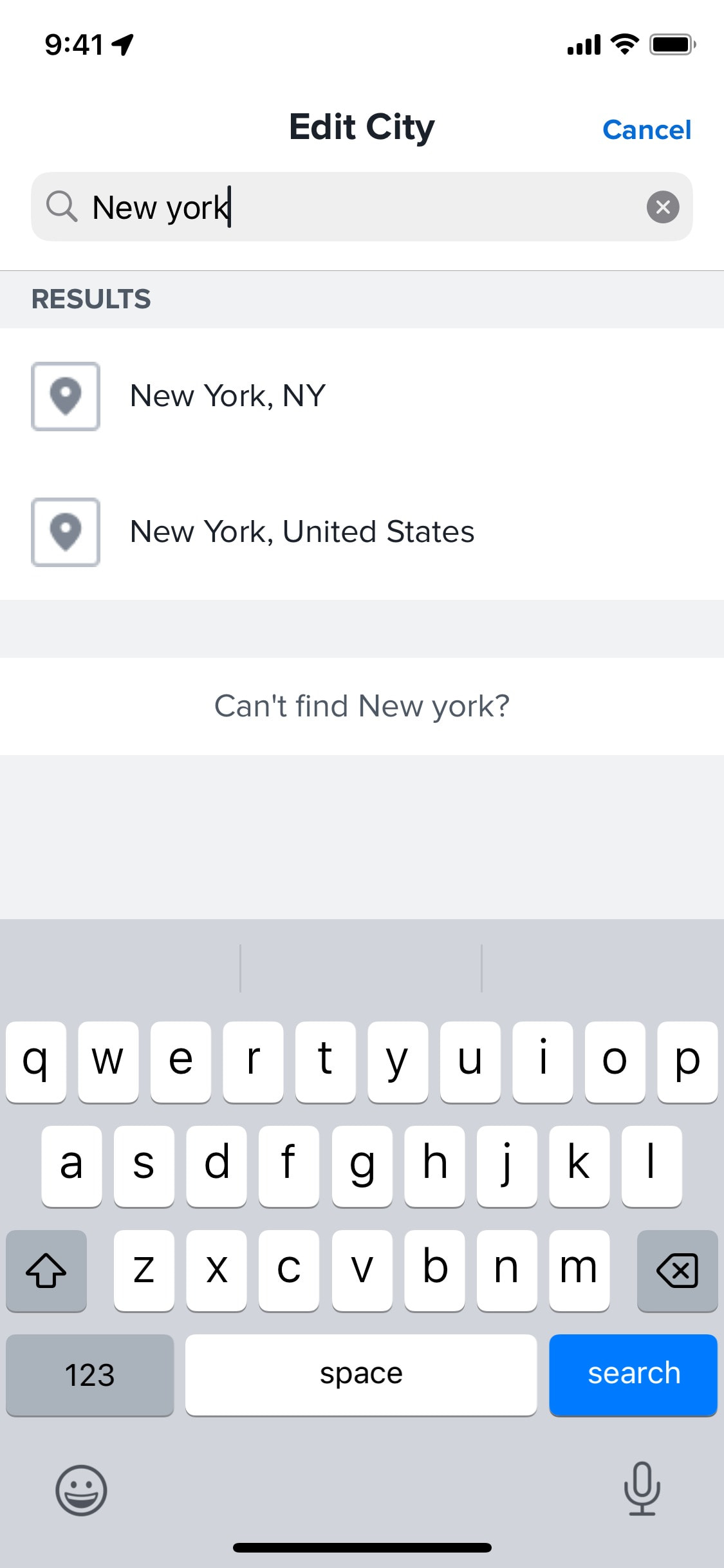
Adding living city to profile
3 screens
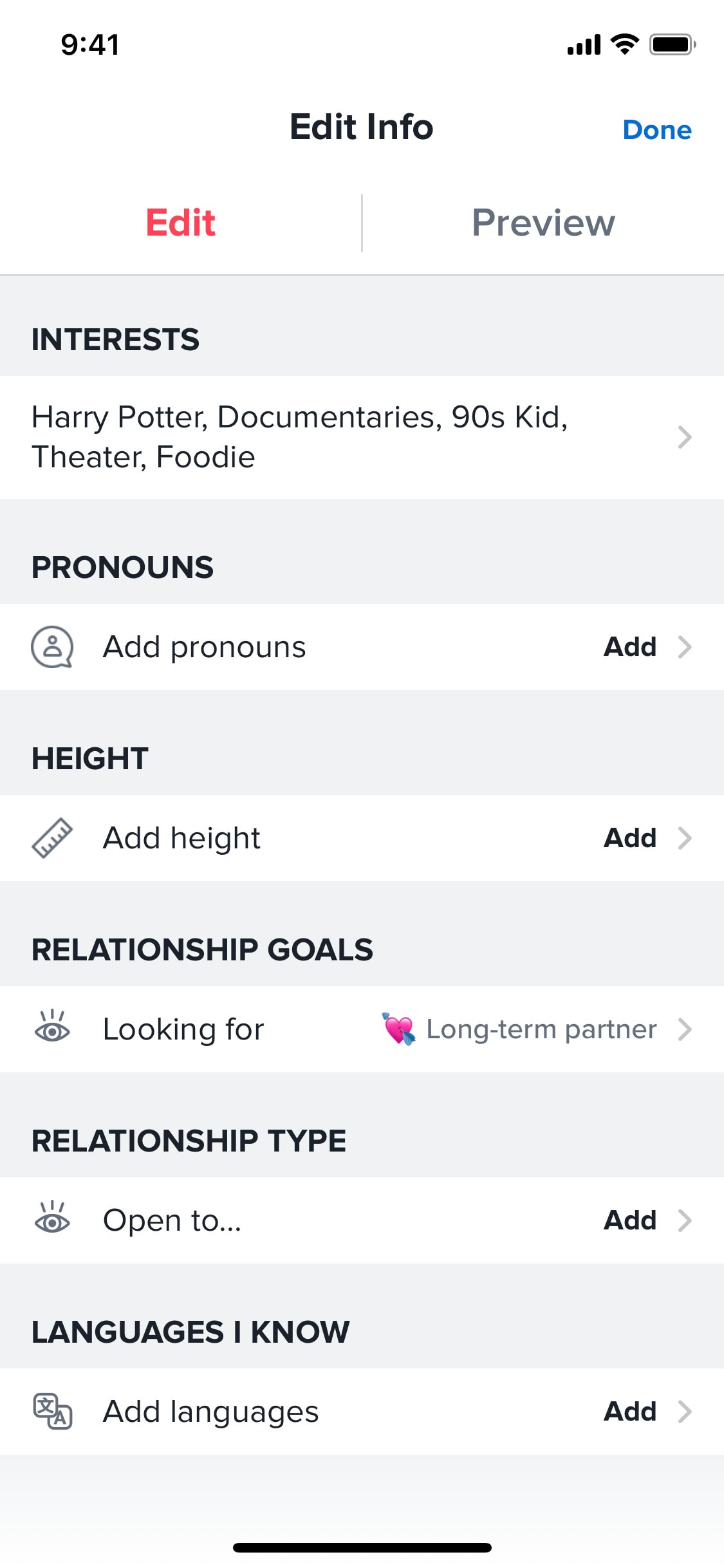
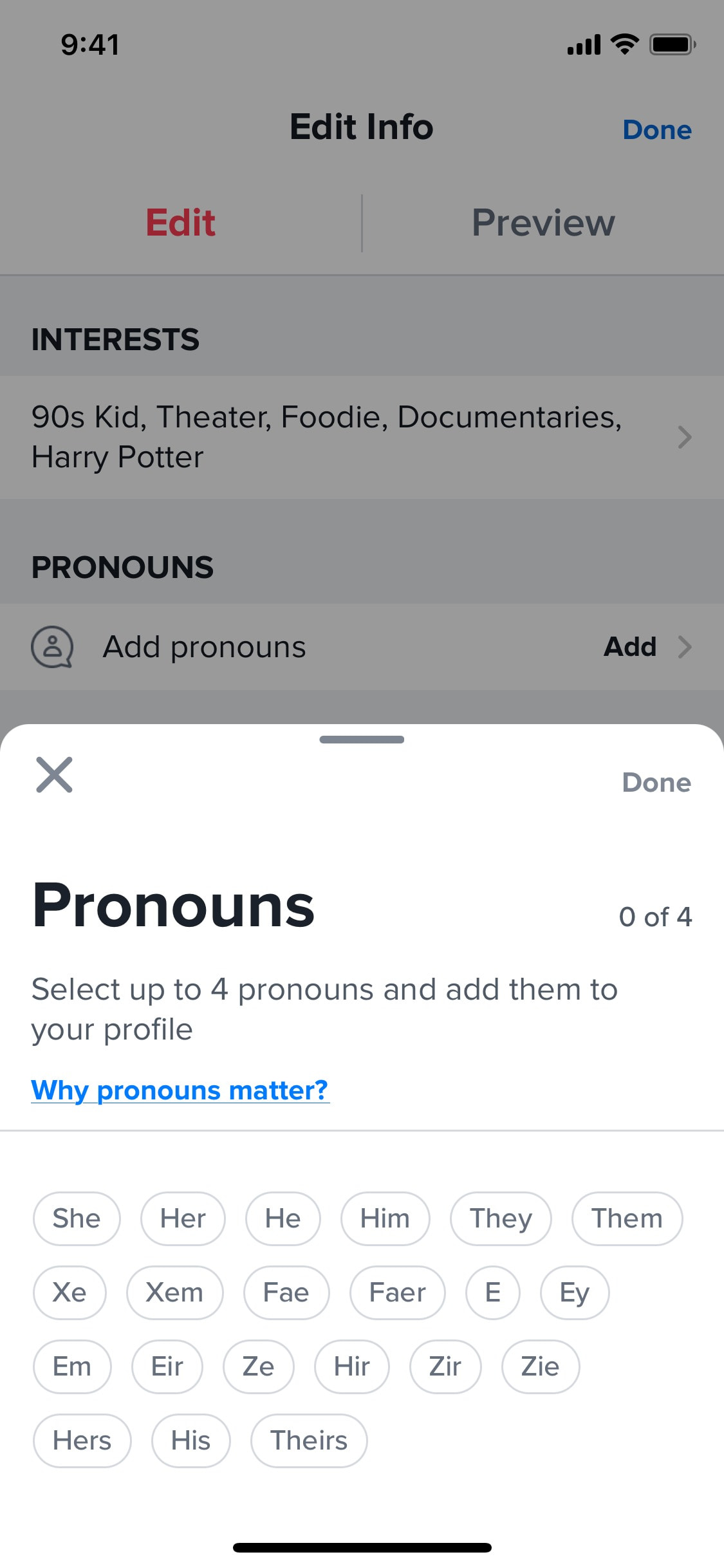
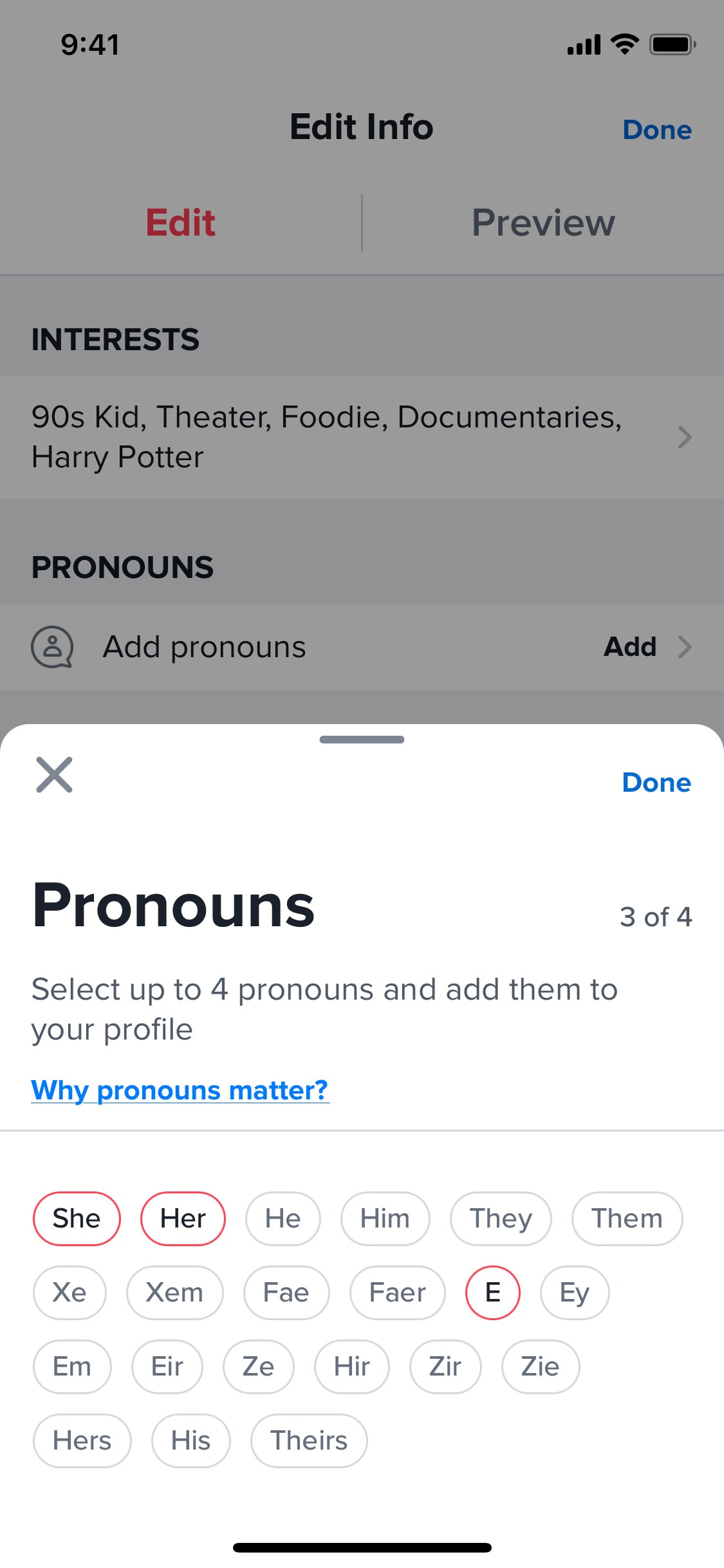
Adding pronouns to profile
3 screens
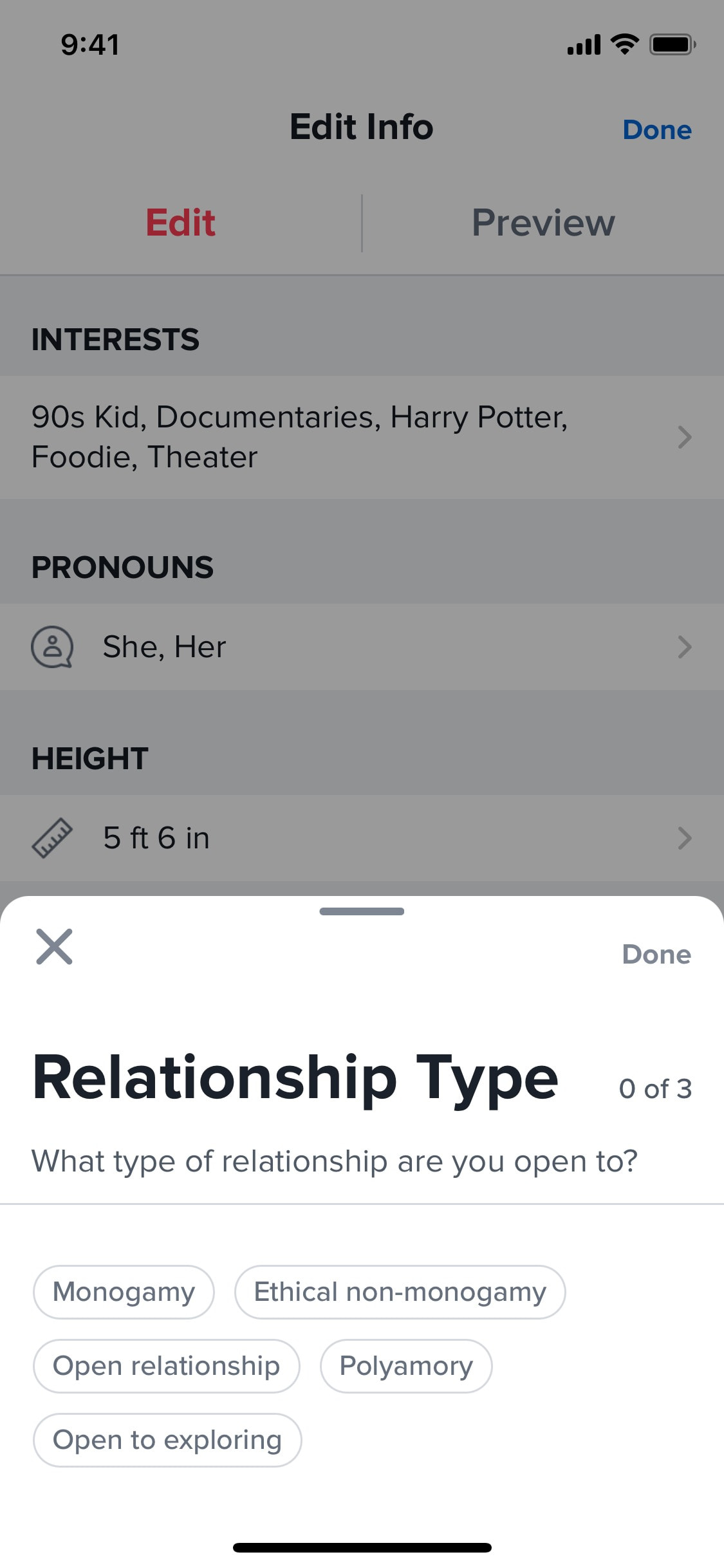
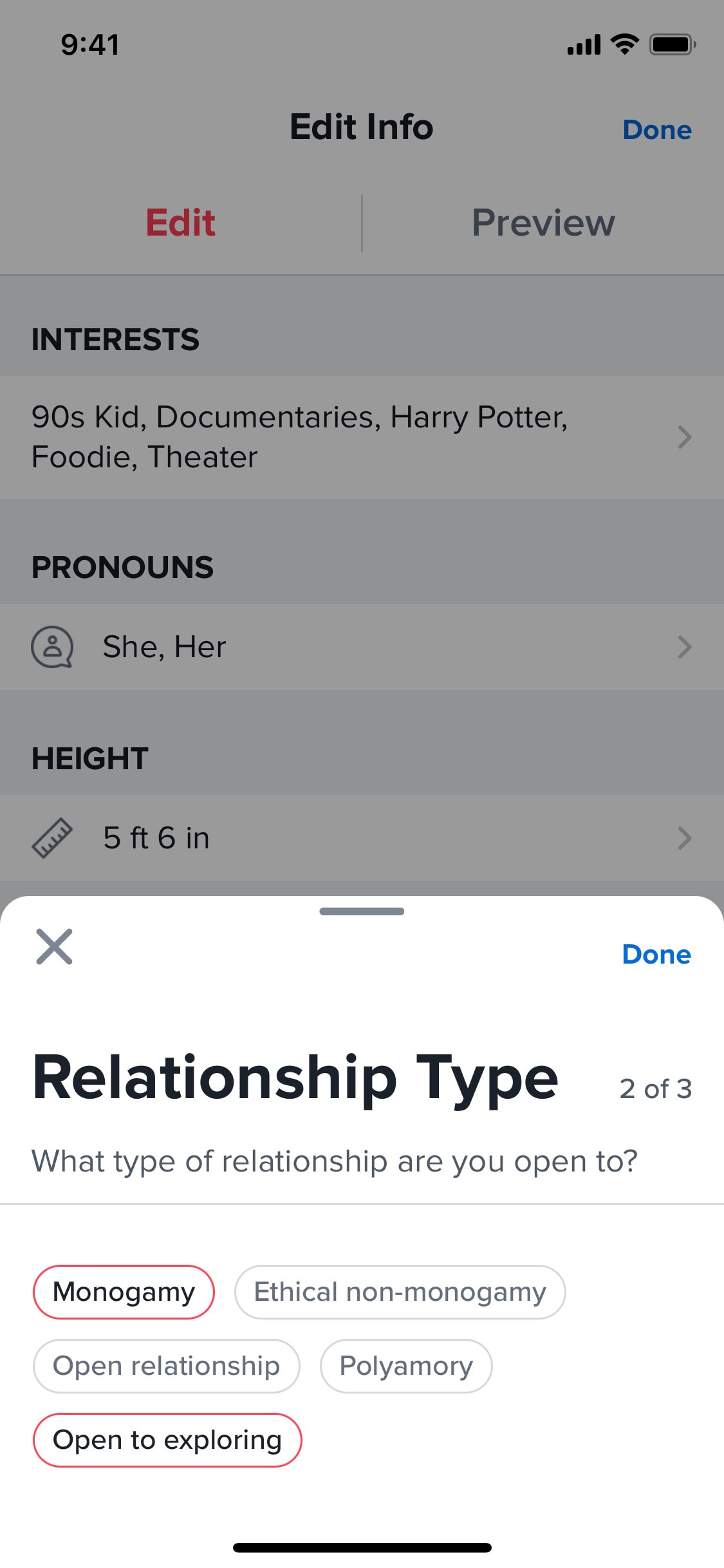
Adding relationship type to profile
3 screens
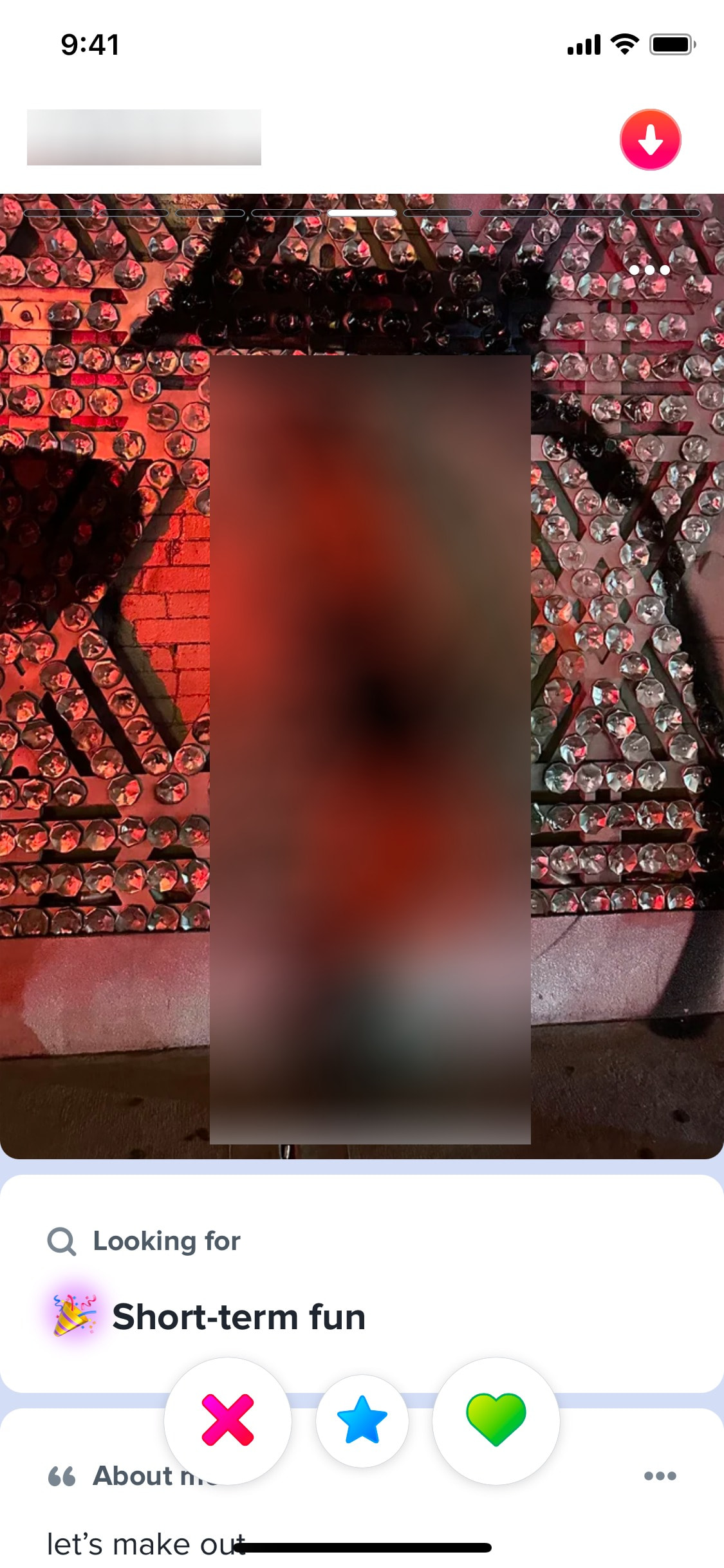
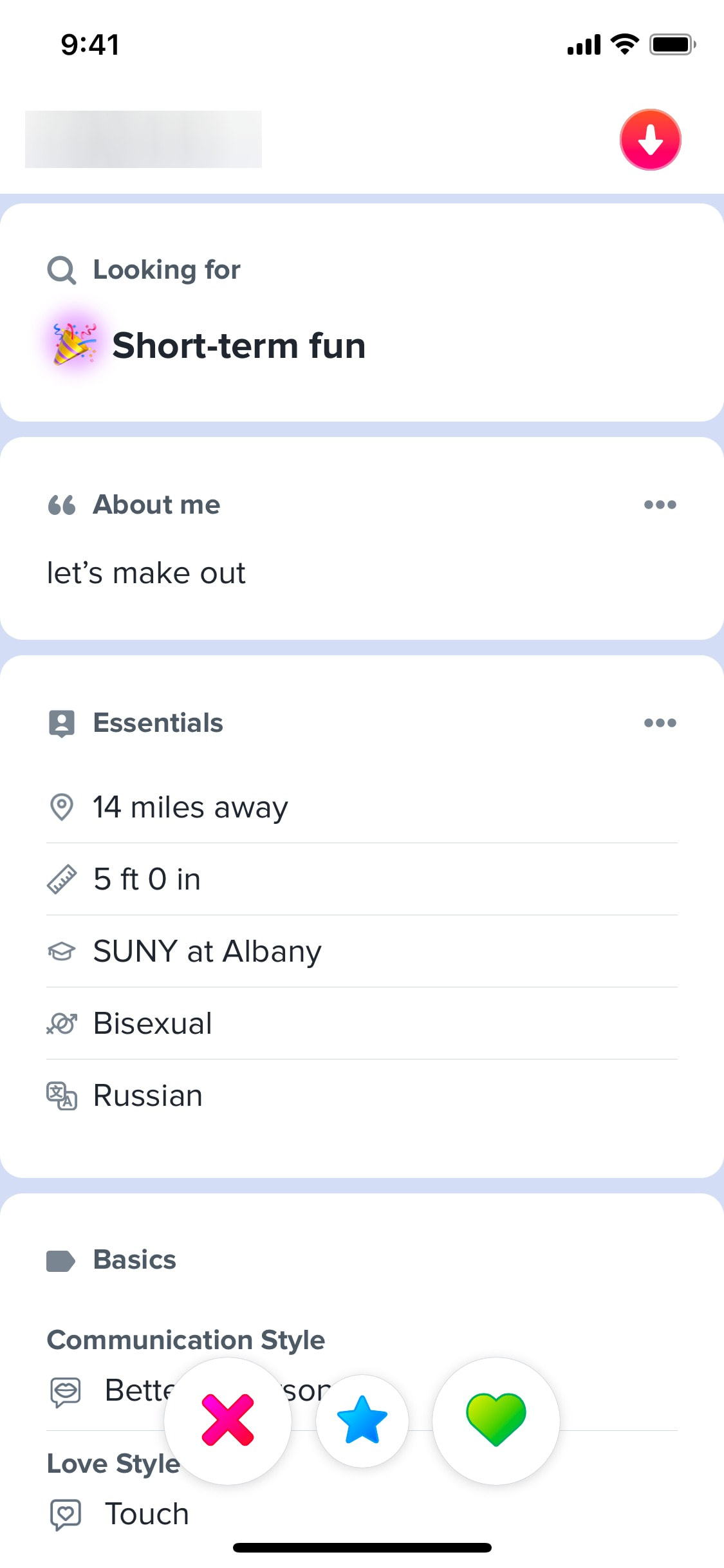
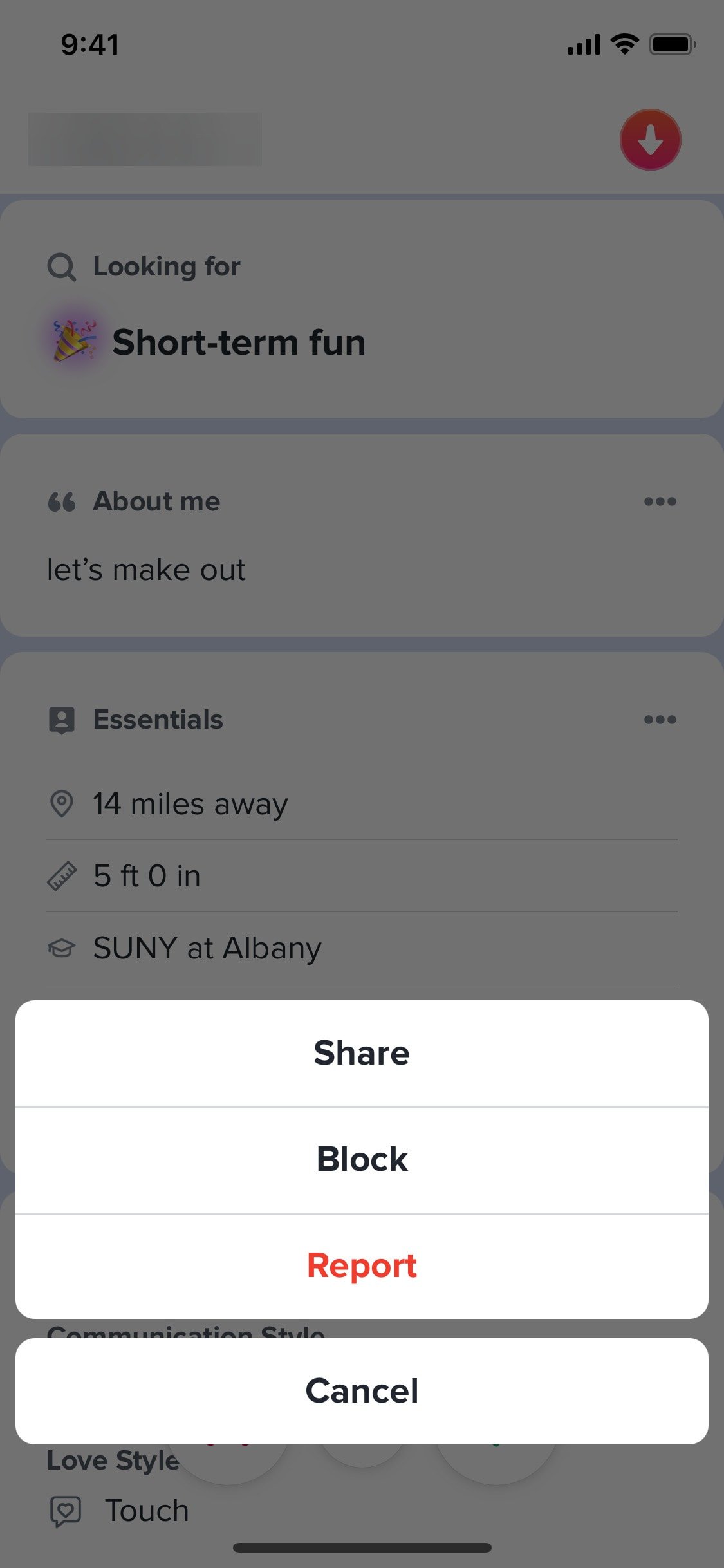
Blocking user
5 screens
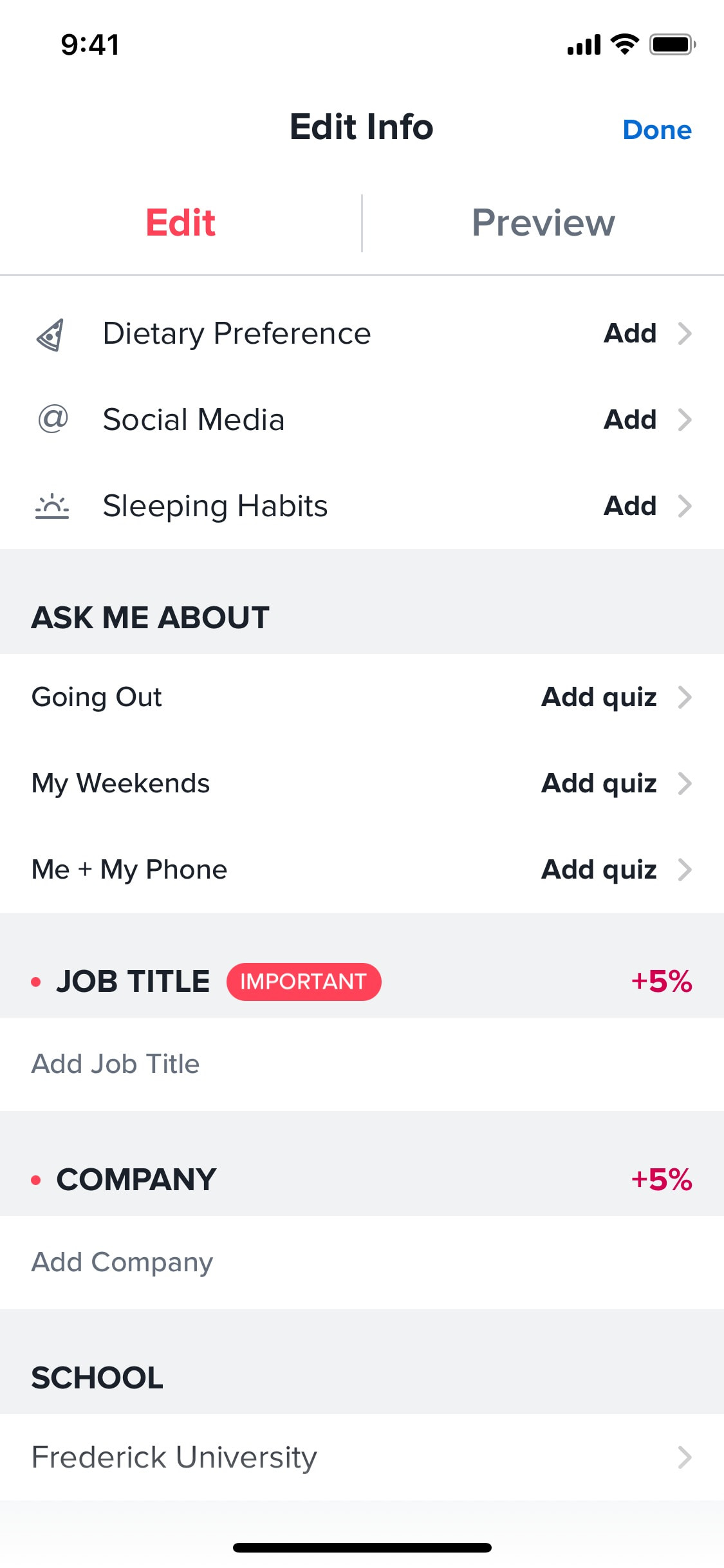
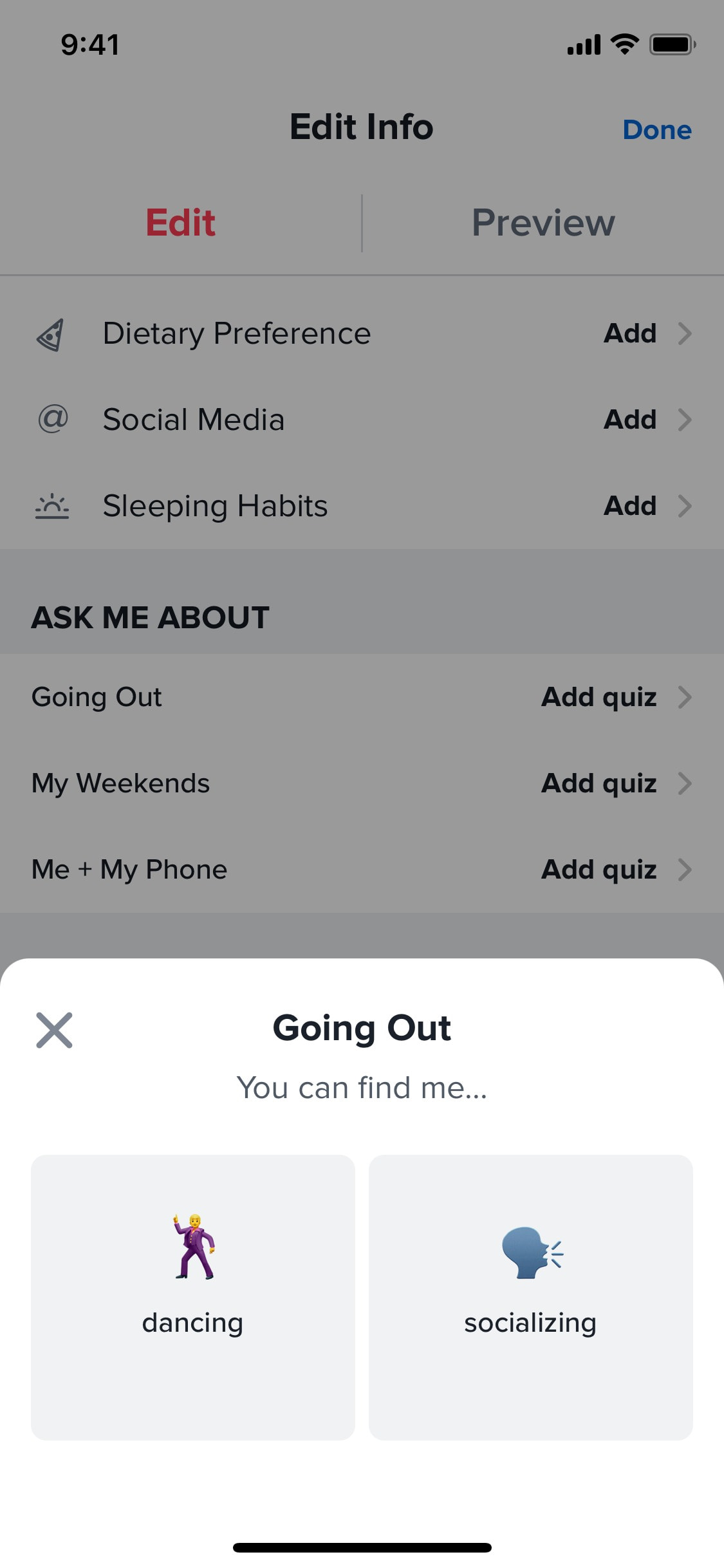
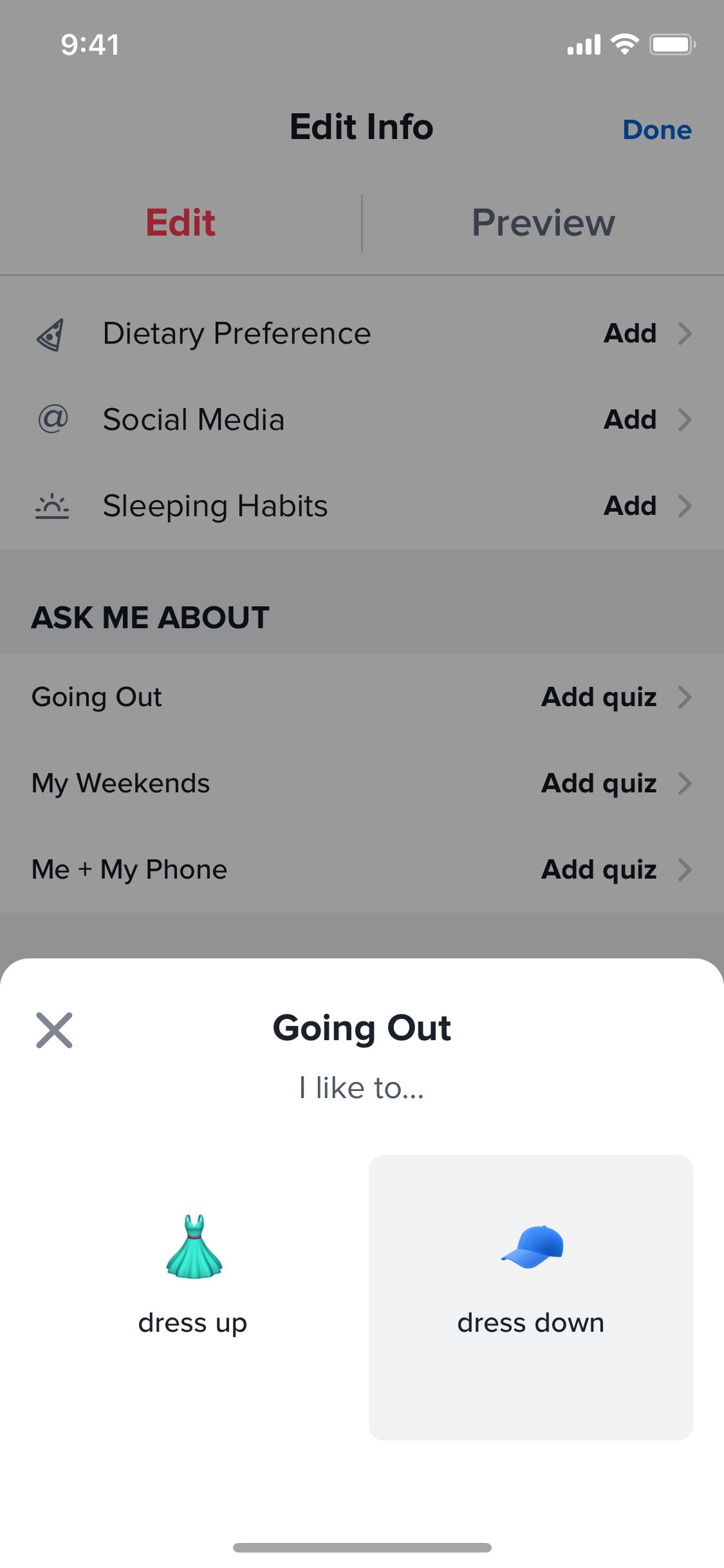
Completing quiz to modify profile info
4 screens
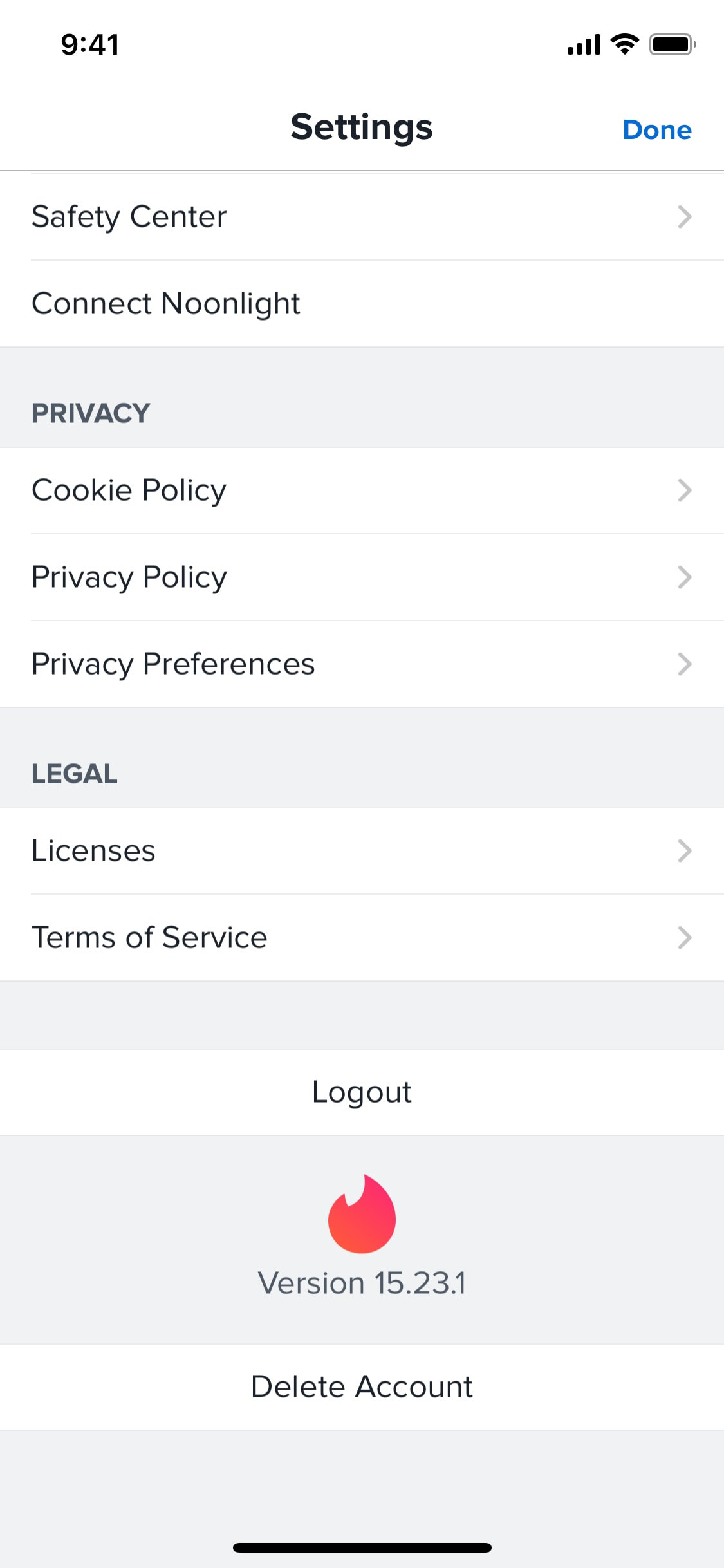
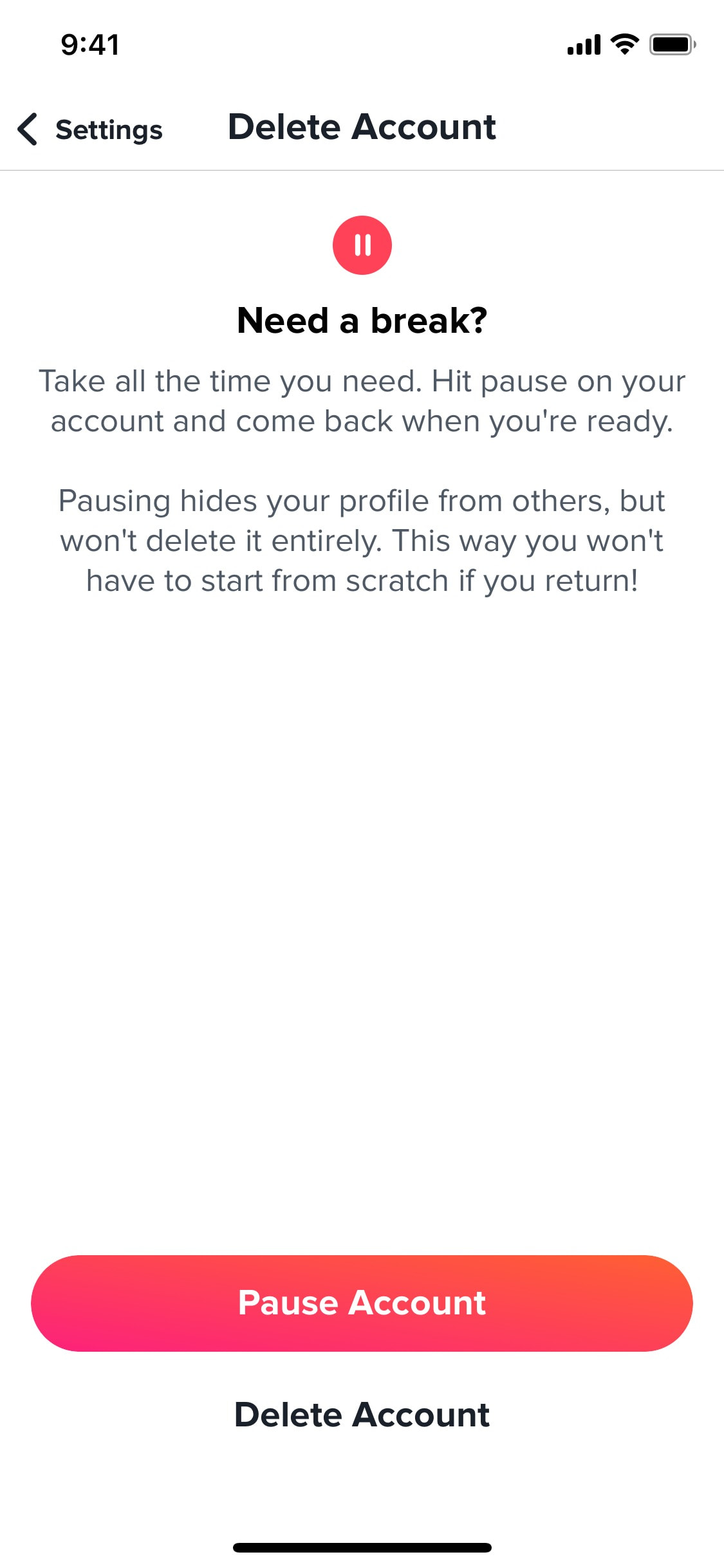

Deactivating account temporarily
3 screens
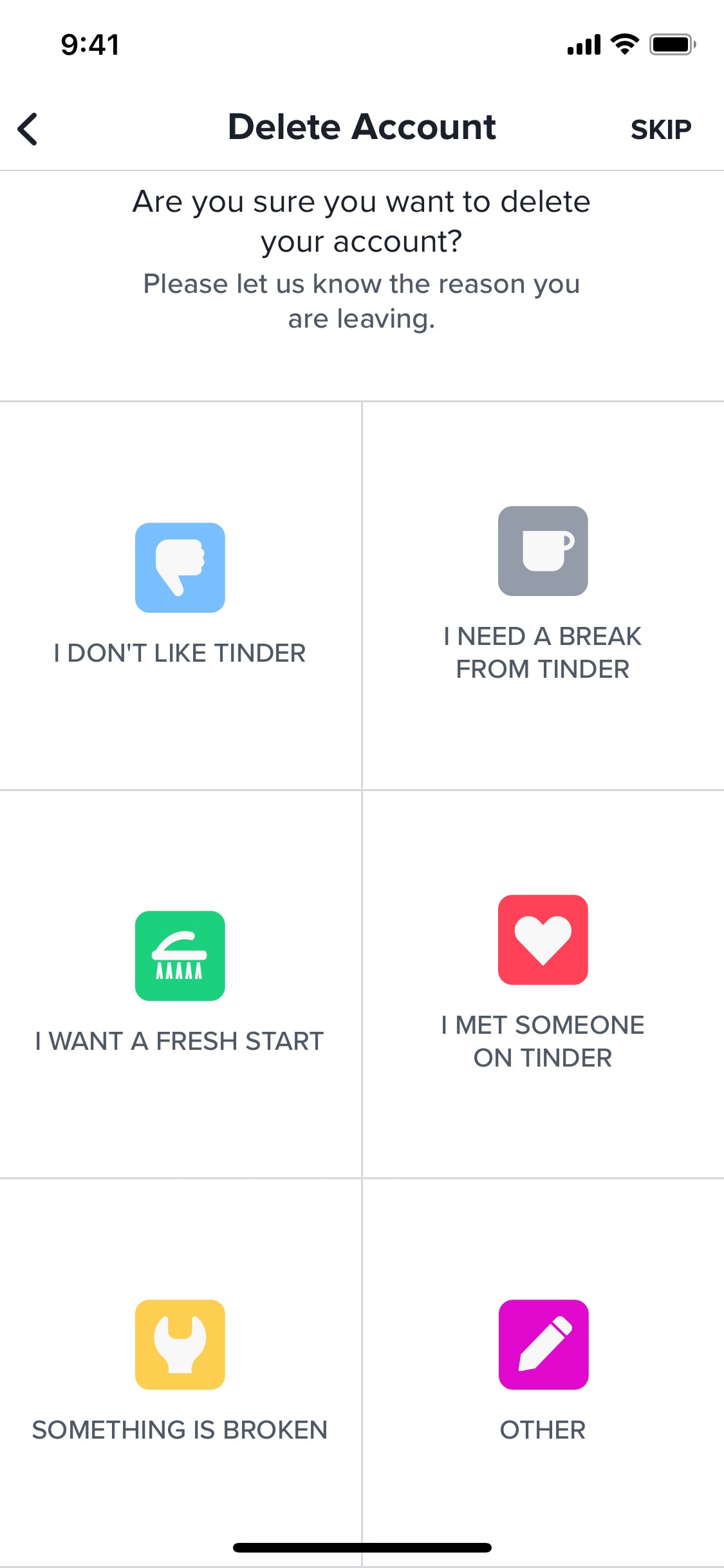
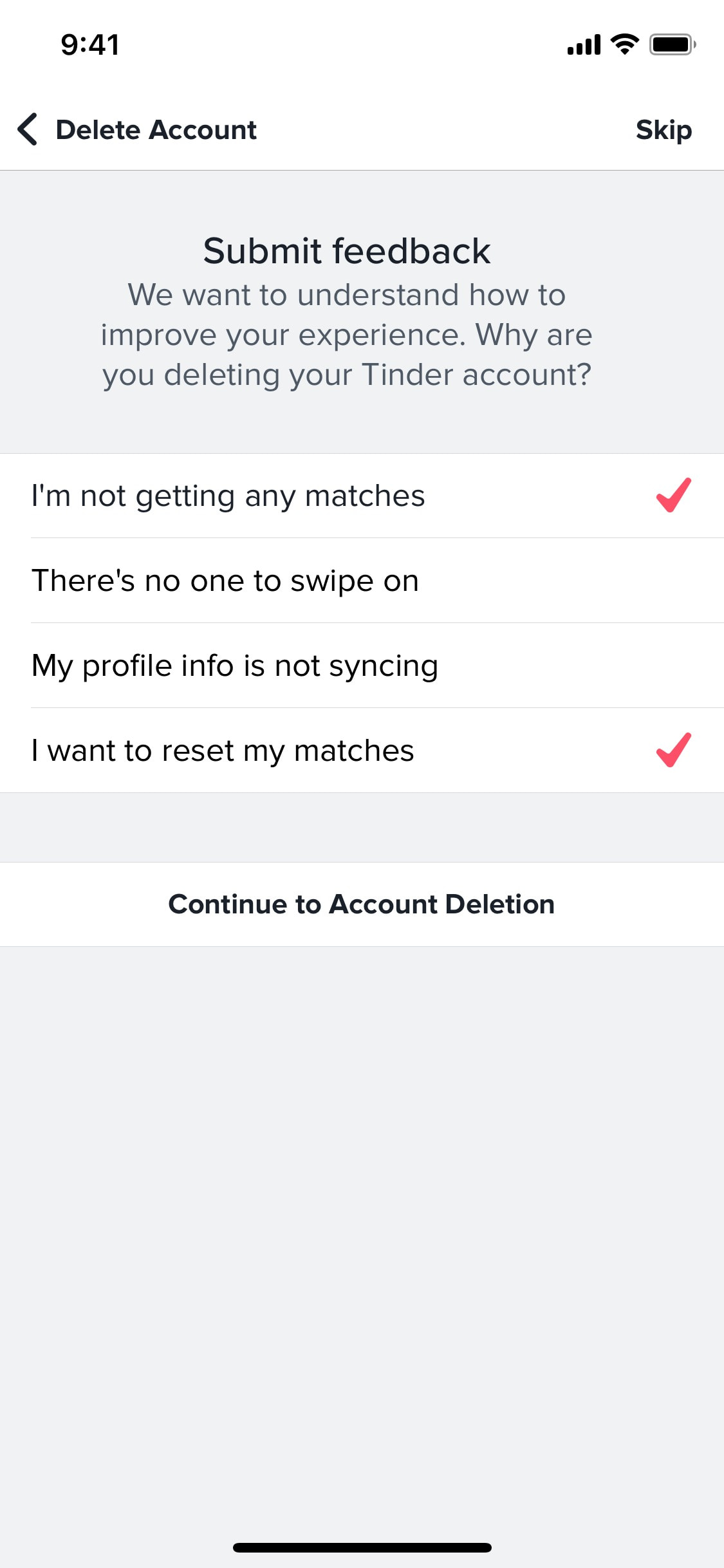
Deleting account
4 screens
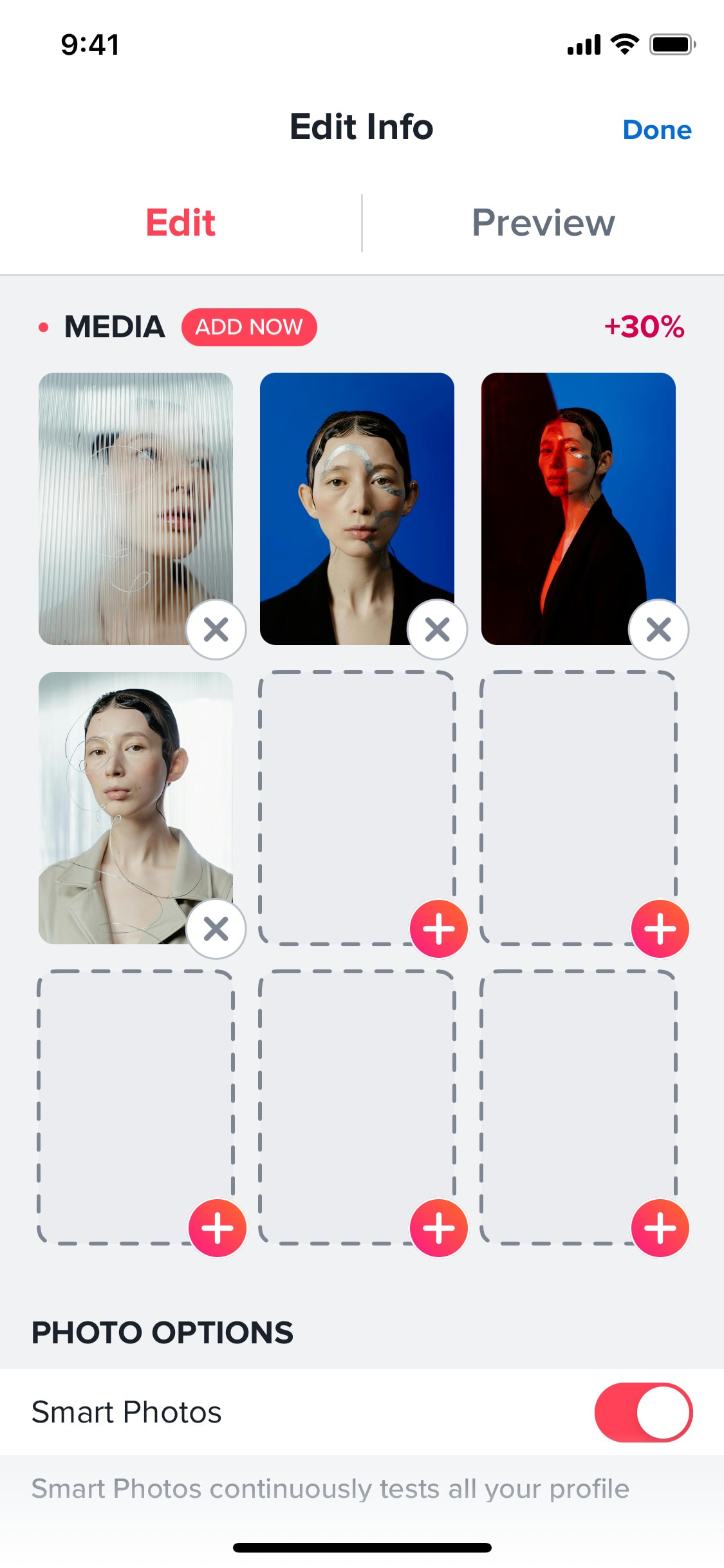
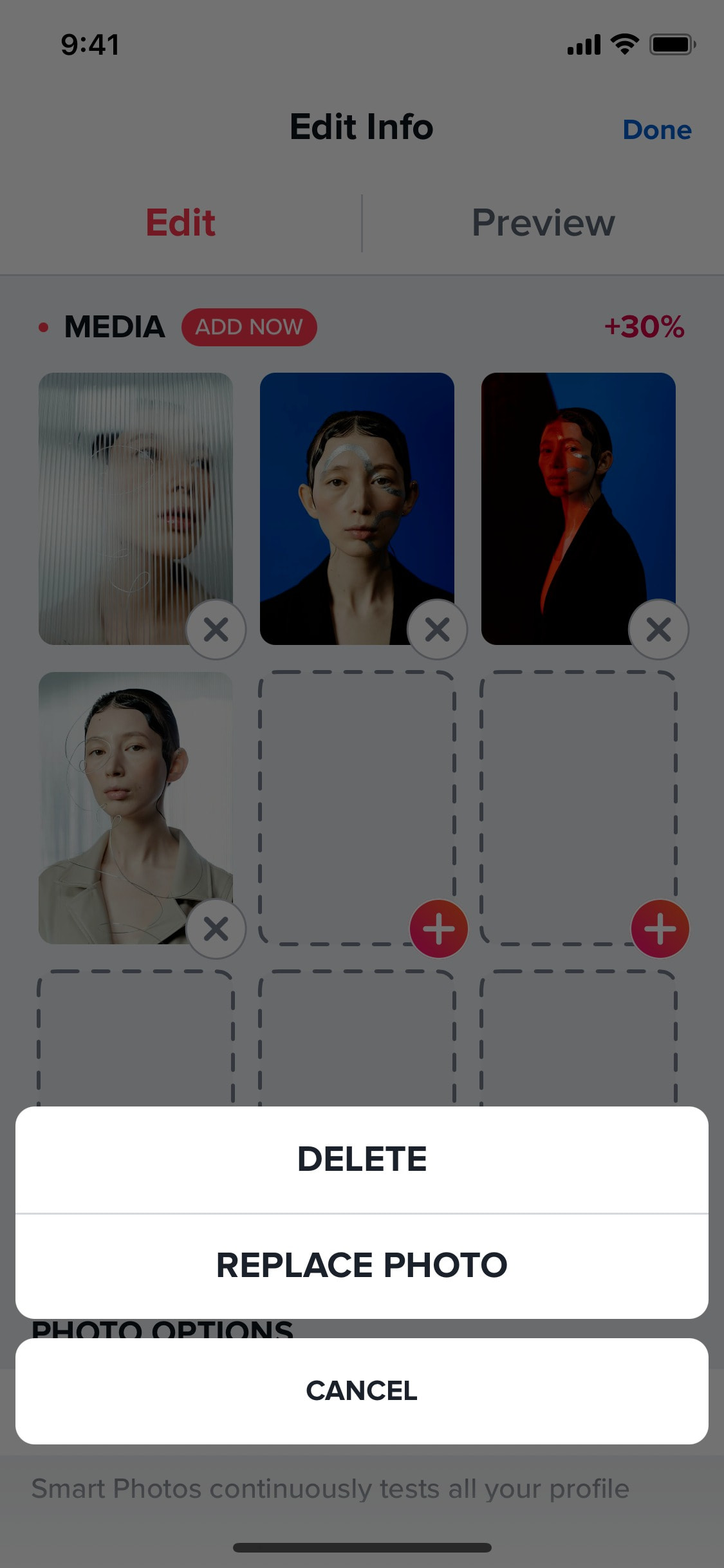
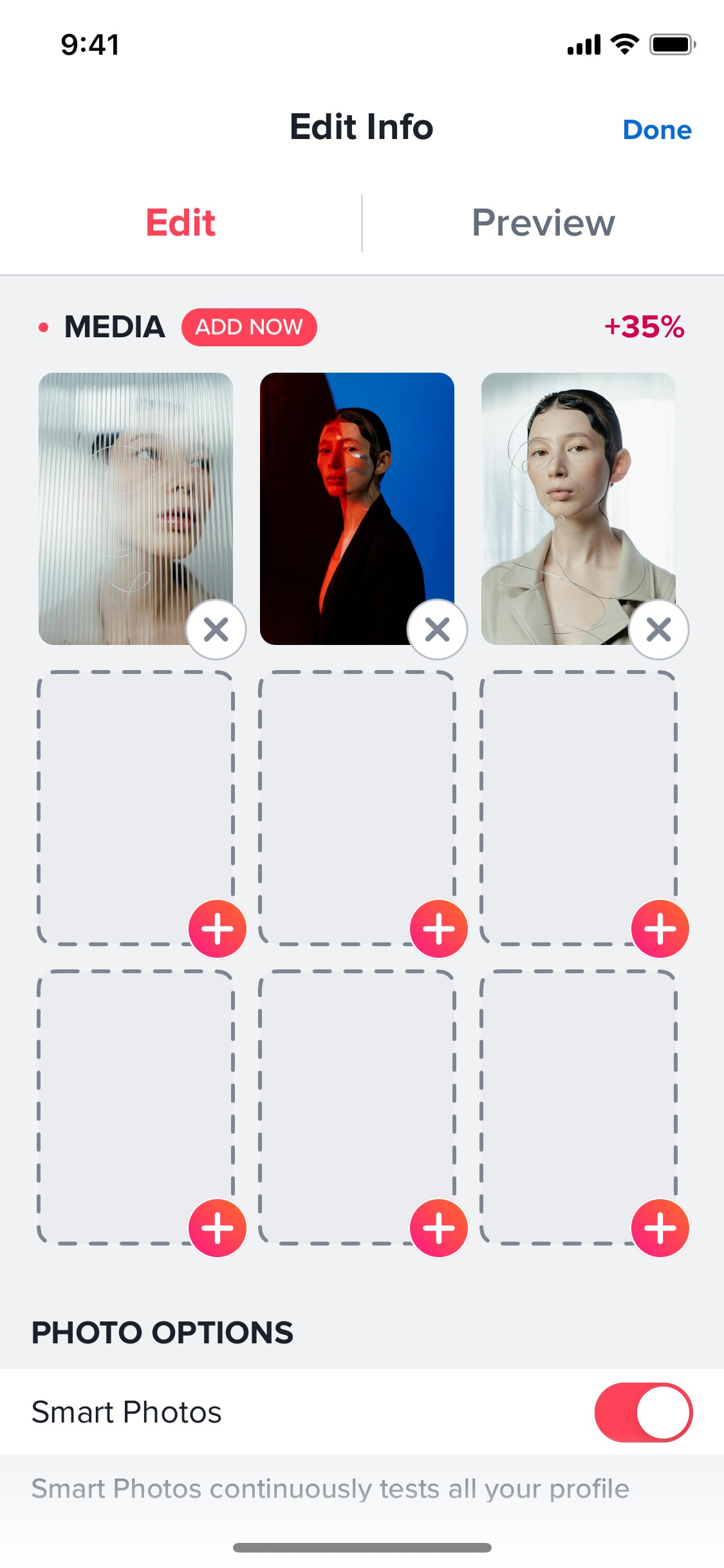
Deleting profile photos
3 screens
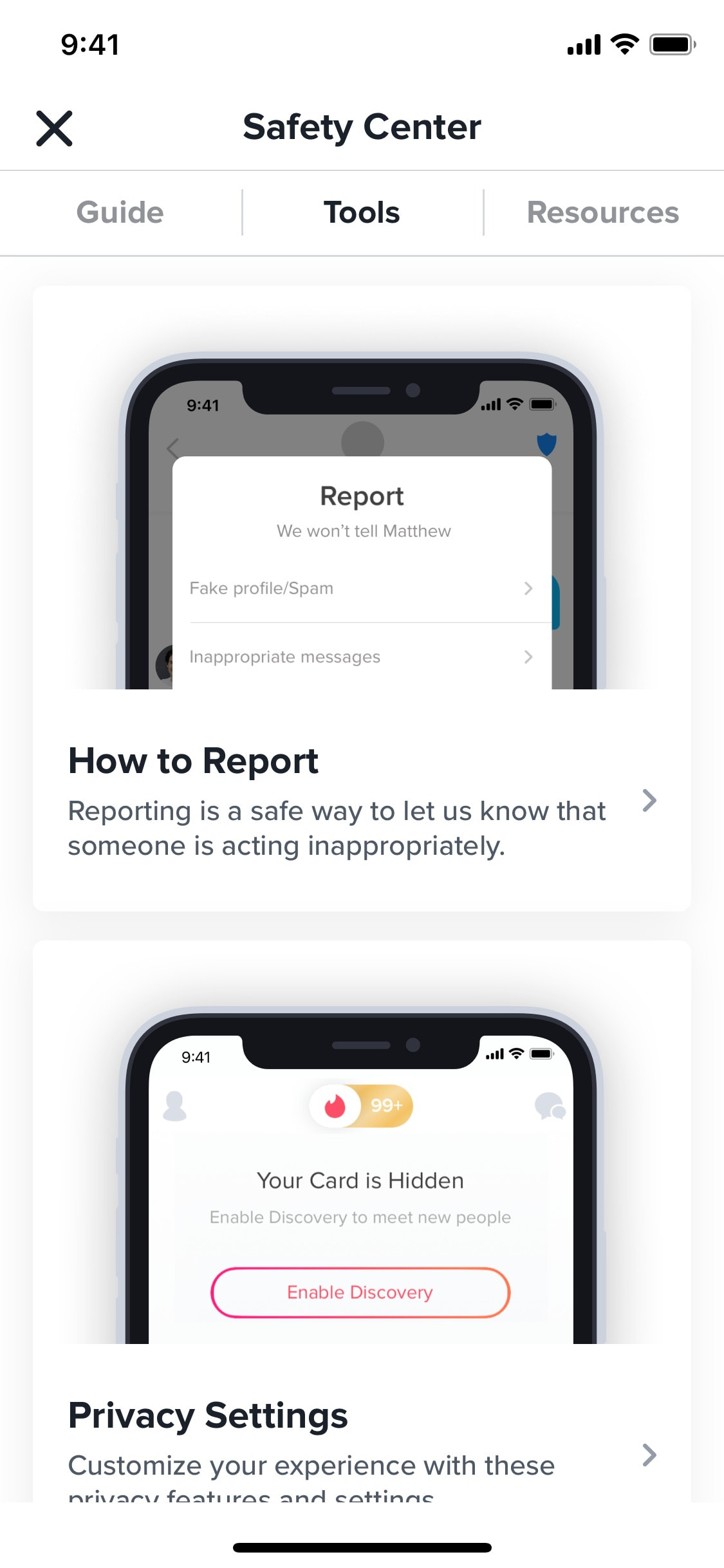
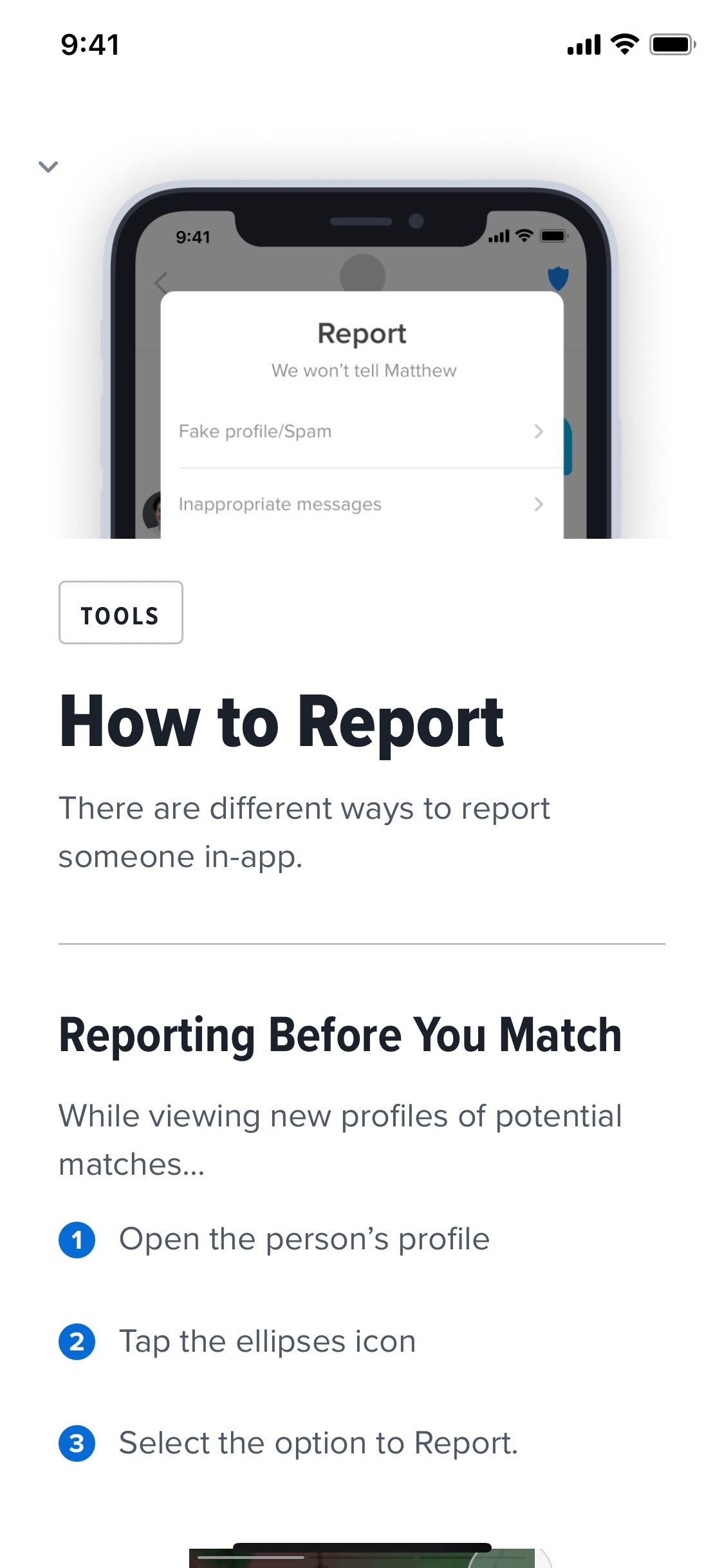
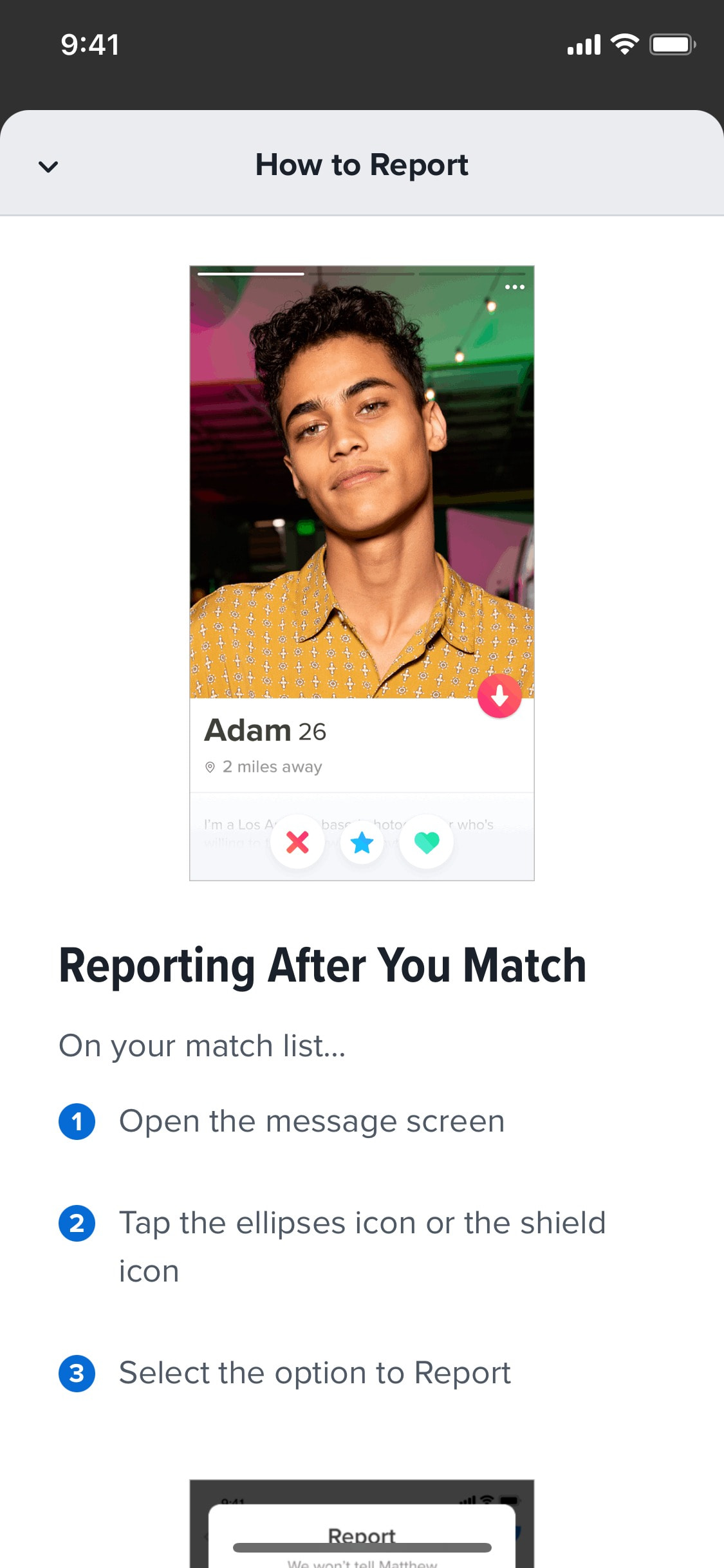
Discovering how to report profile
7 screens
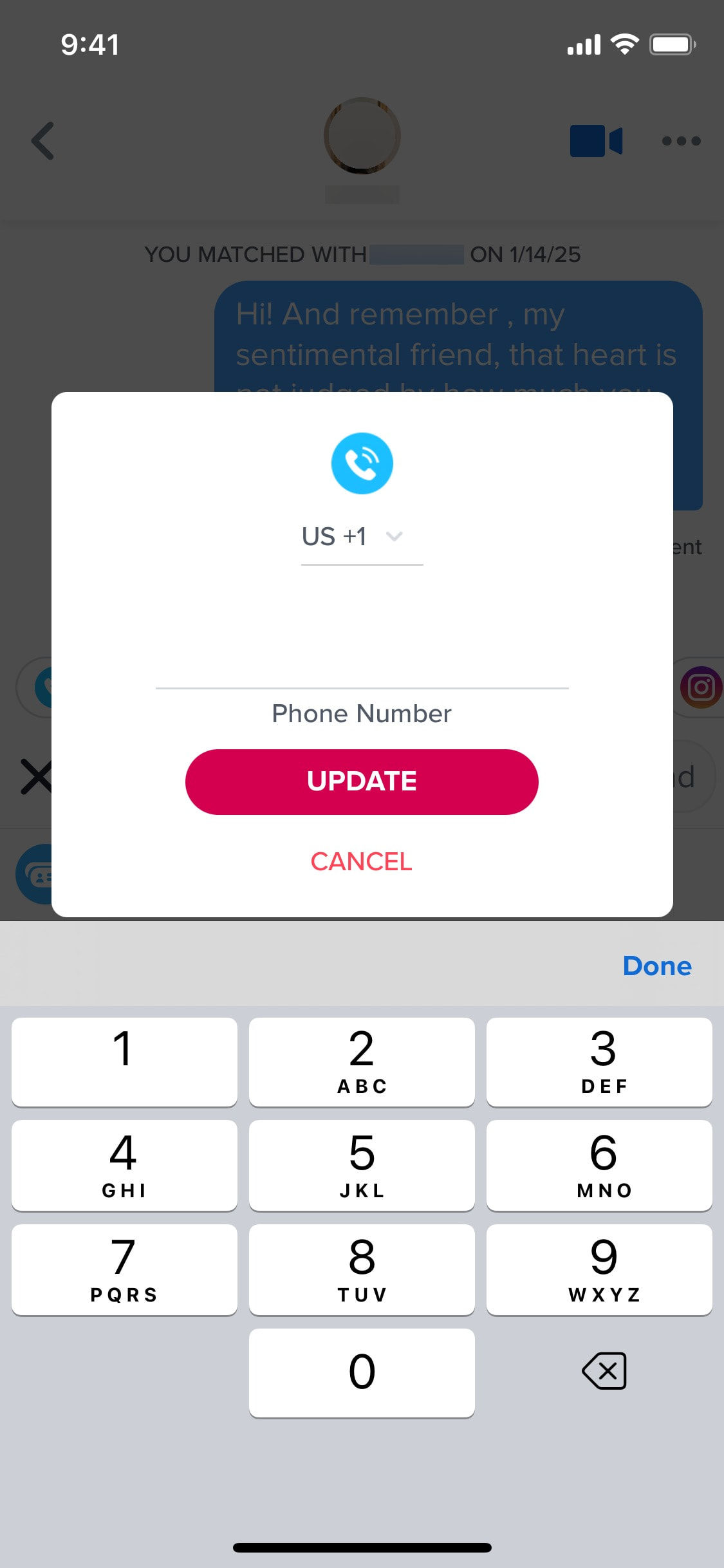
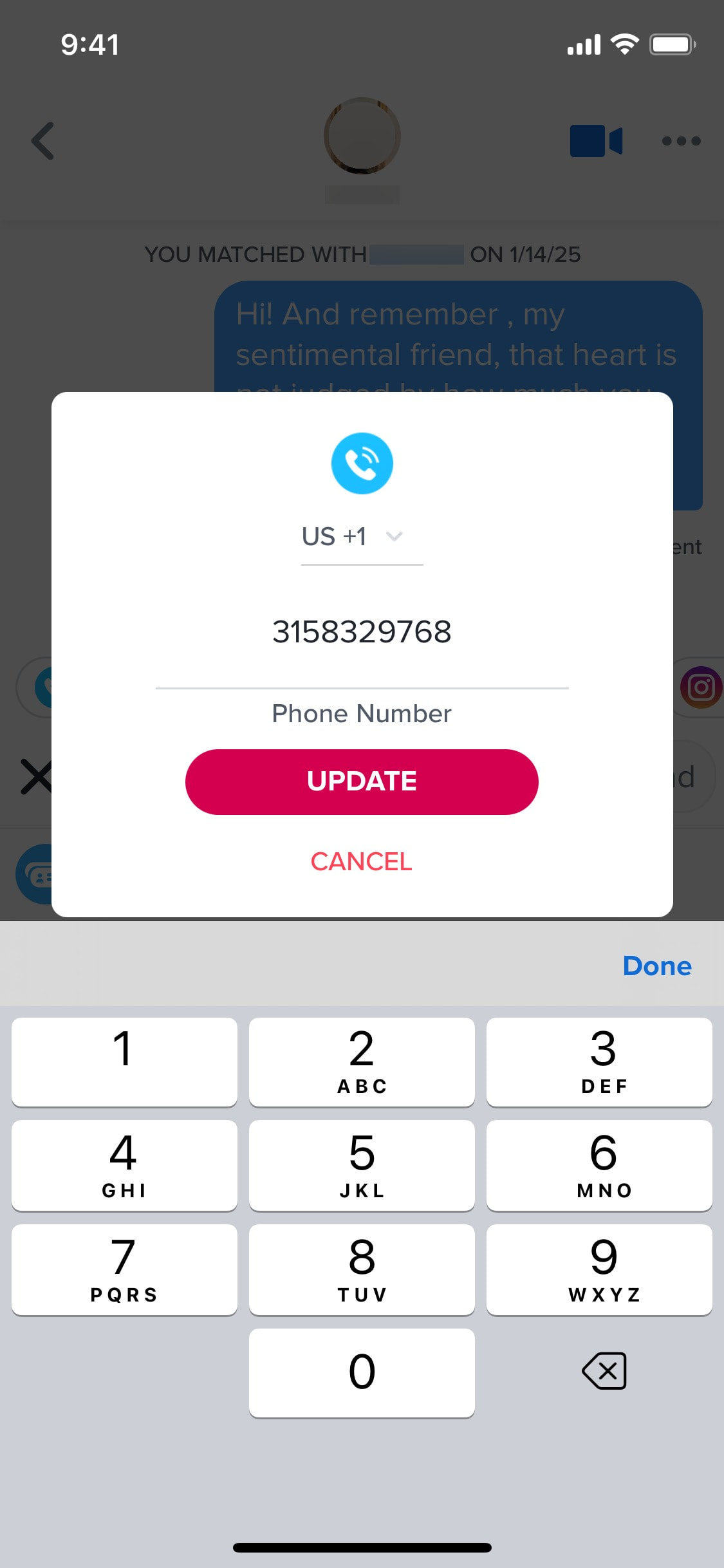
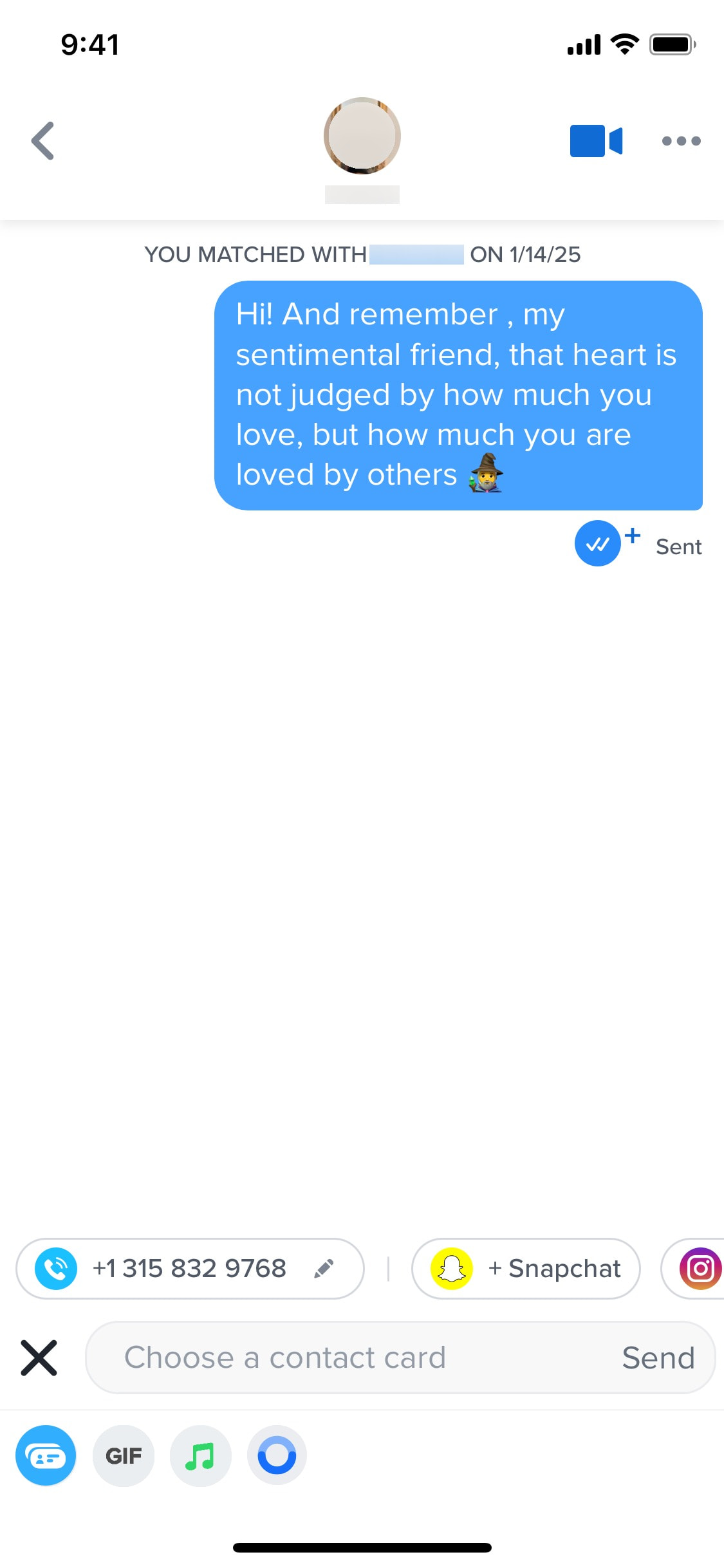
Editing phone number to share in chat
3 screens
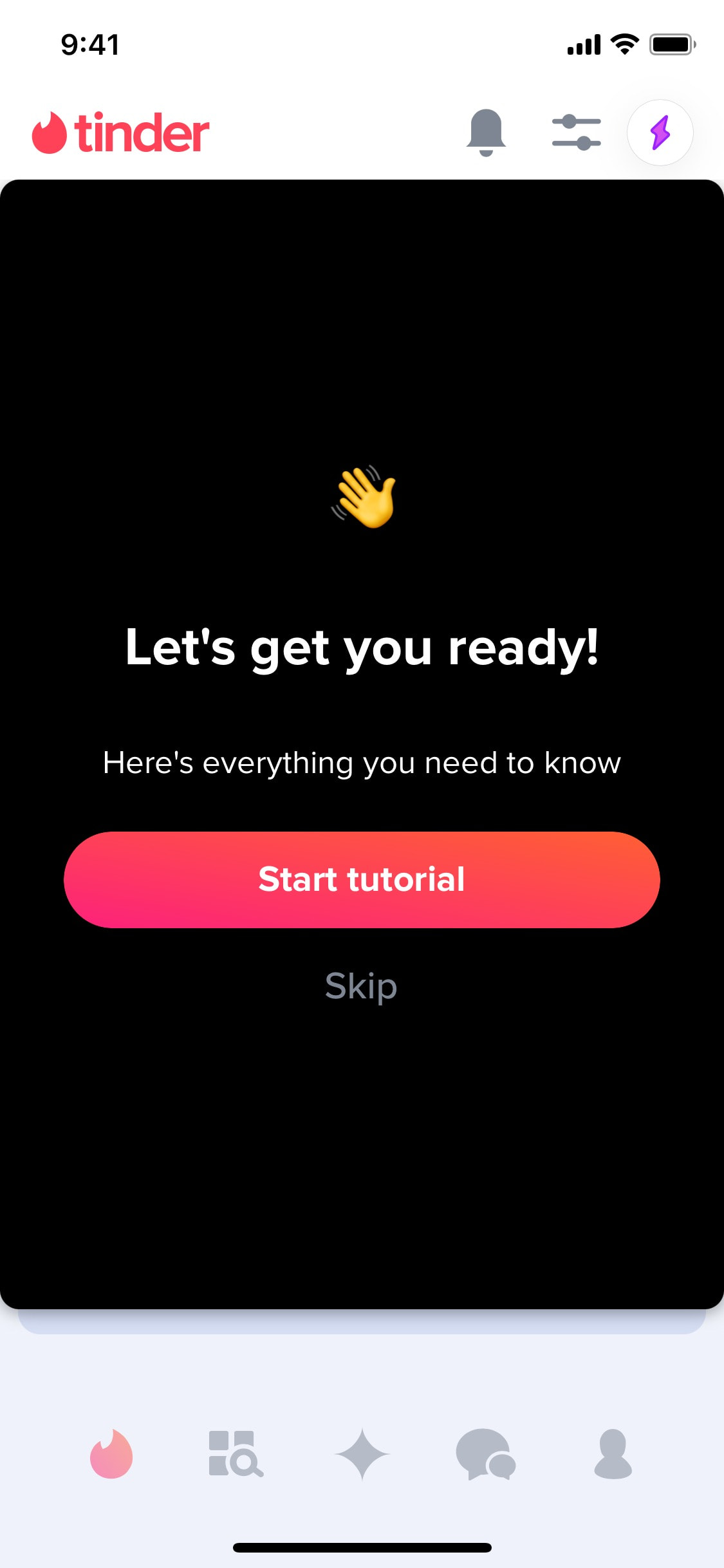
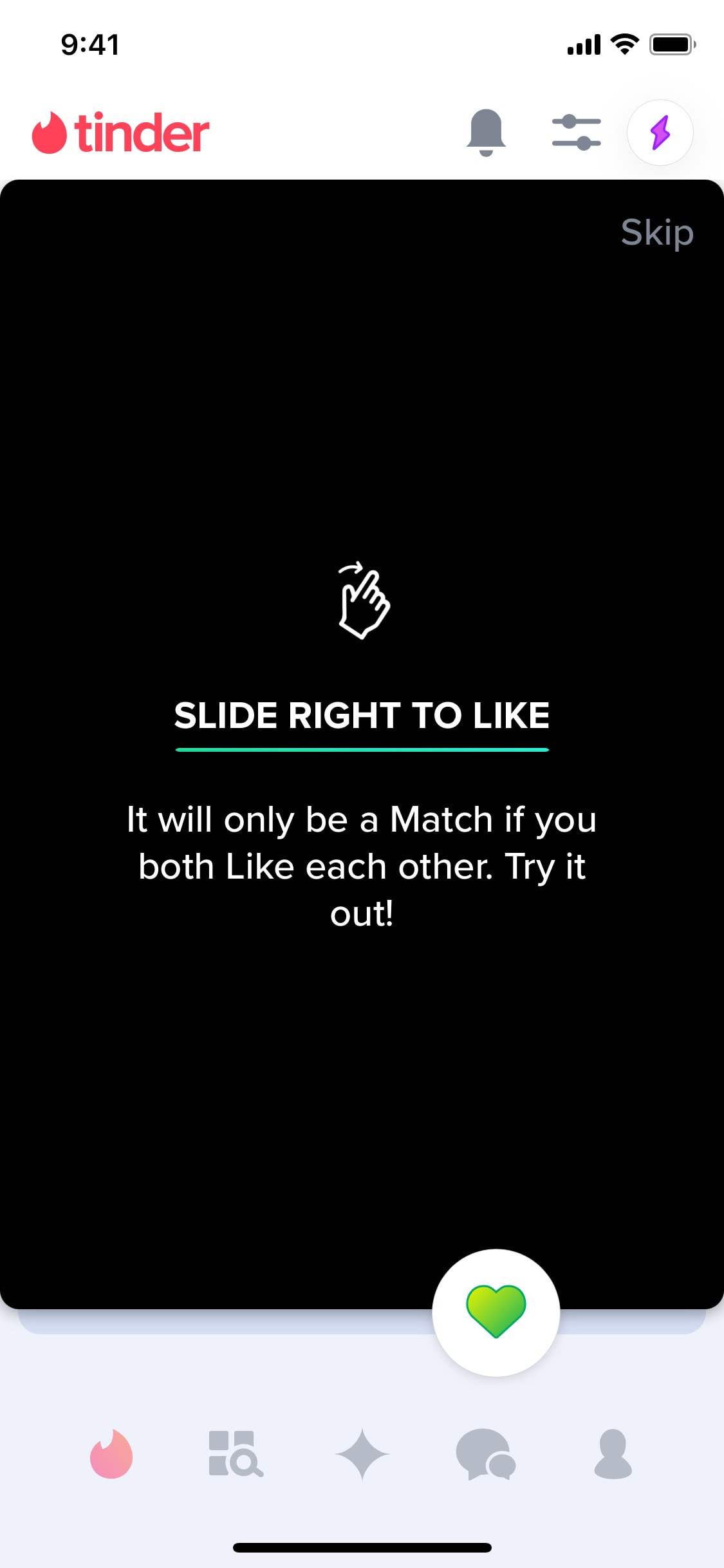

Exploring getting started tutorial
4 screens
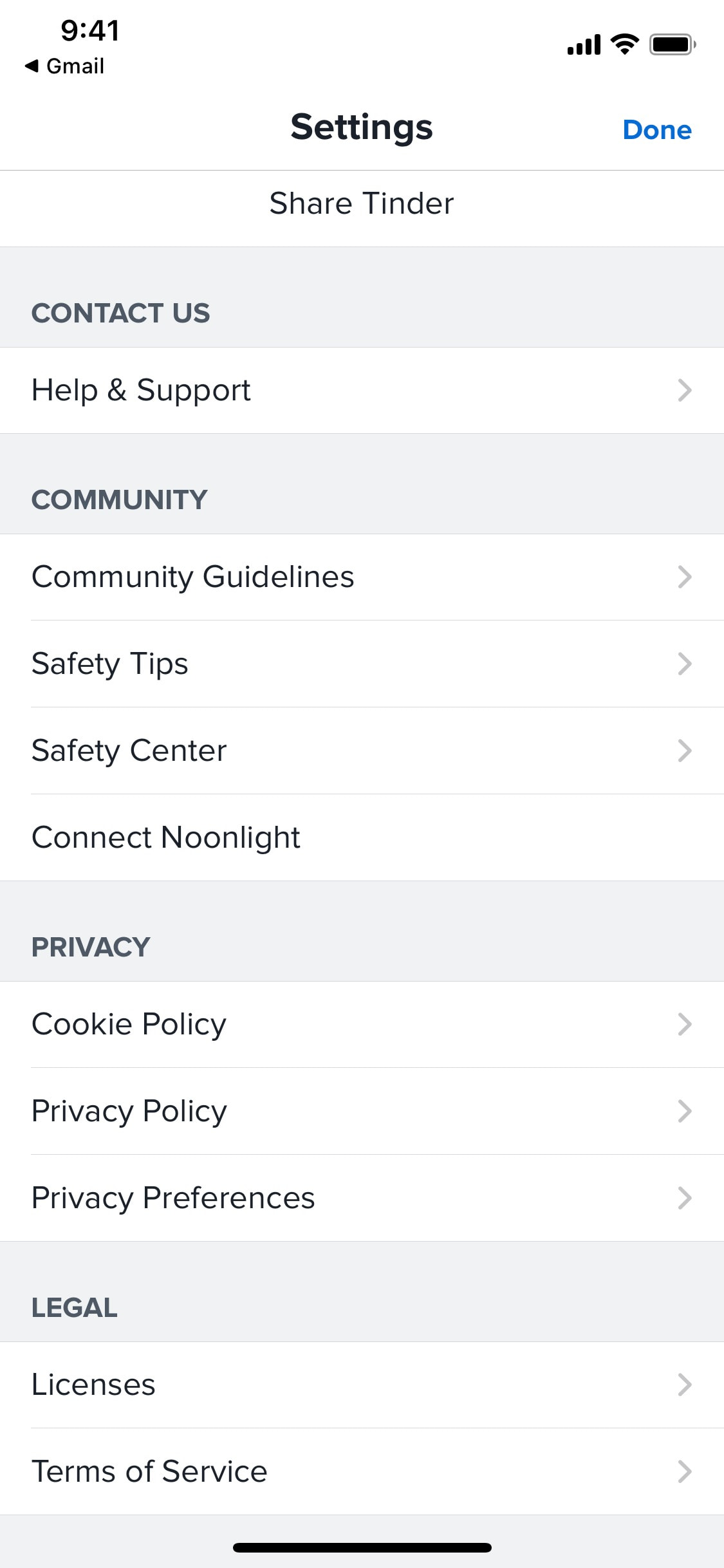
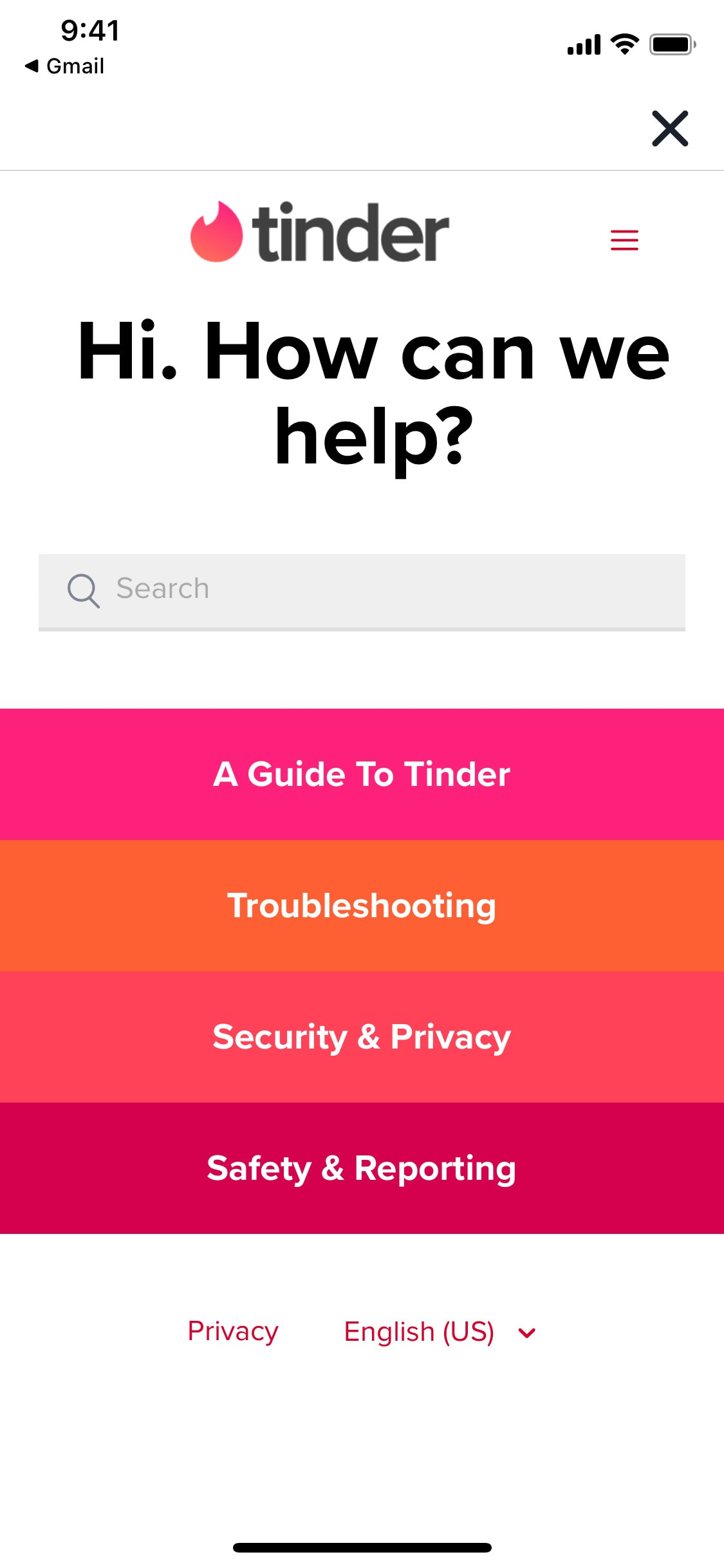
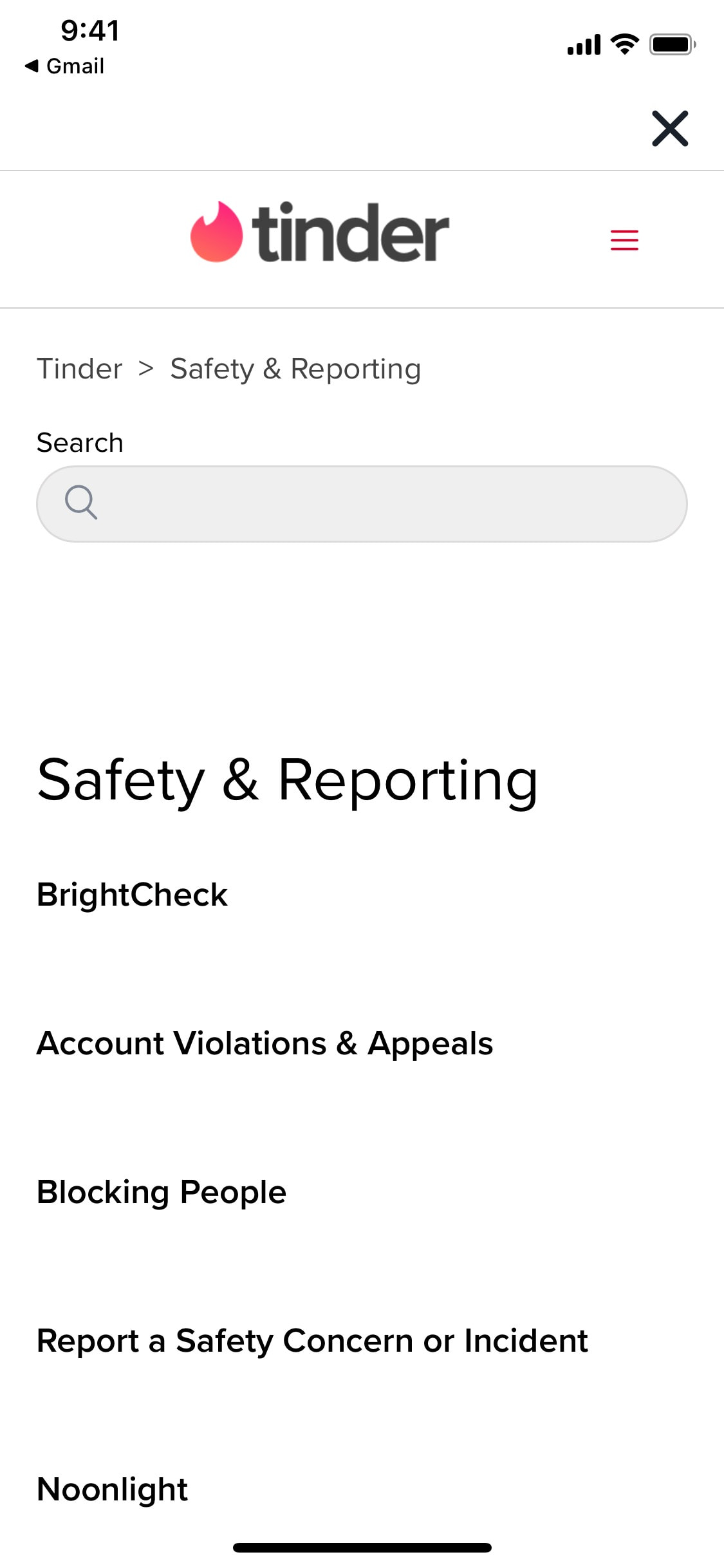
Exploring support center article
6 screens

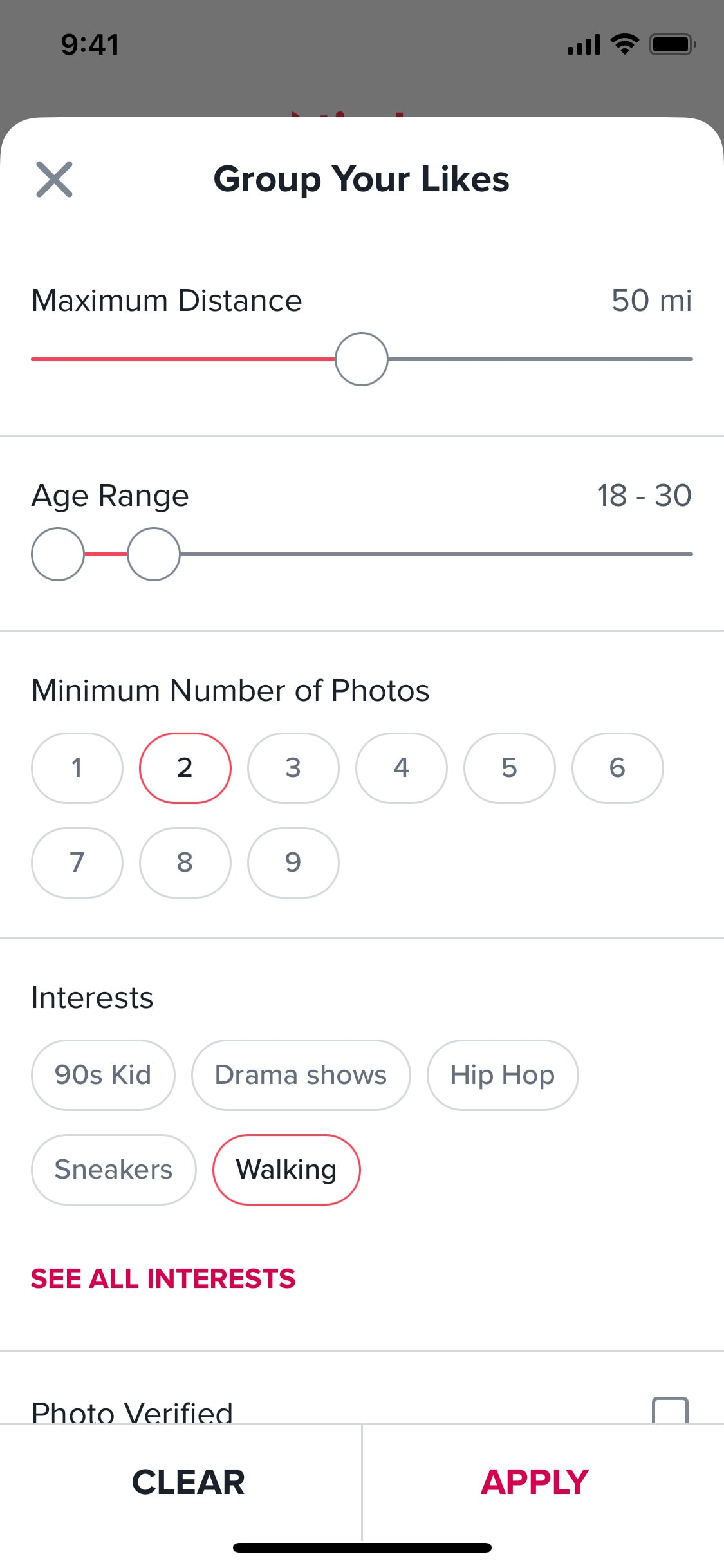
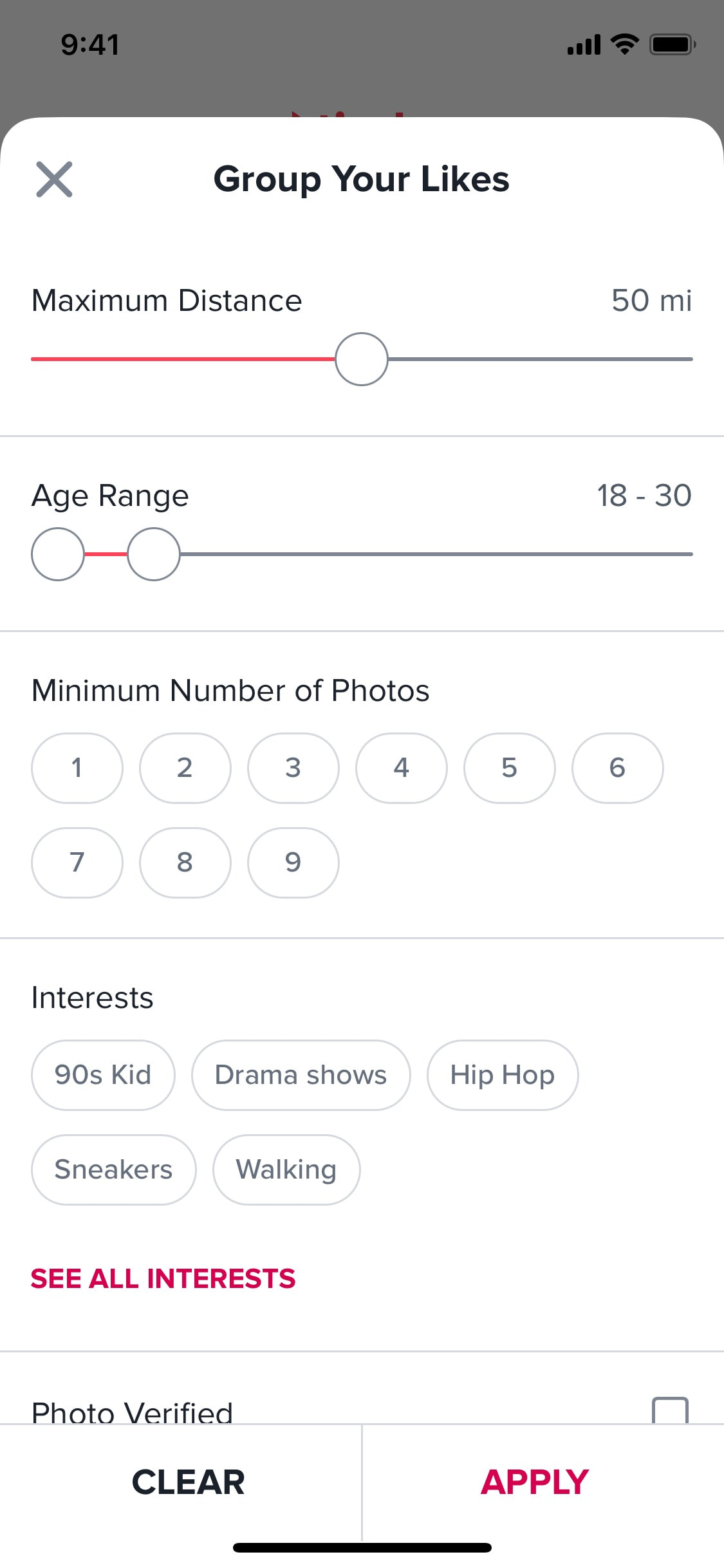
Filtering likes from users
6 screens

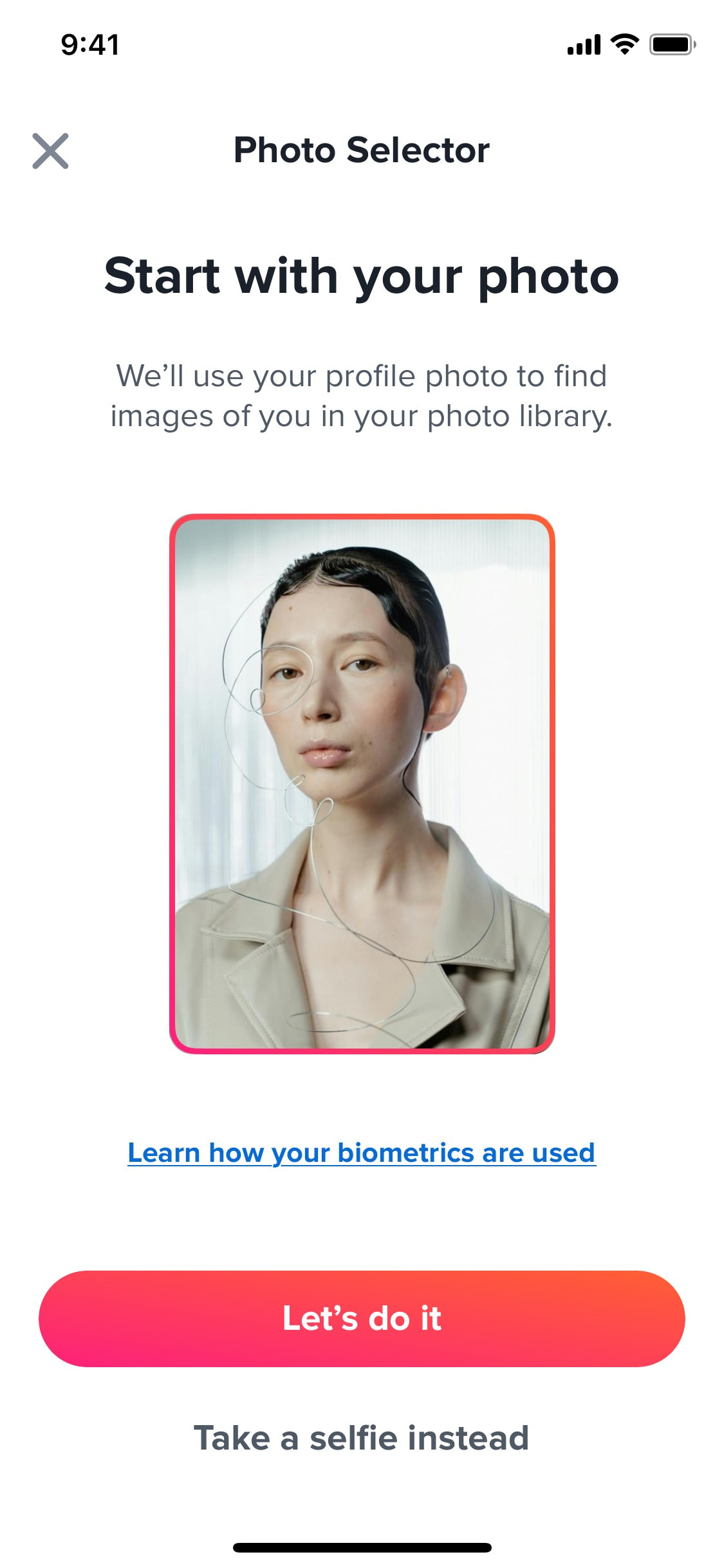
Finding photos in library with AI
6 screens
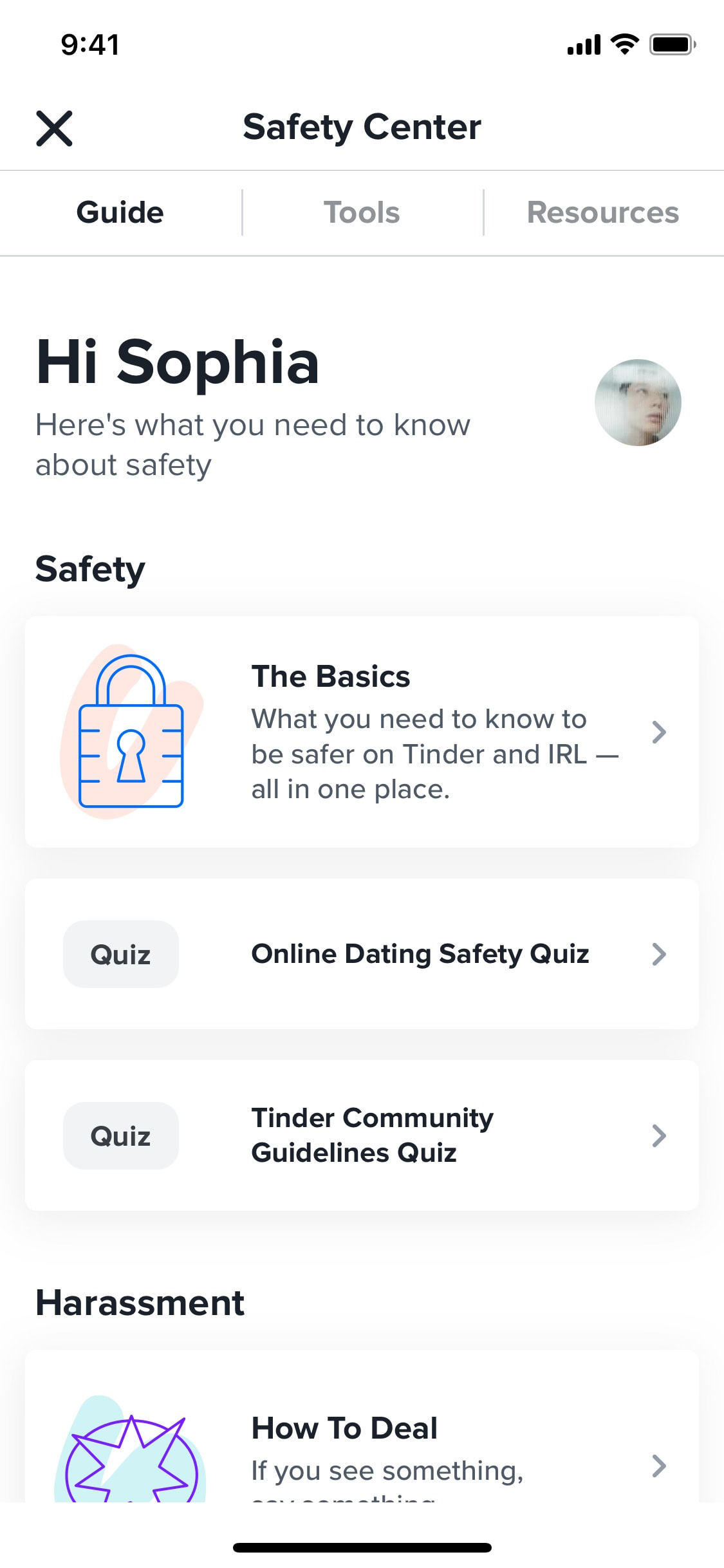
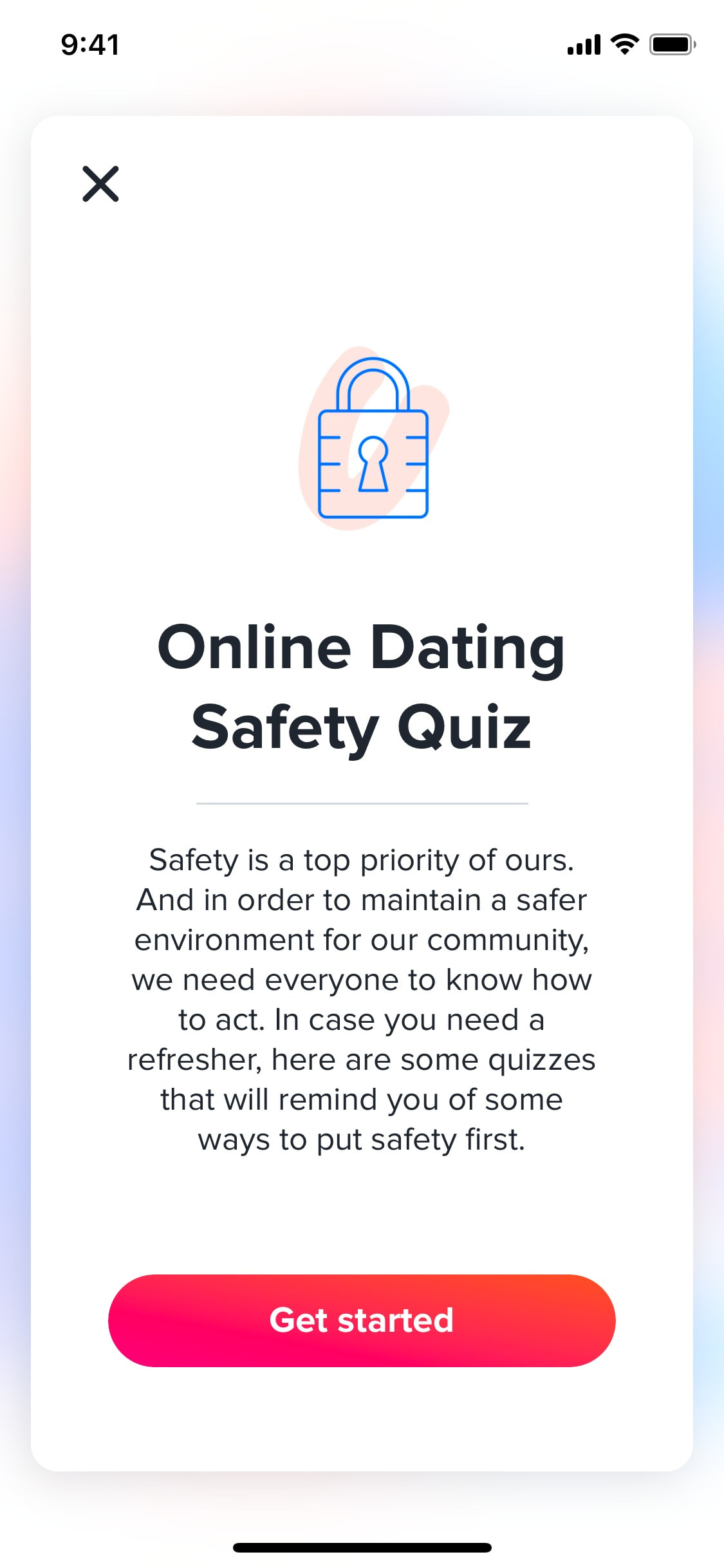
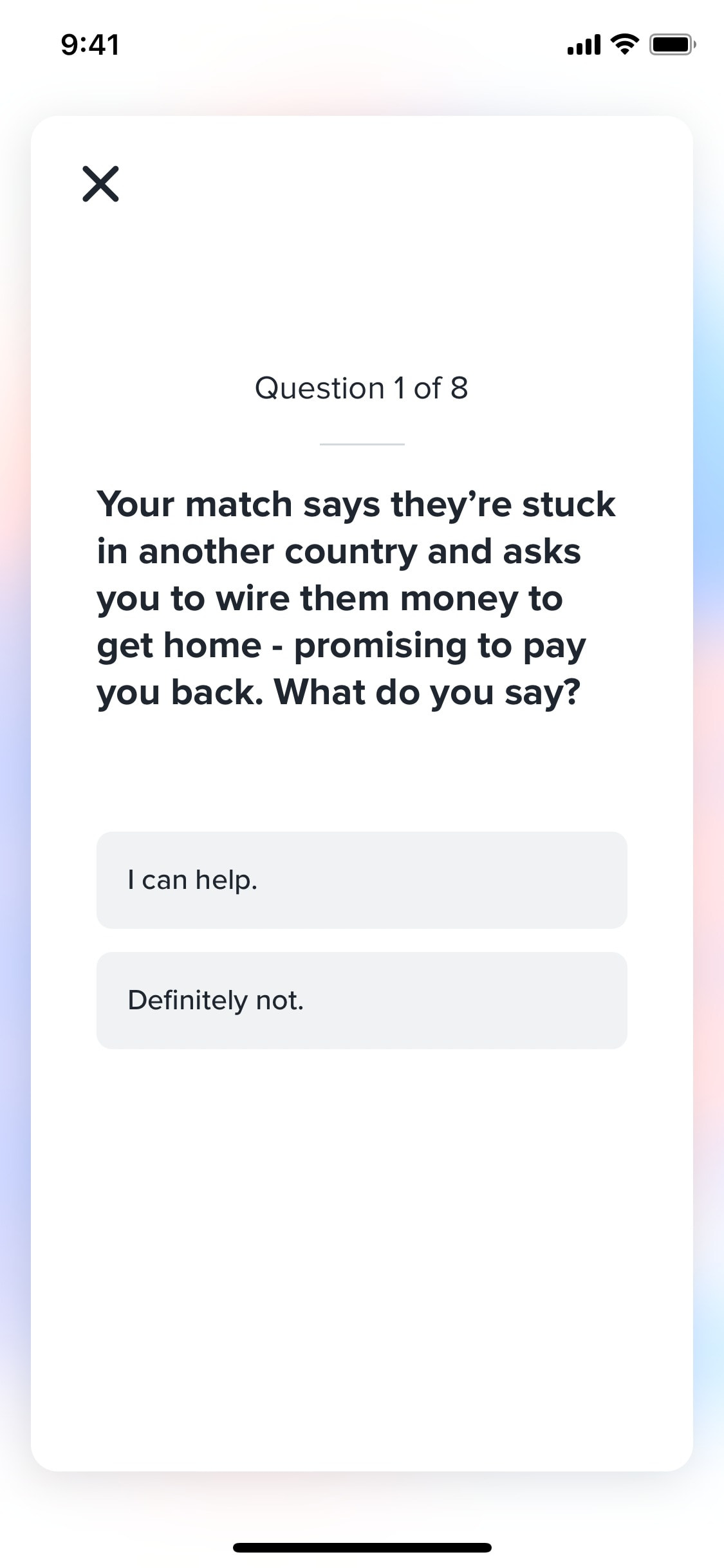
Finishing safety knowledge test
8 screens
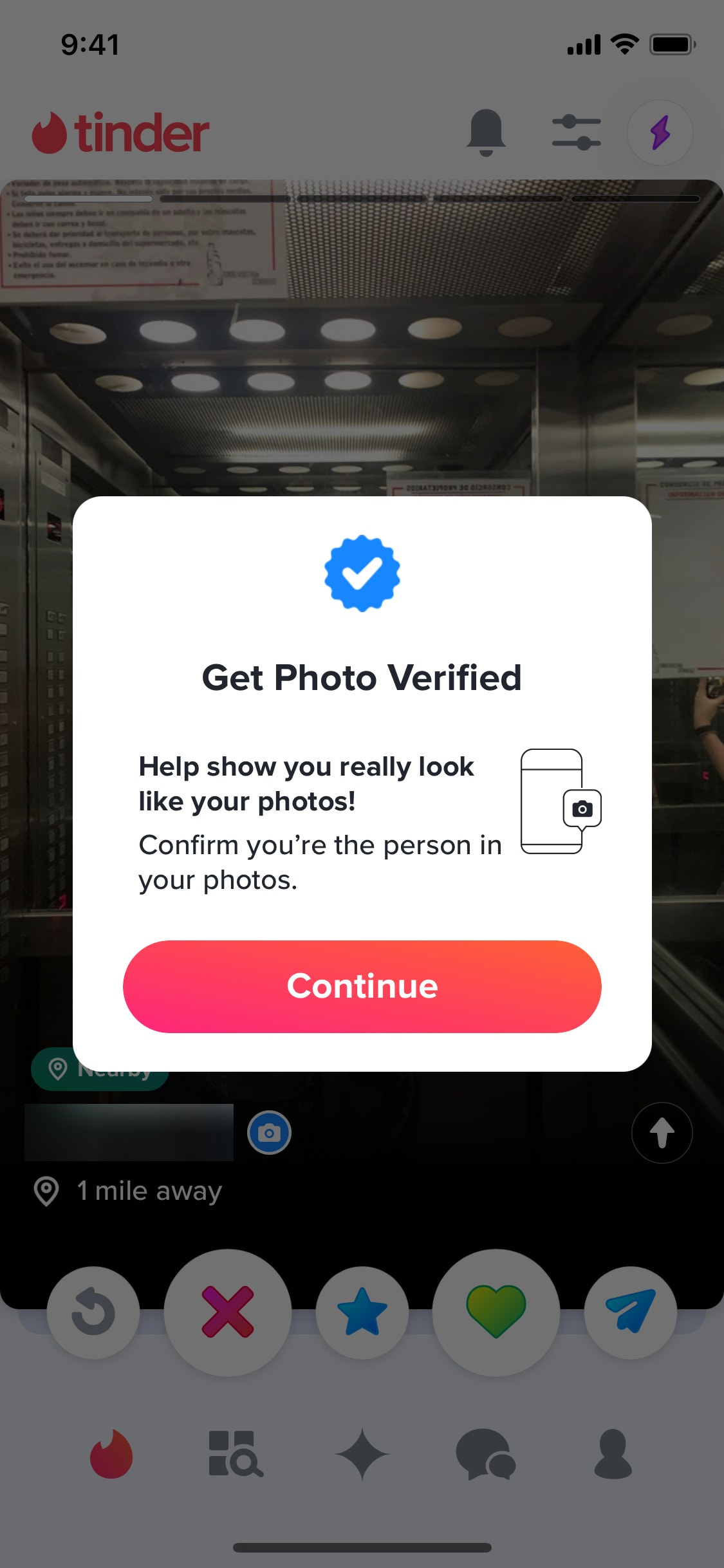
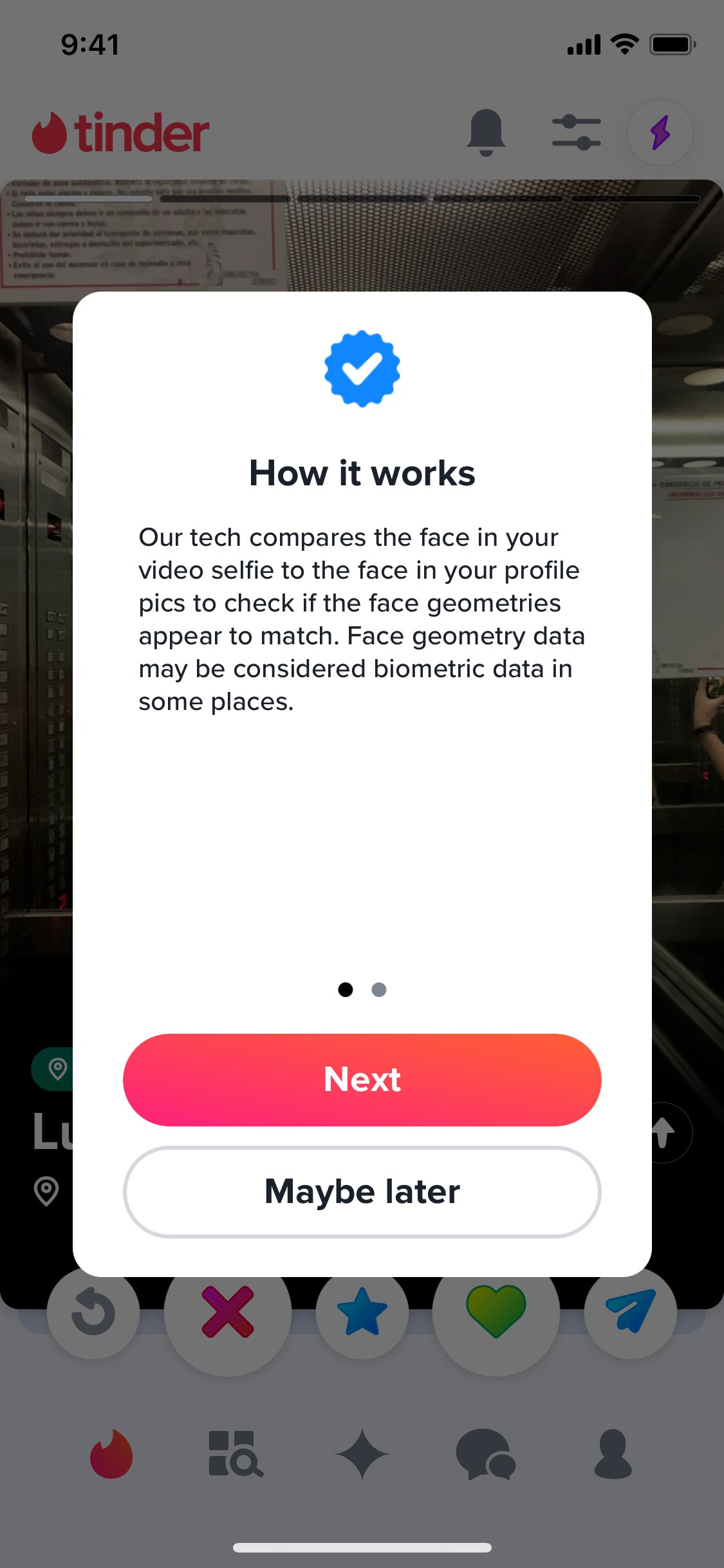
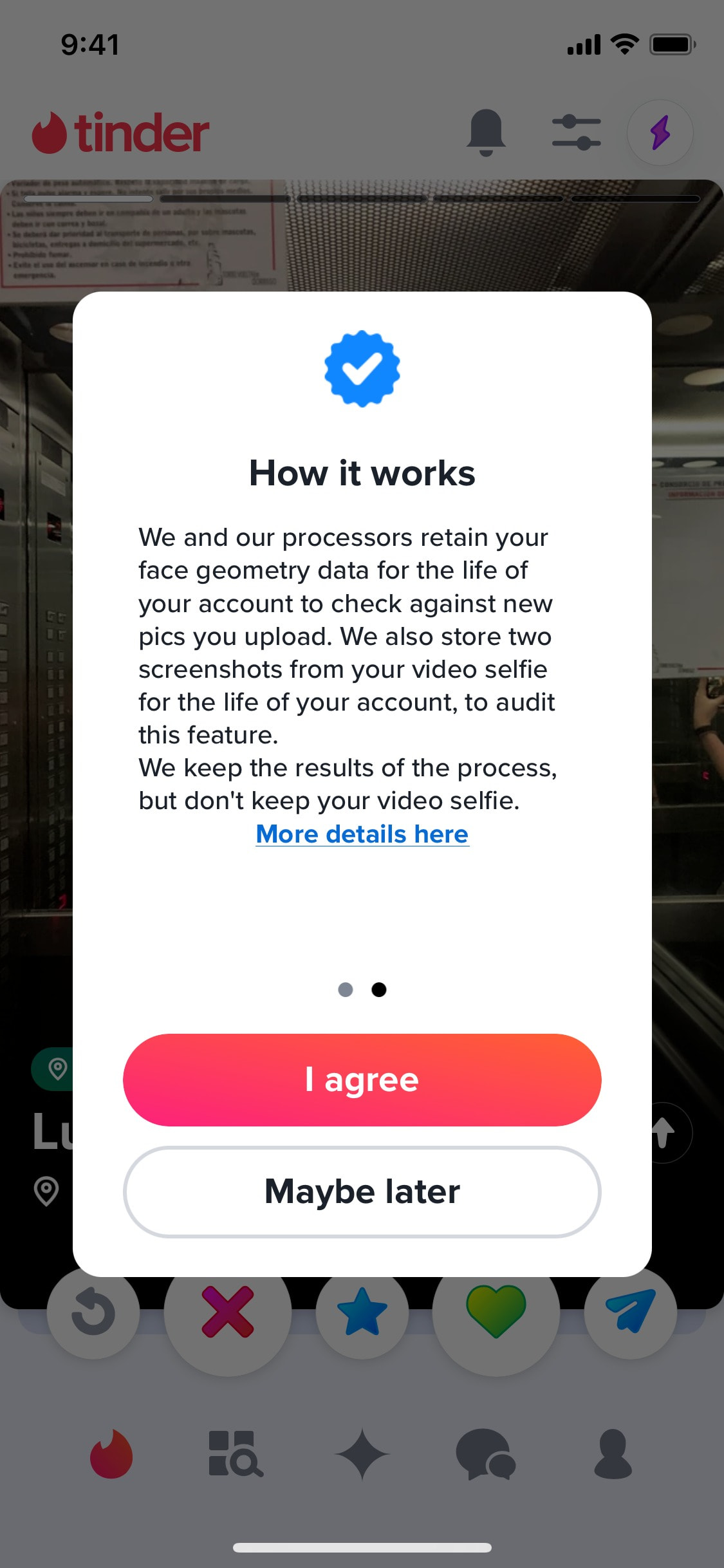
Learning about photo verification
3 screens
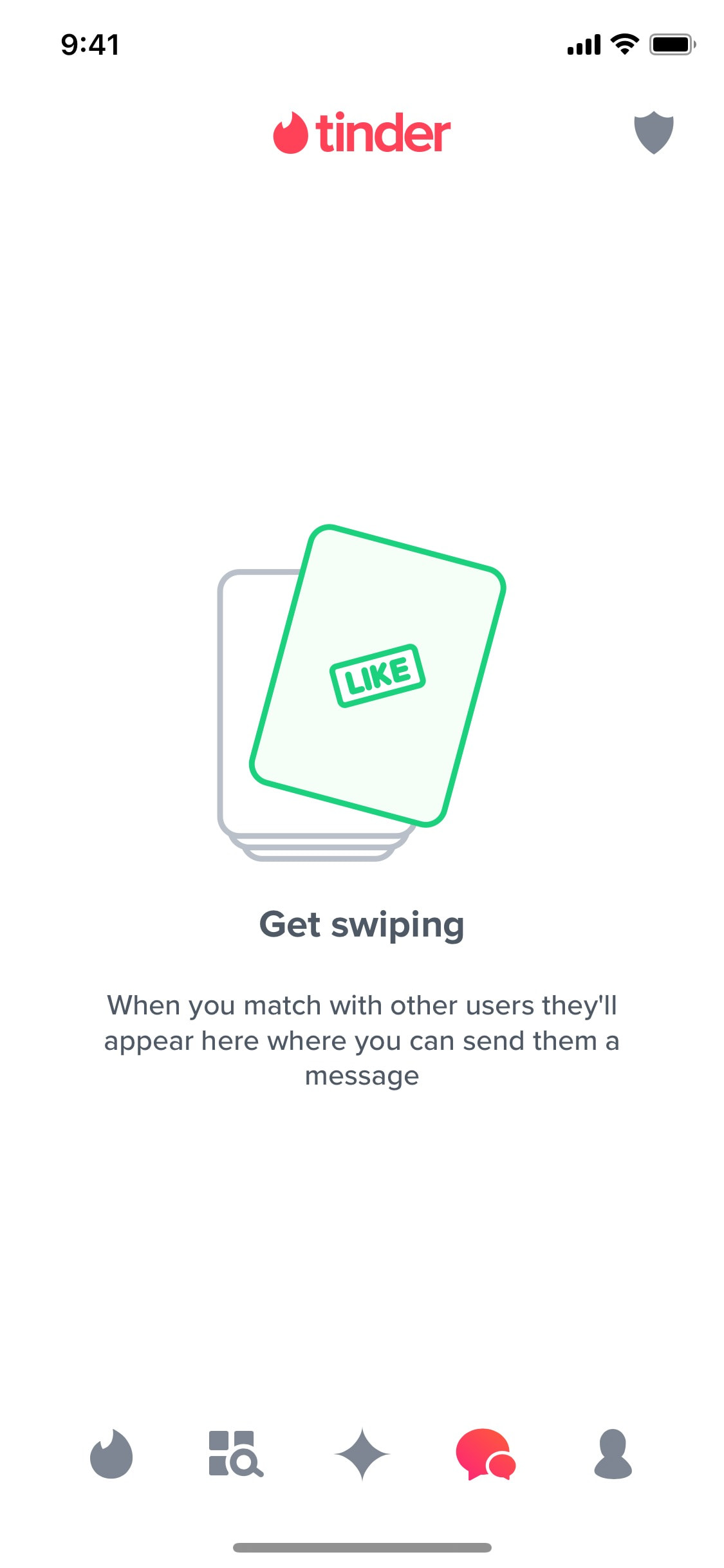
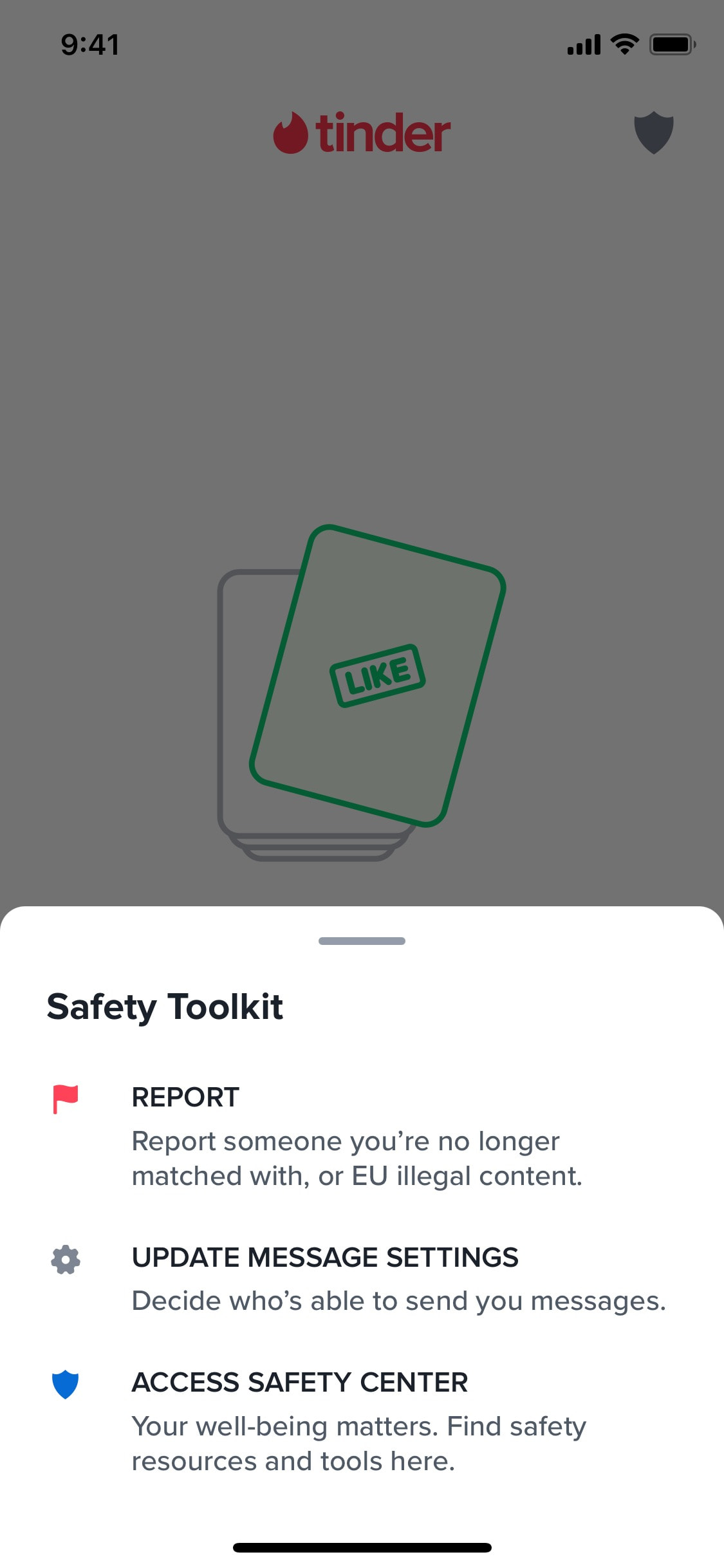
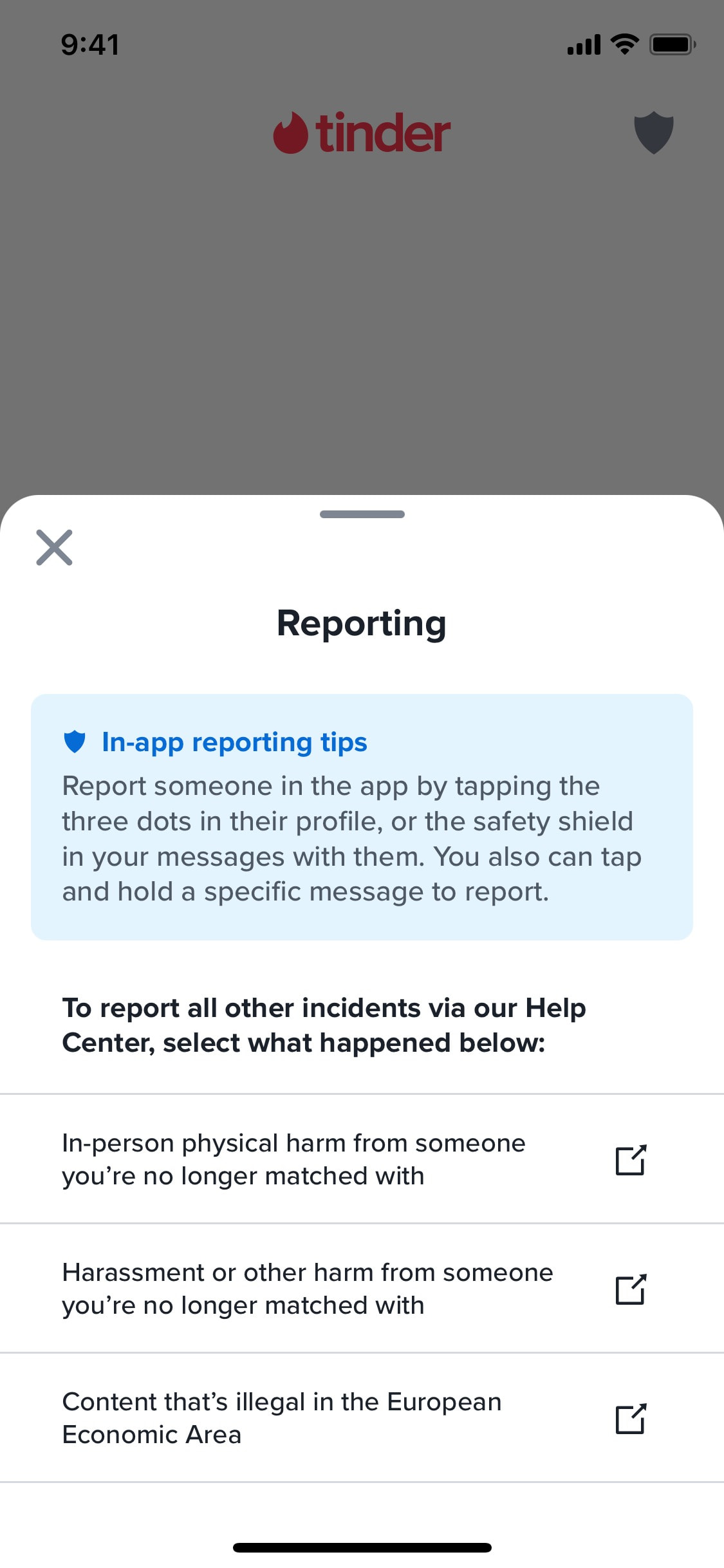
Learning about reporting
6 screens
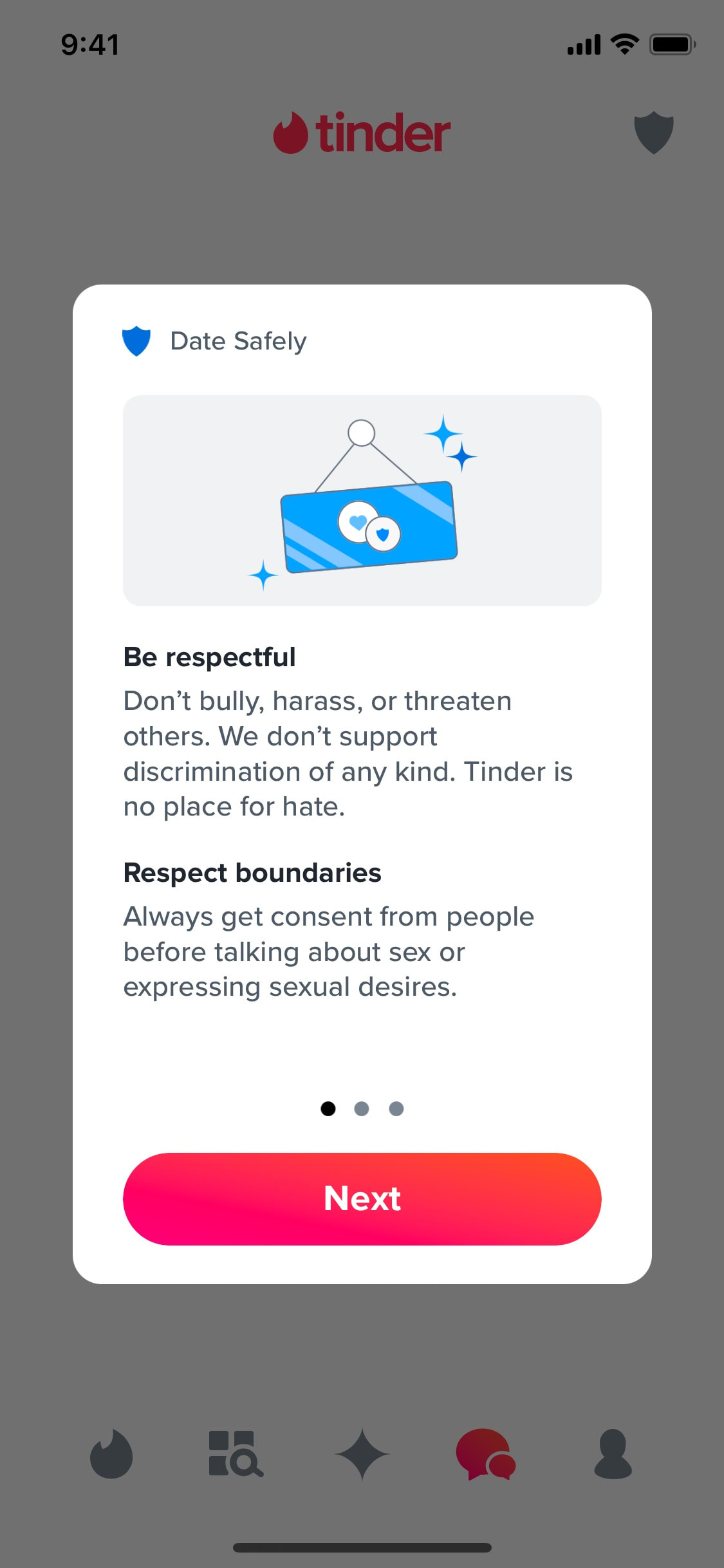

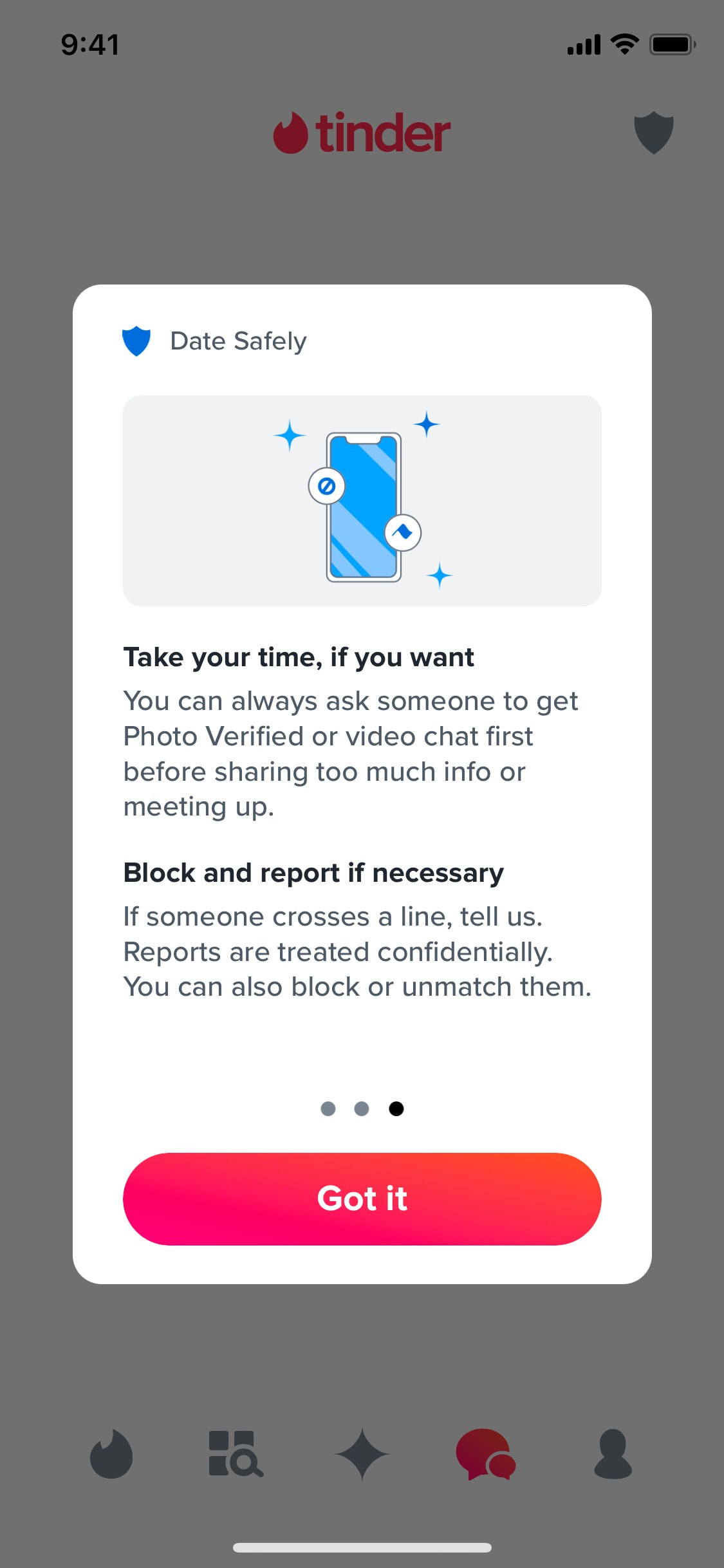
Learning communication rules
3 screens

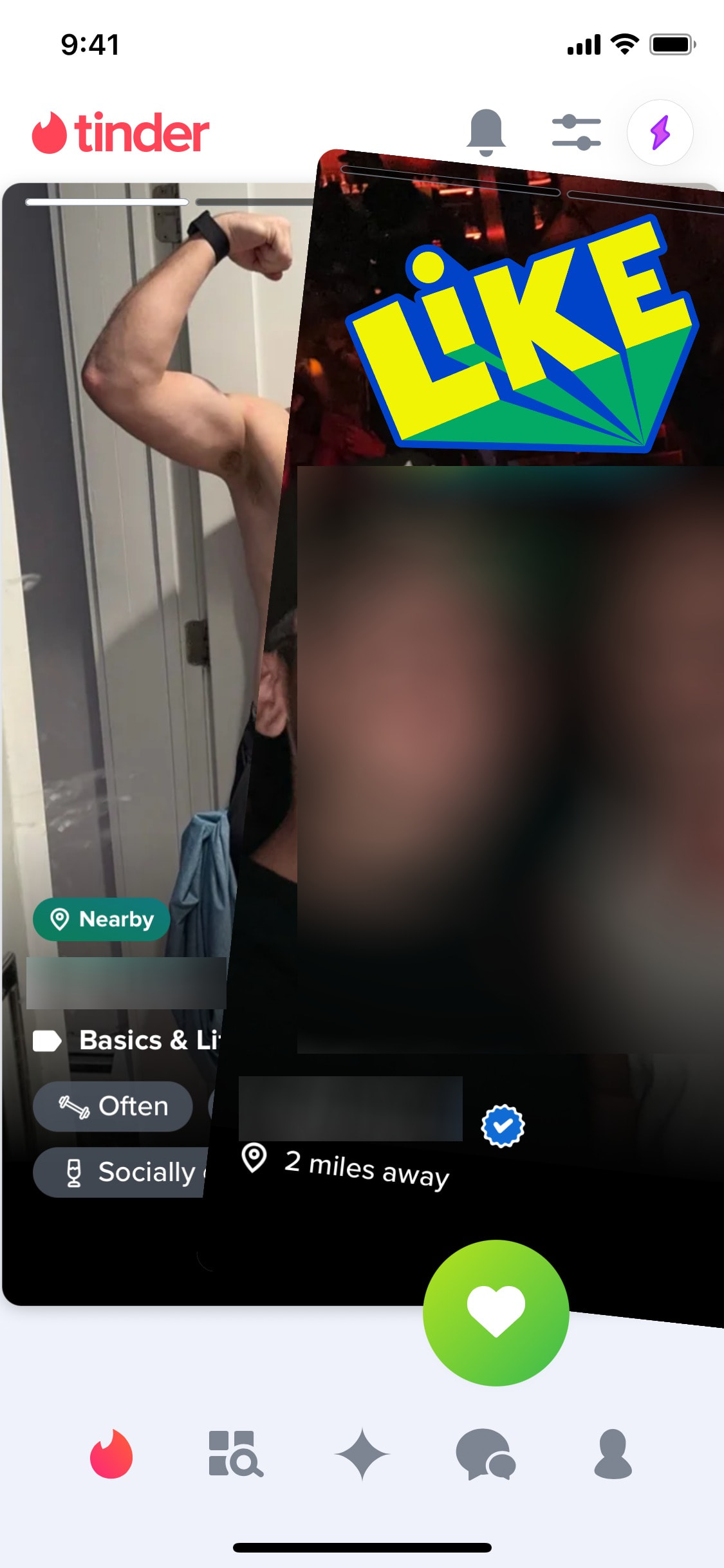

Liking profile
3 screens
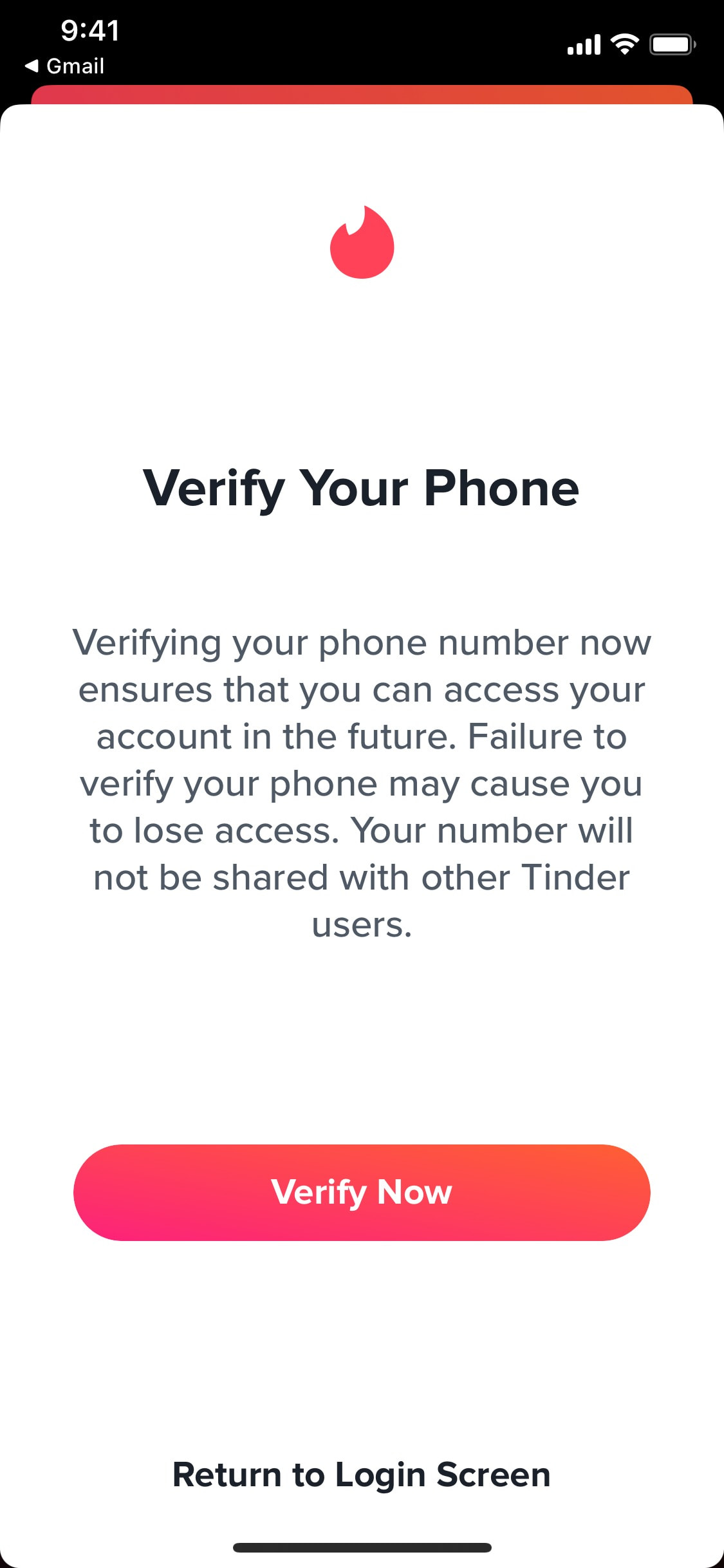
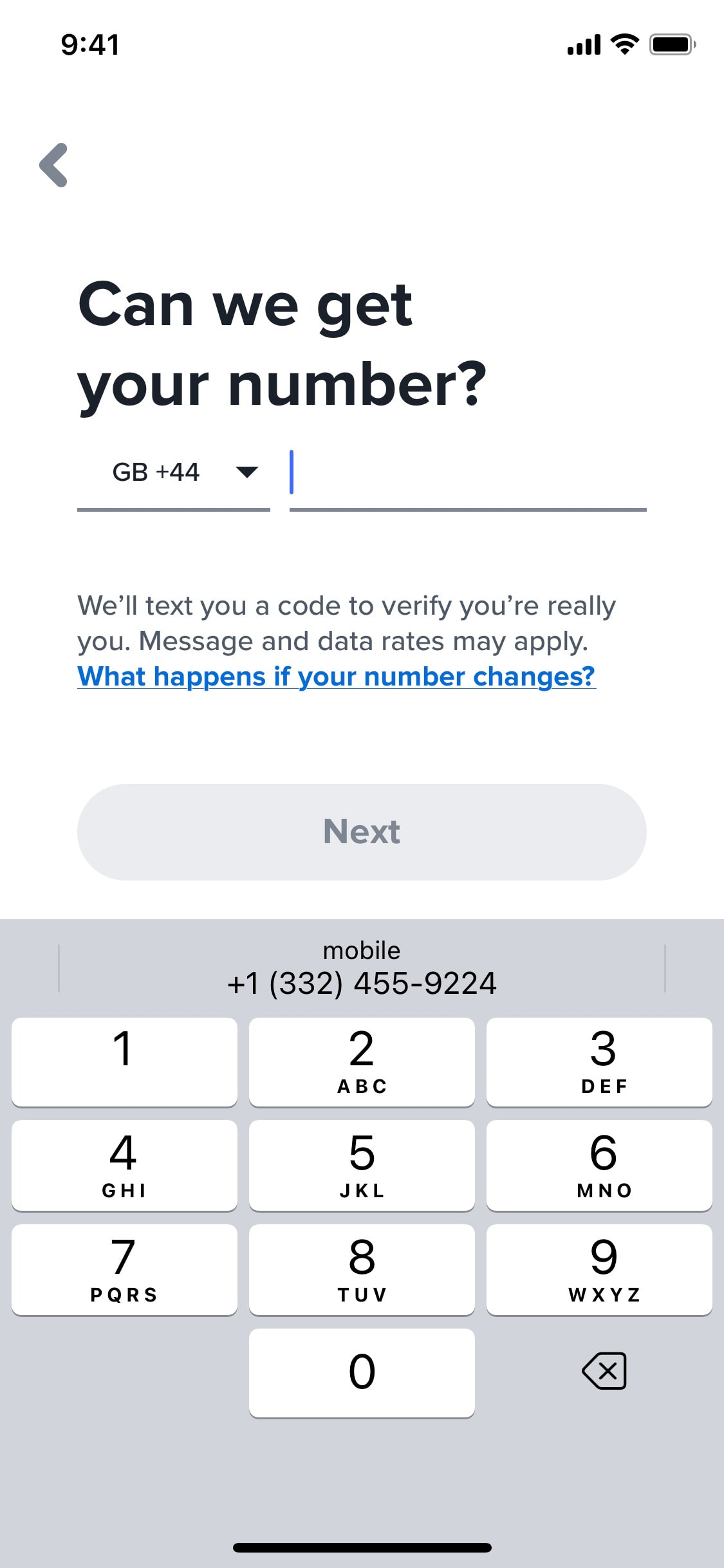
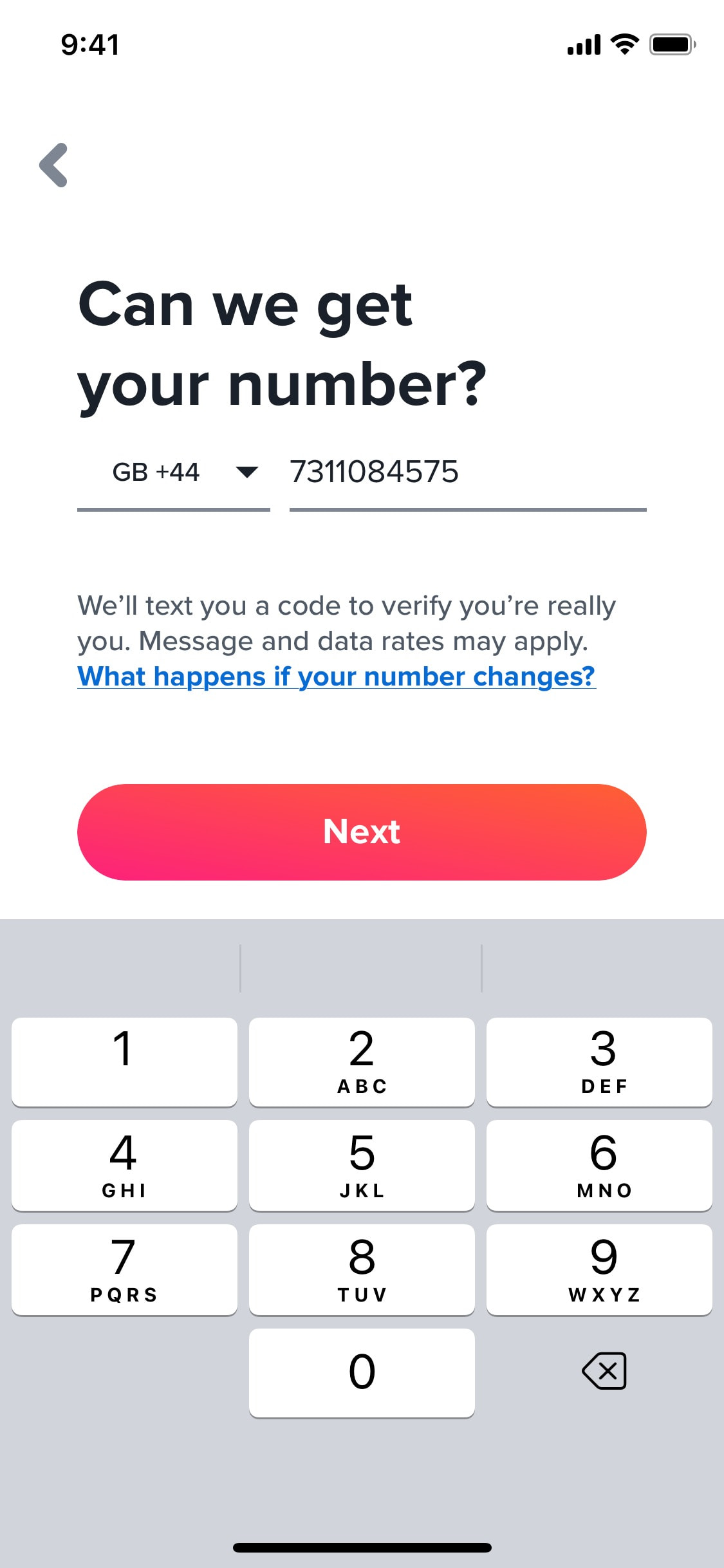
Logging in
3 screens
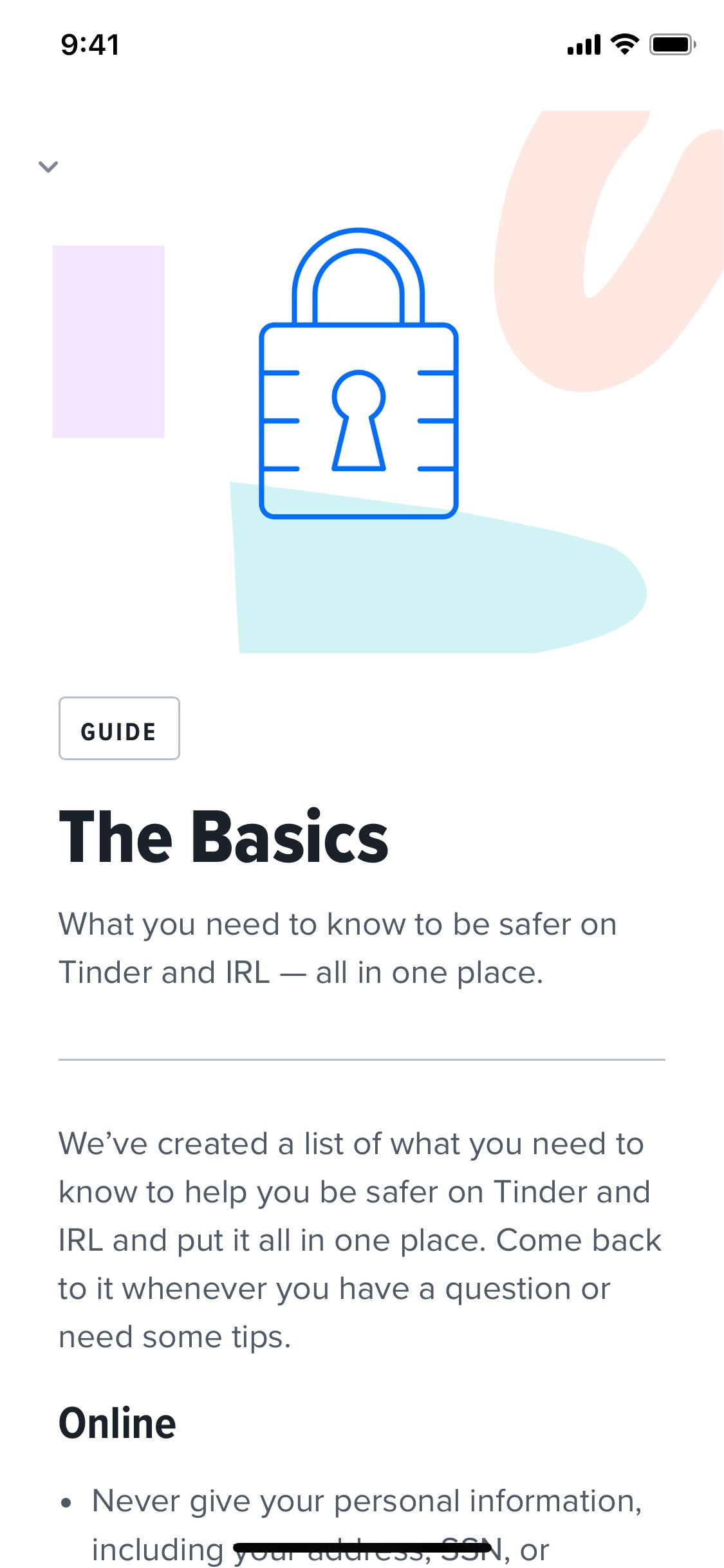
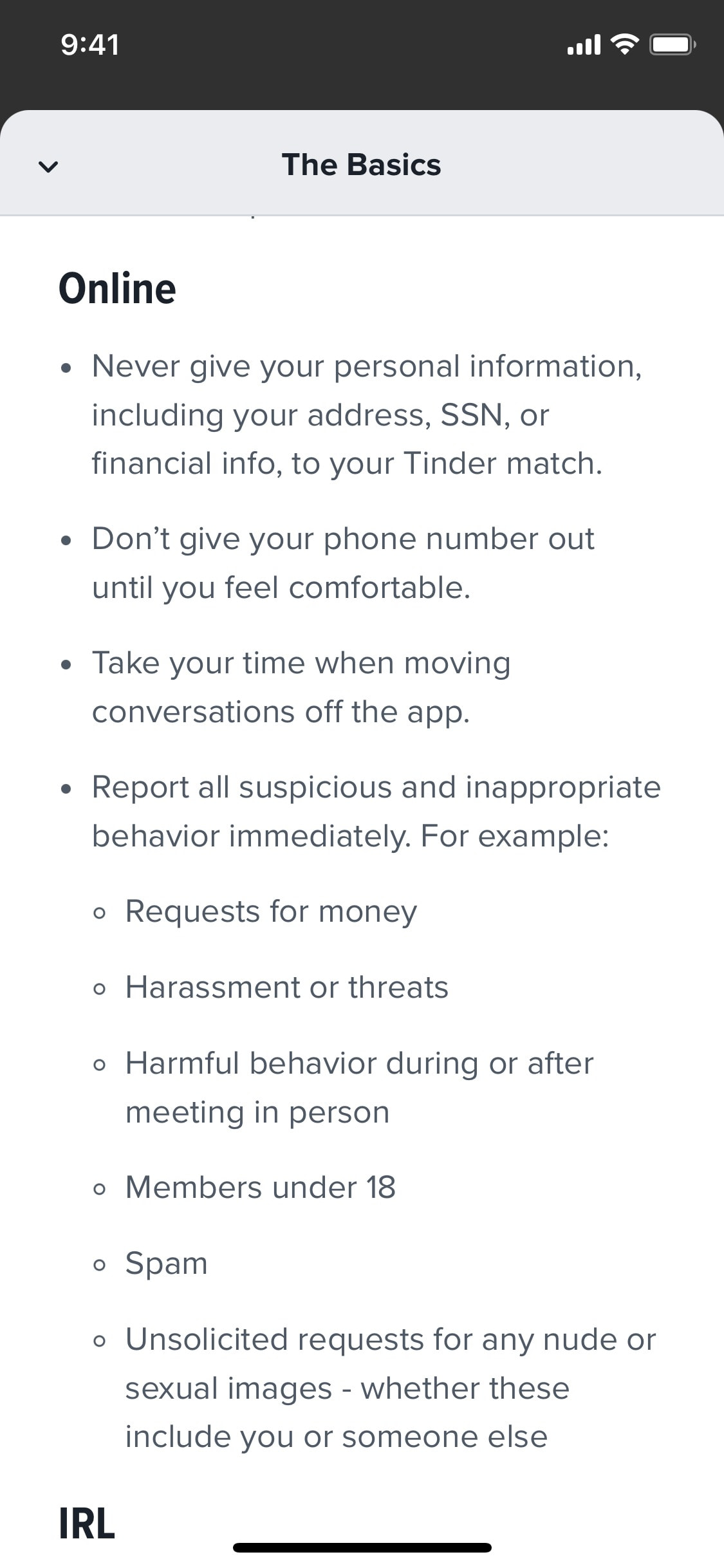
Reading article of safety center
4 screens
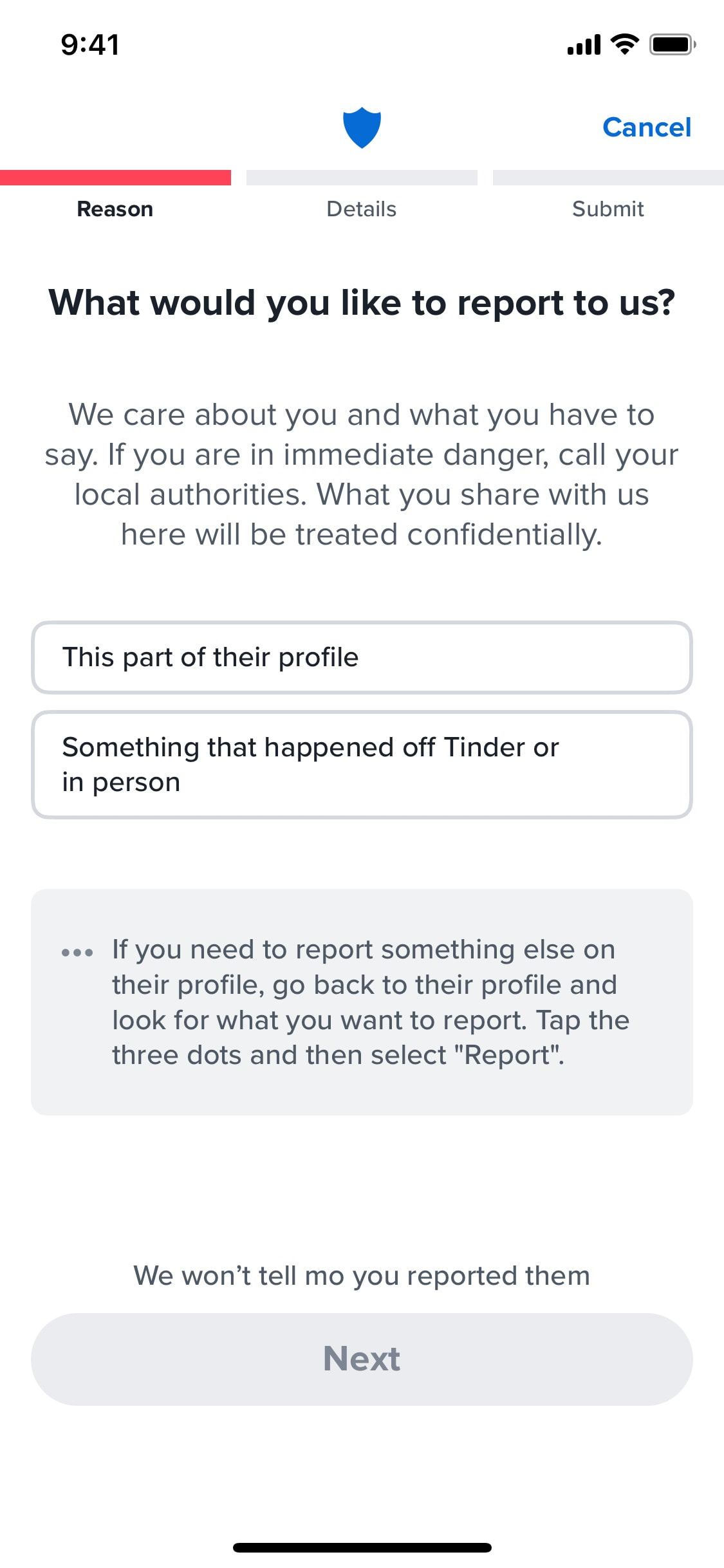
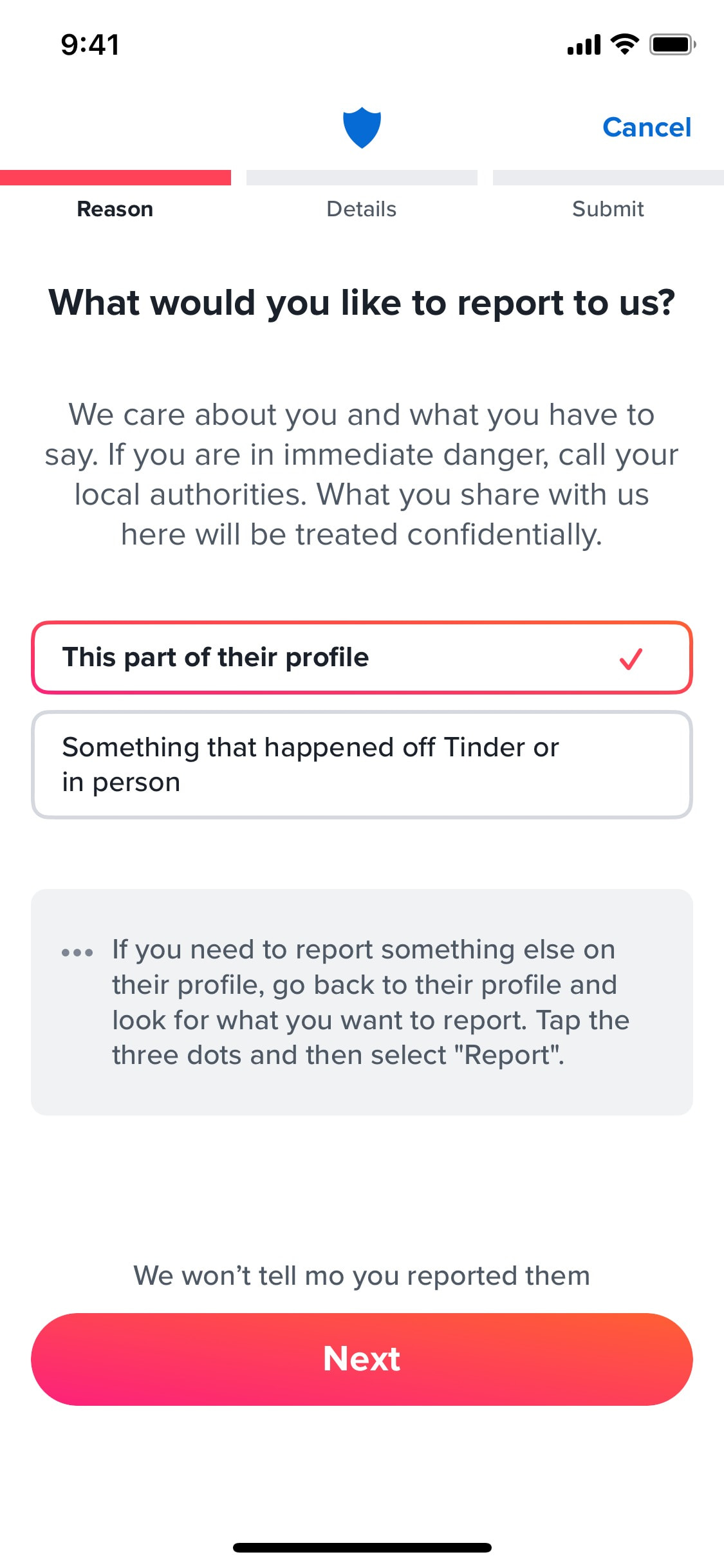
Reporting user profile
11 screens
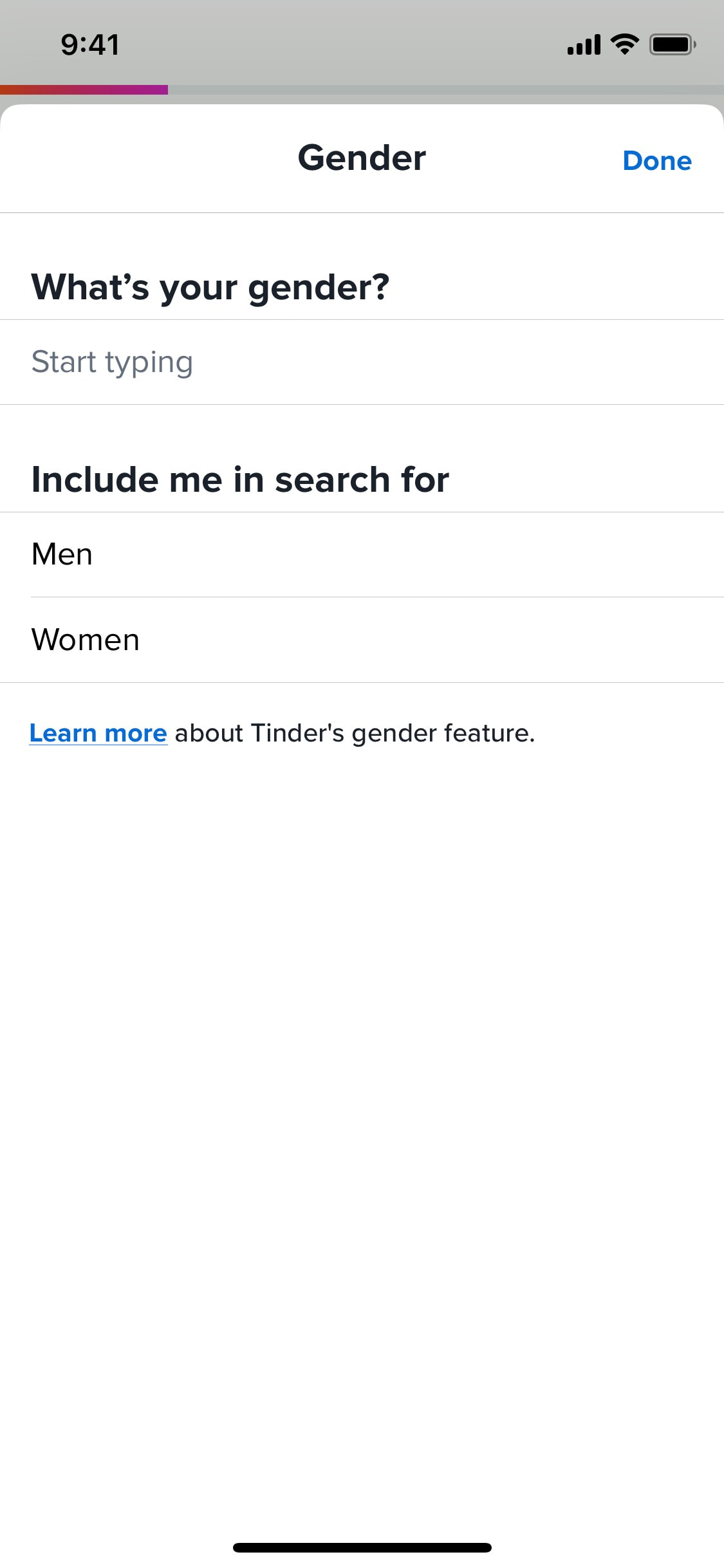
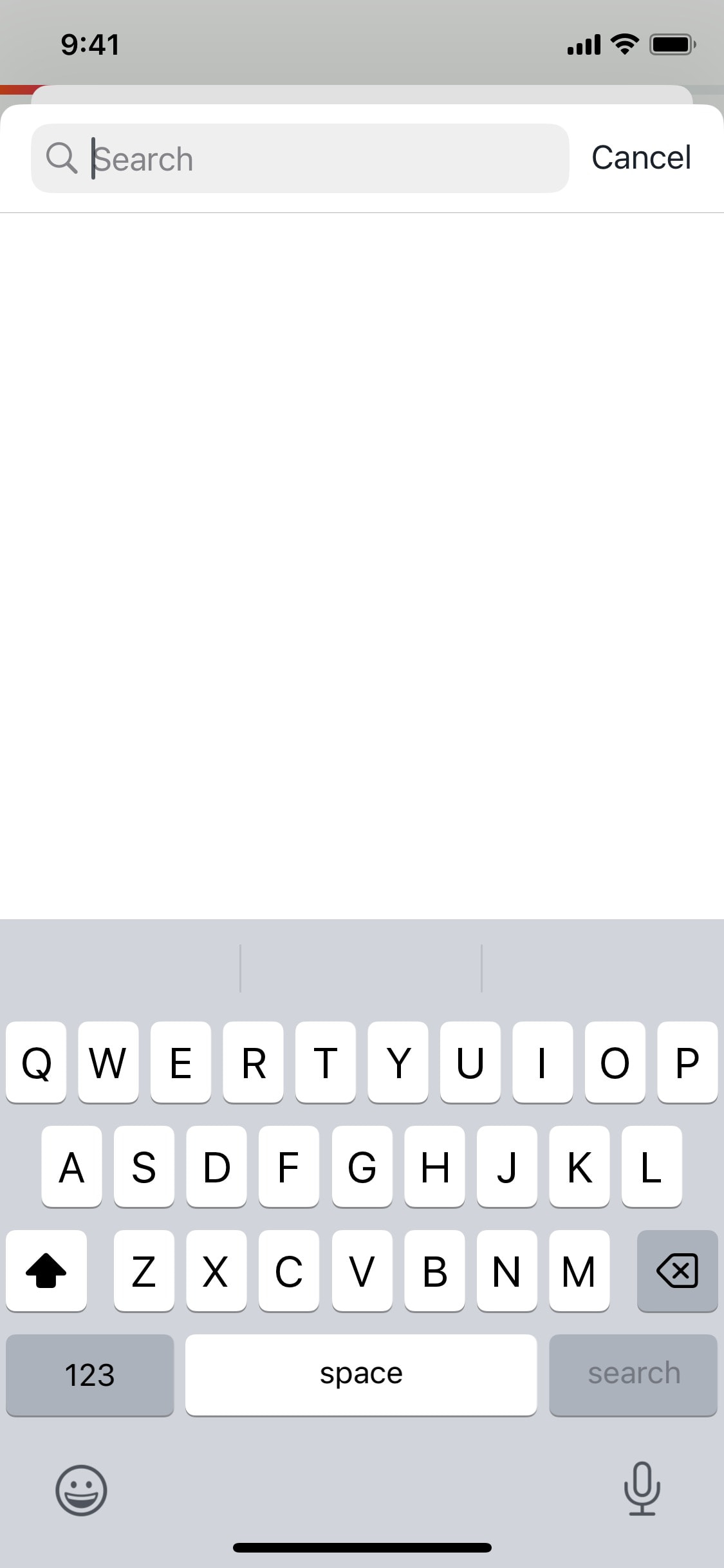
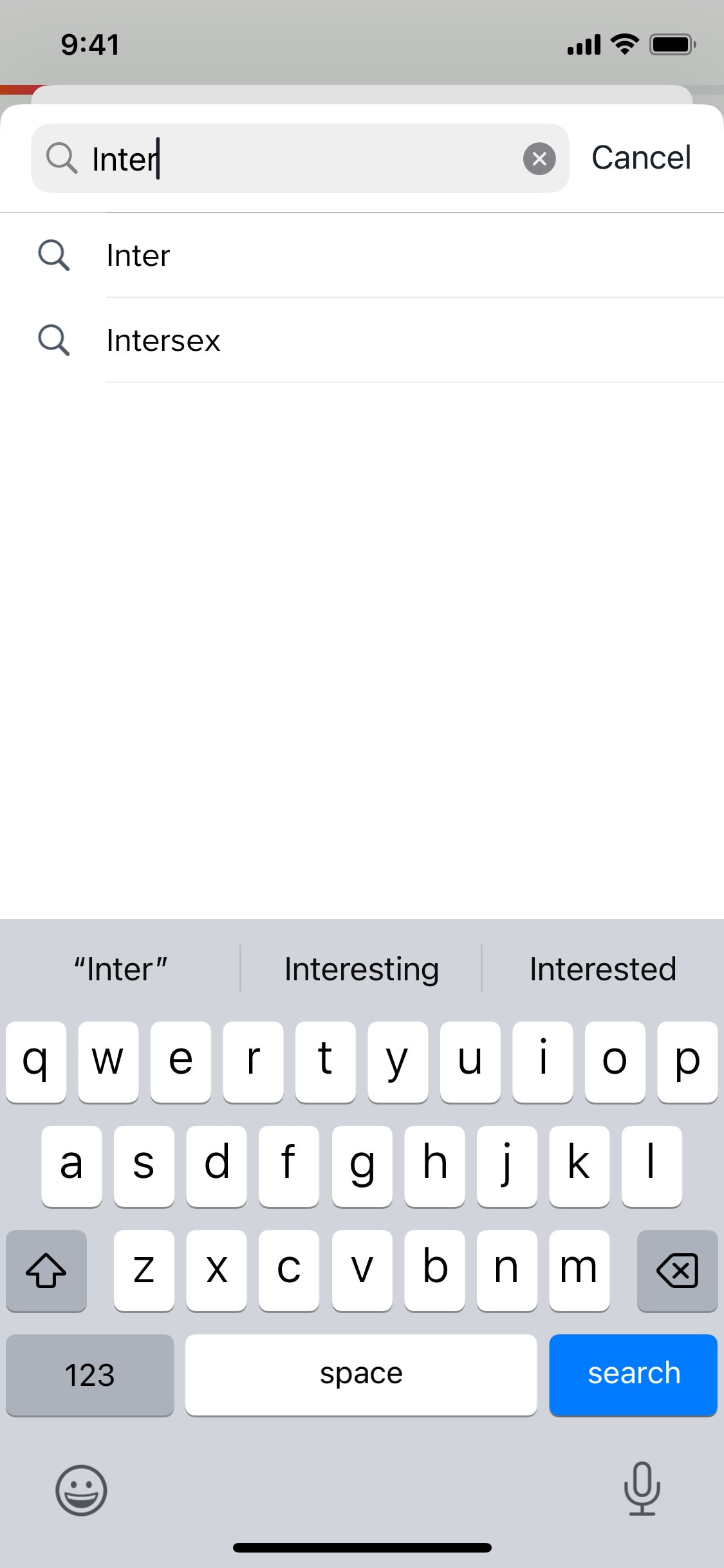
Searching for gender details
3 screens
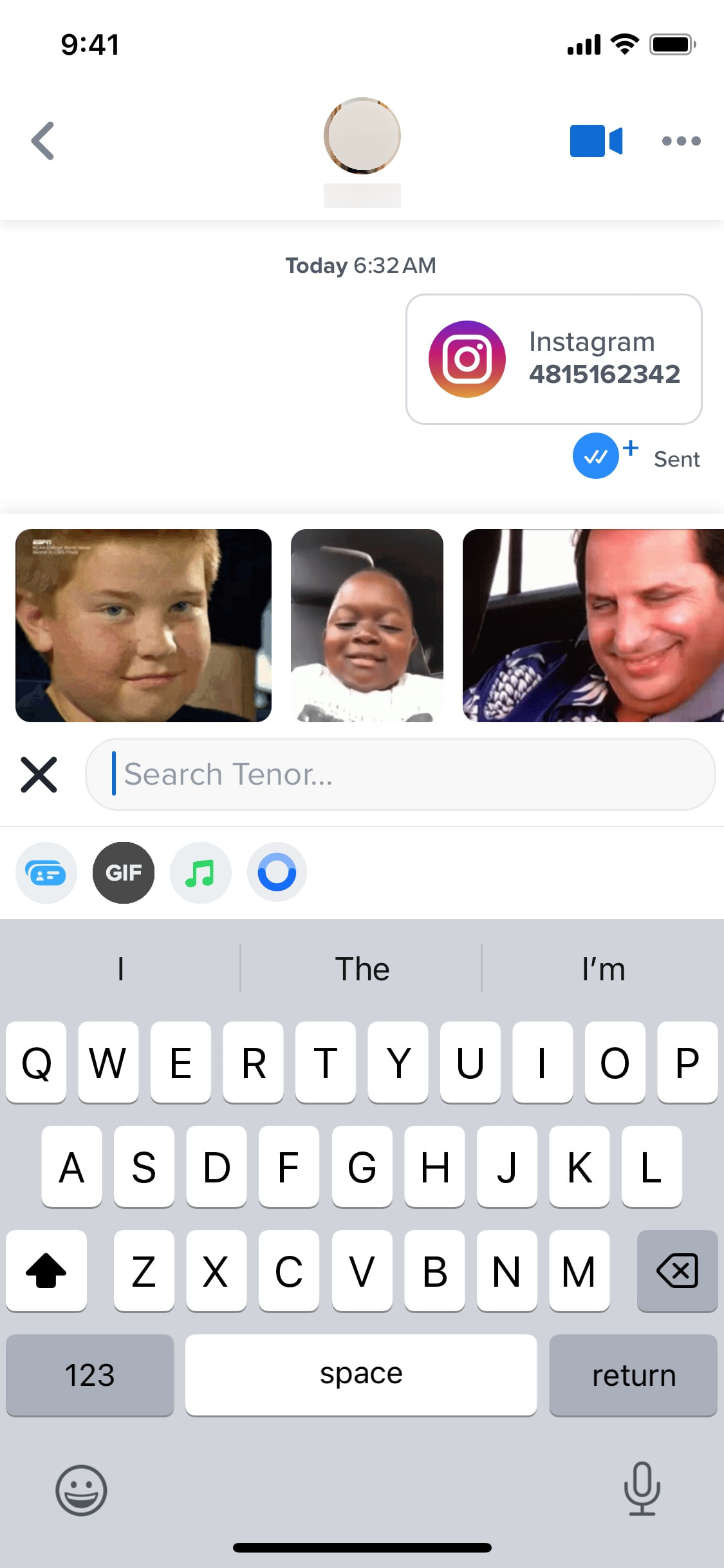
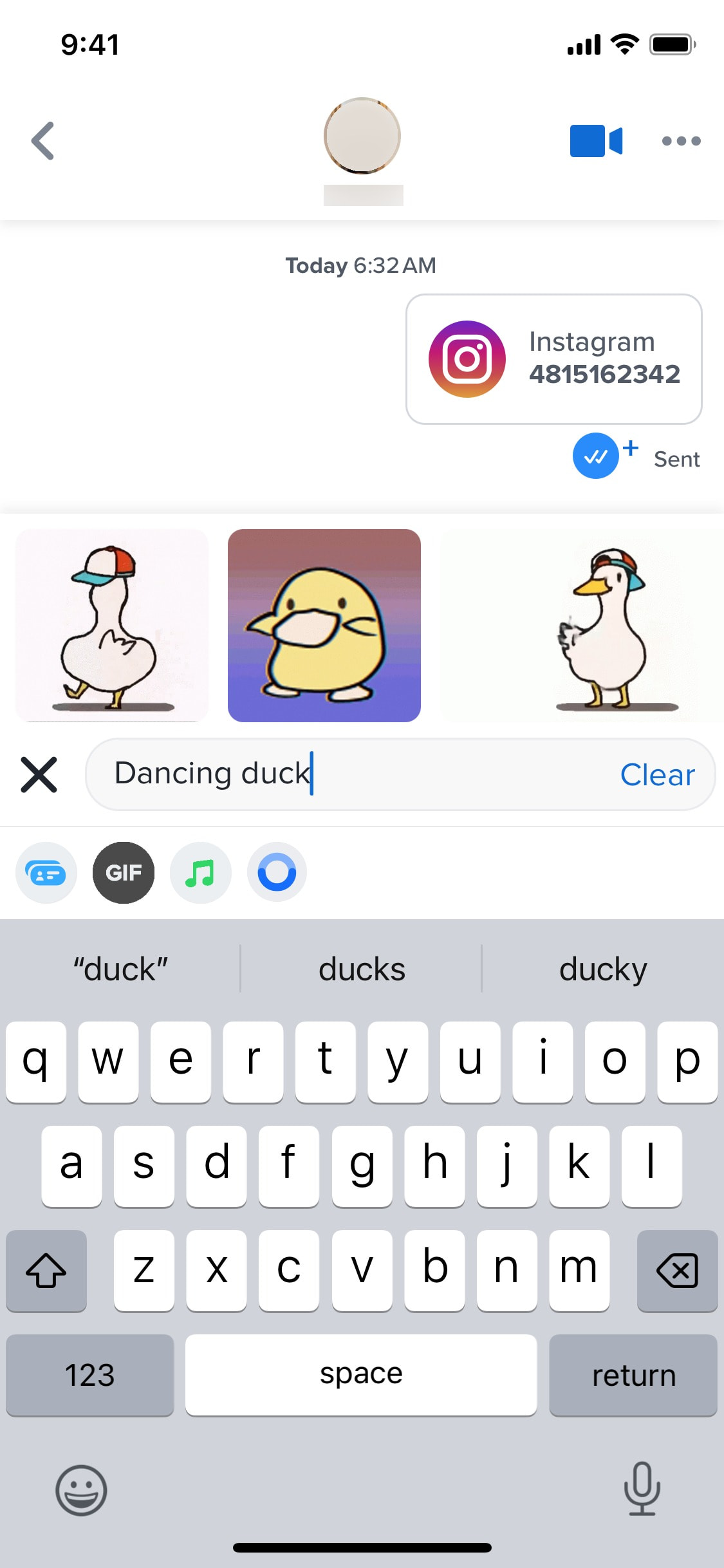
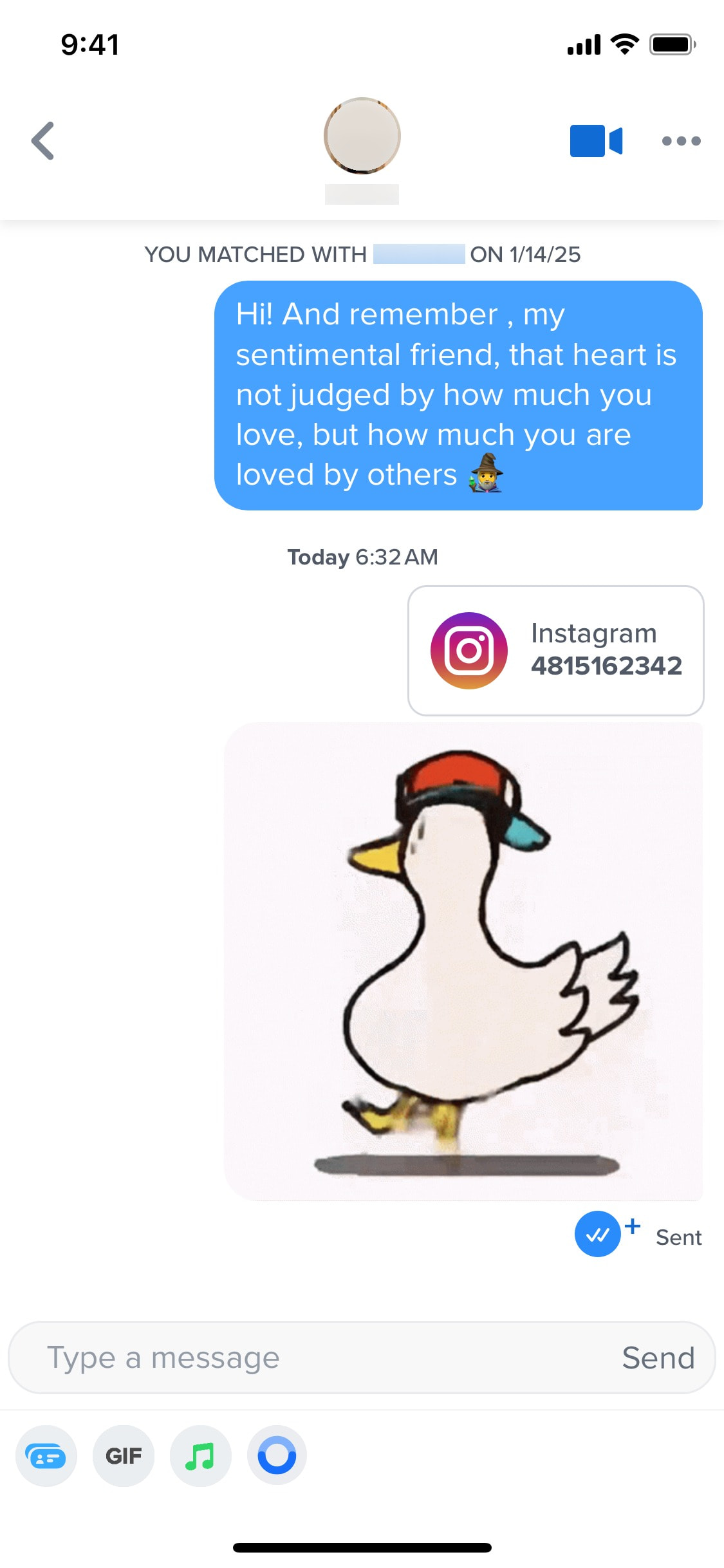
Searching for GIF image
3 screens
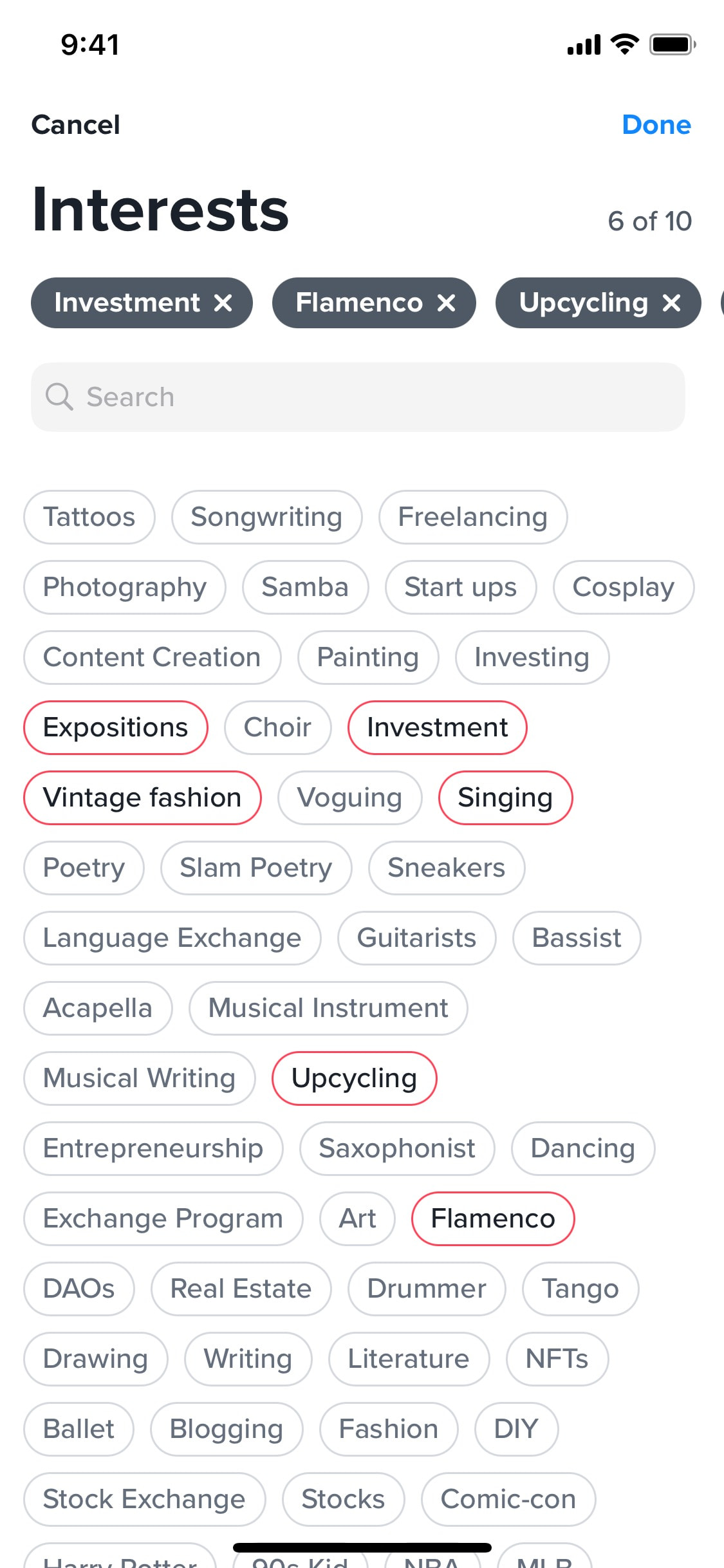
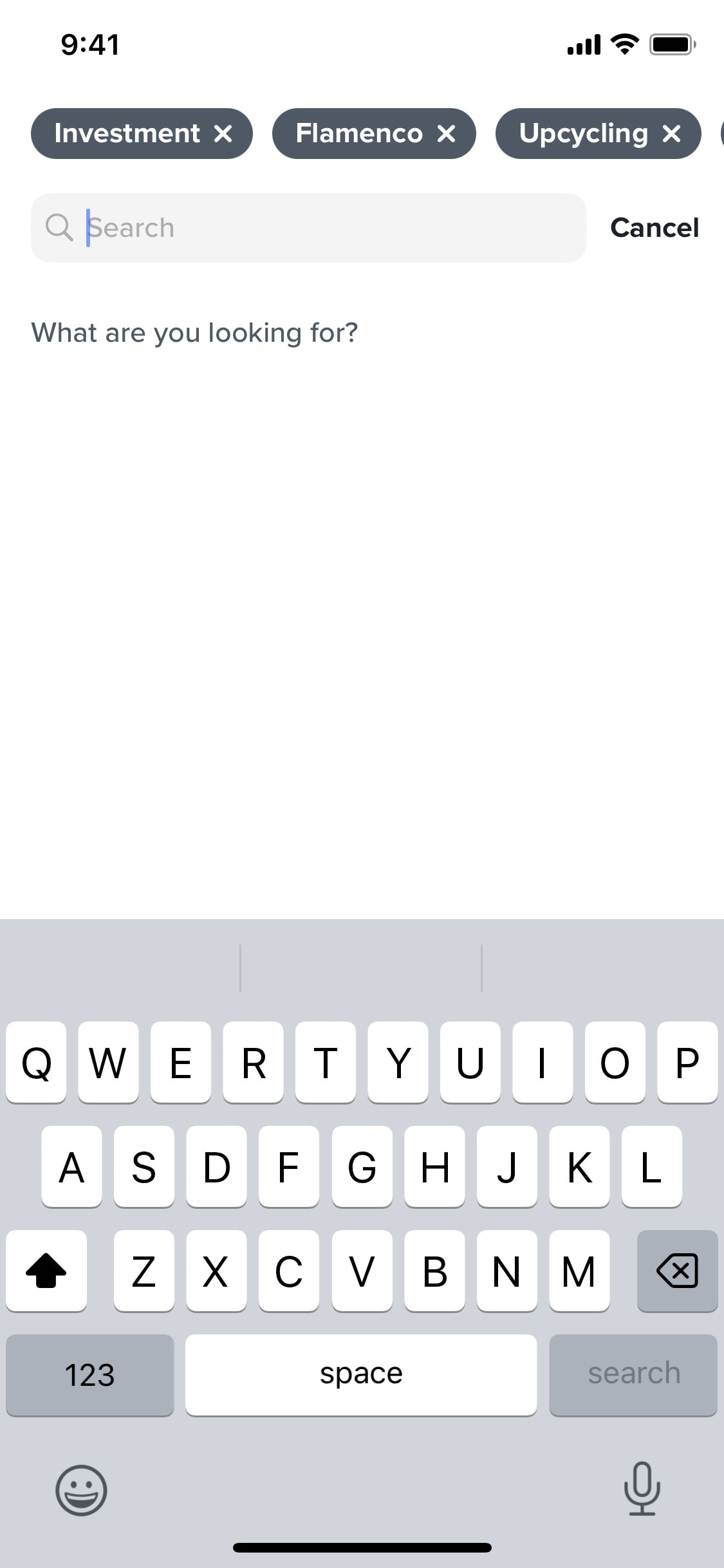
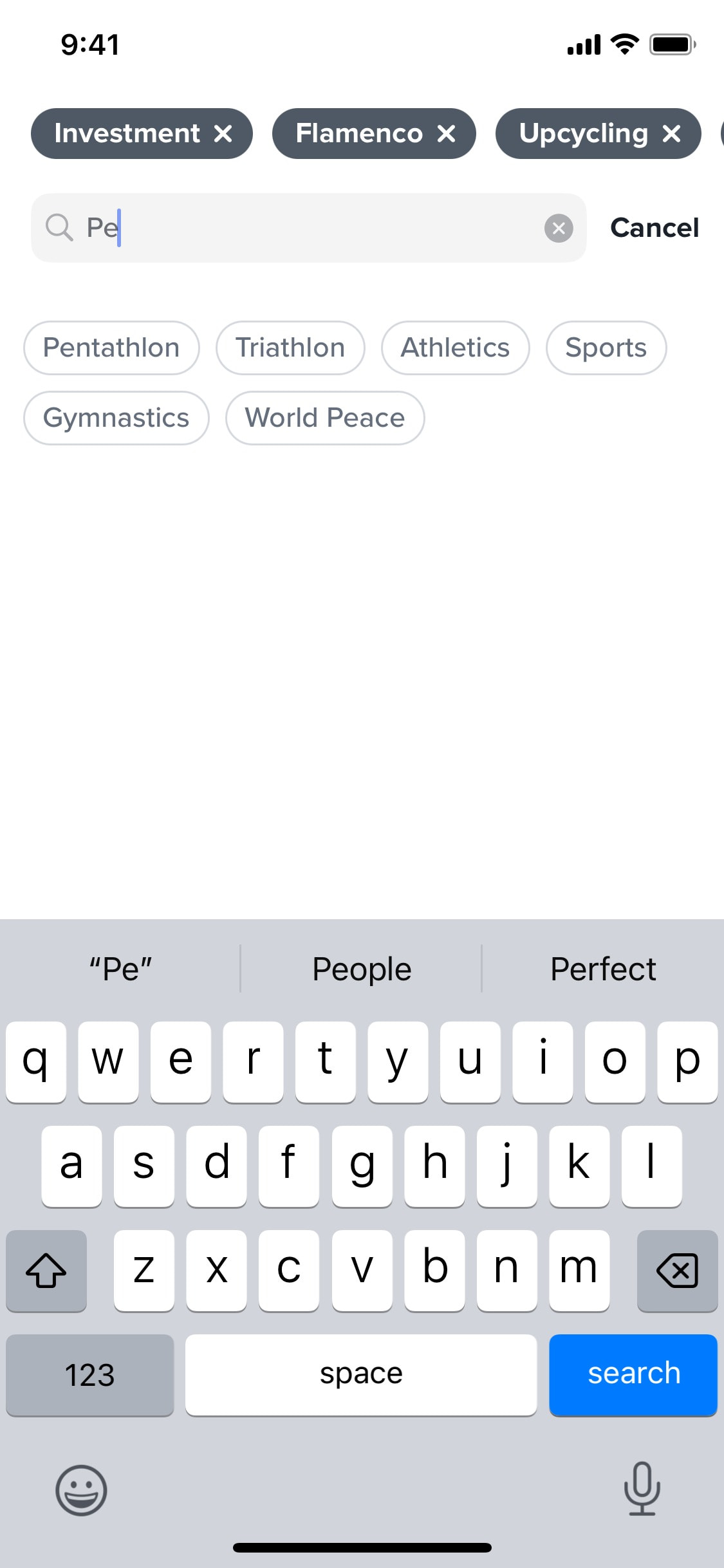
Searching for interests
4 screens
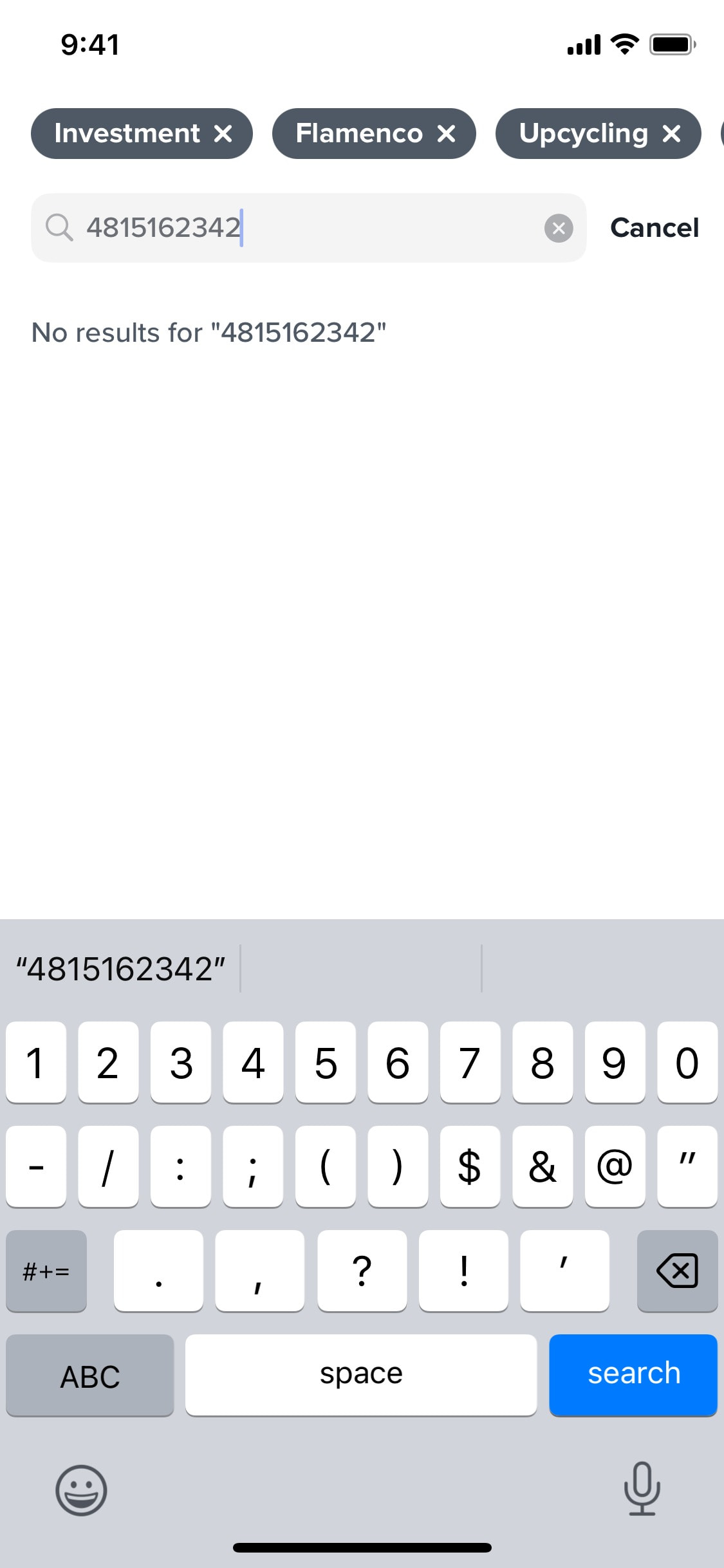
Searching for interests without results
3 screens
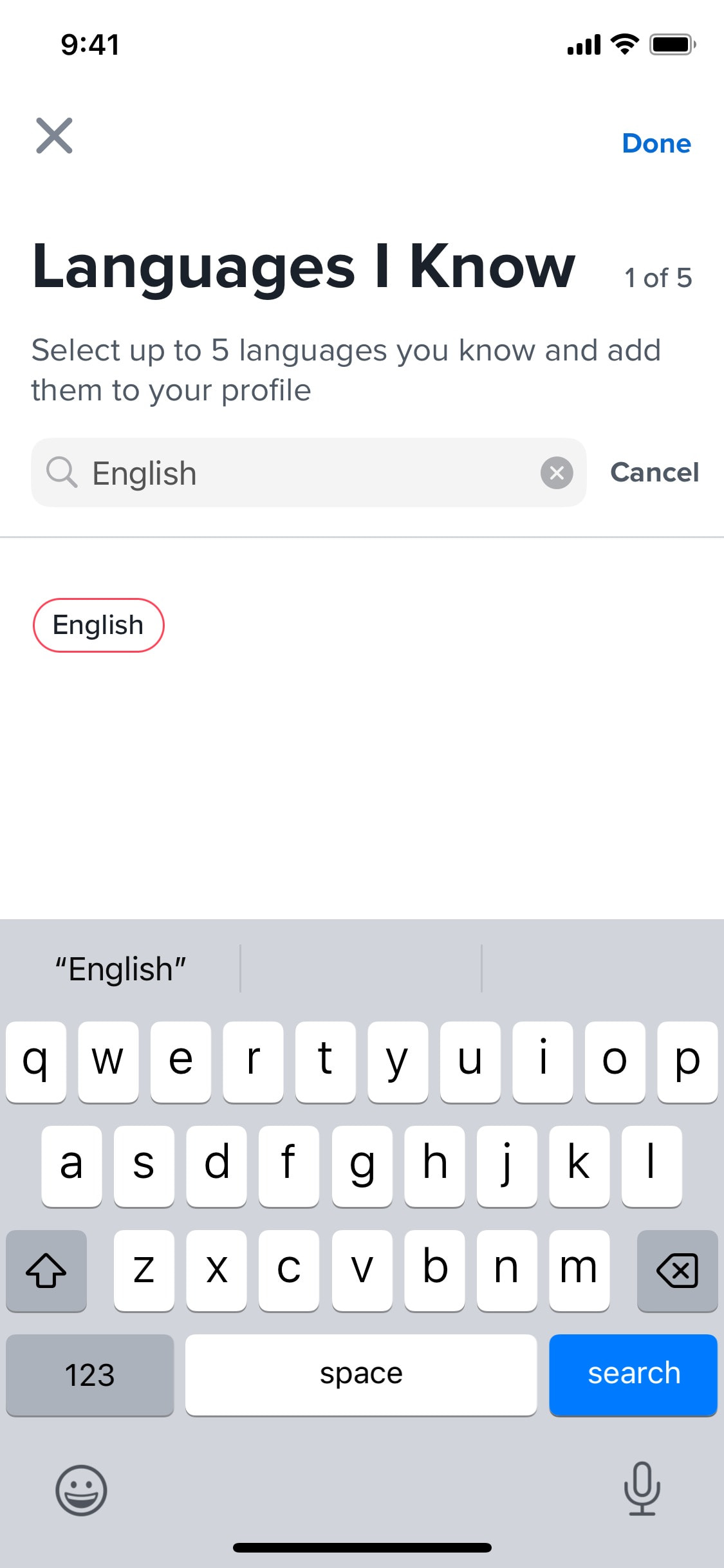
Searching for languages
5 screens
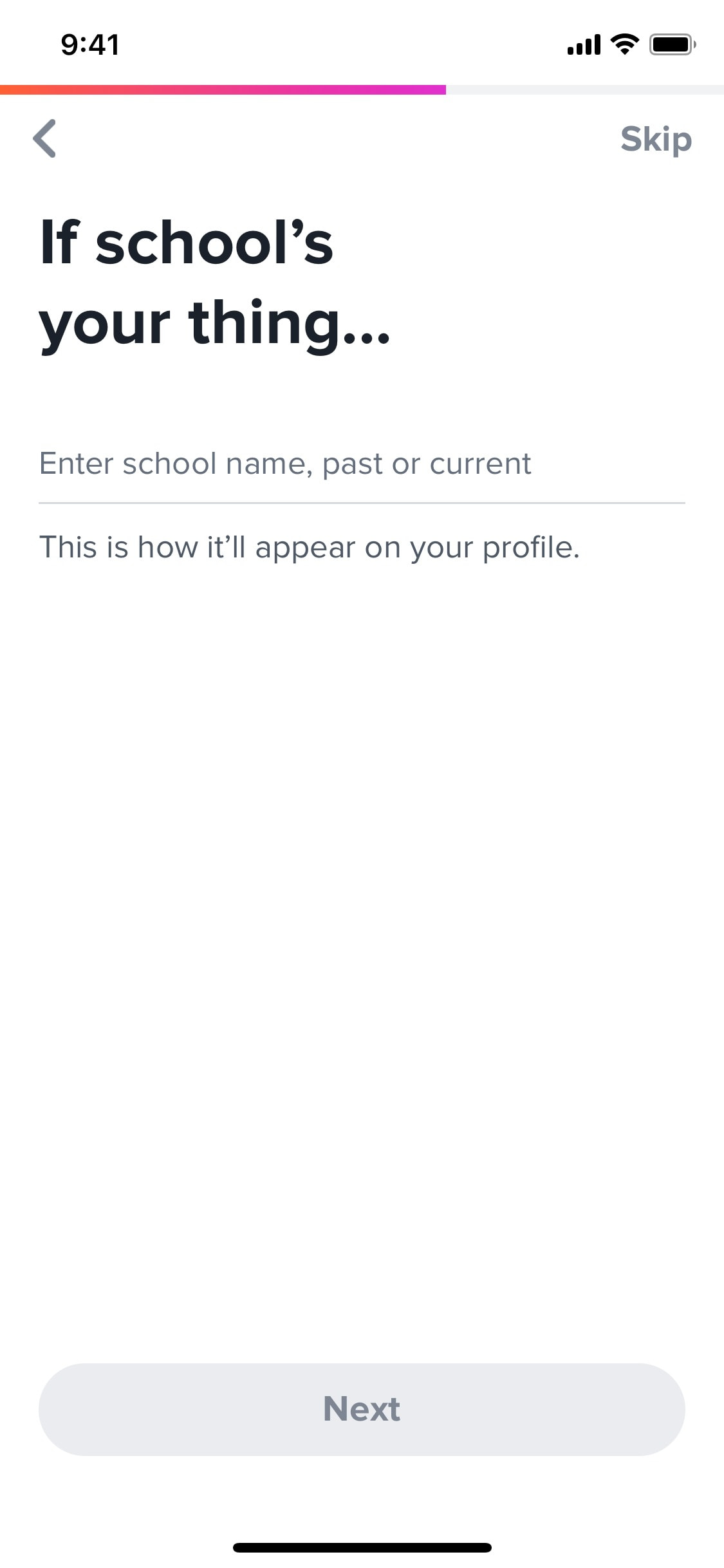
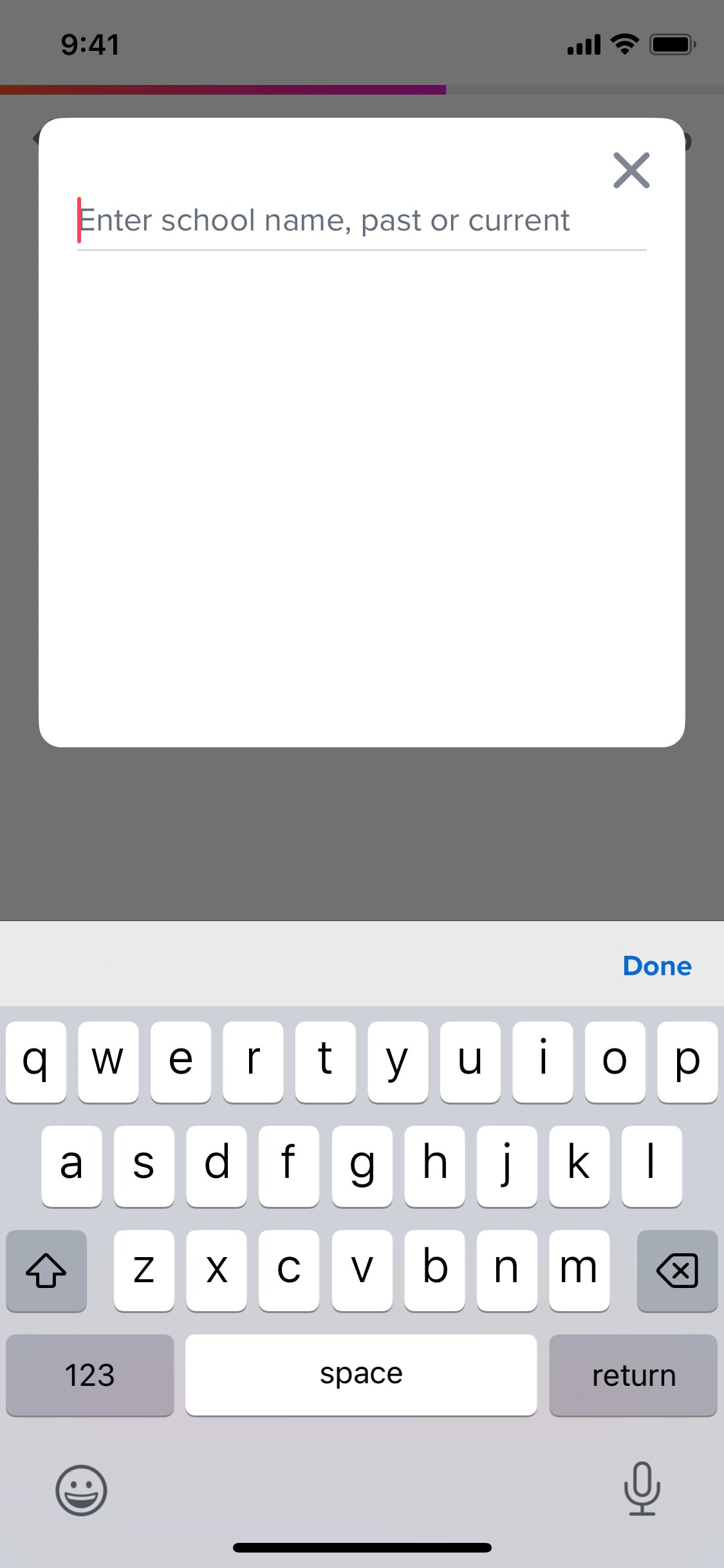
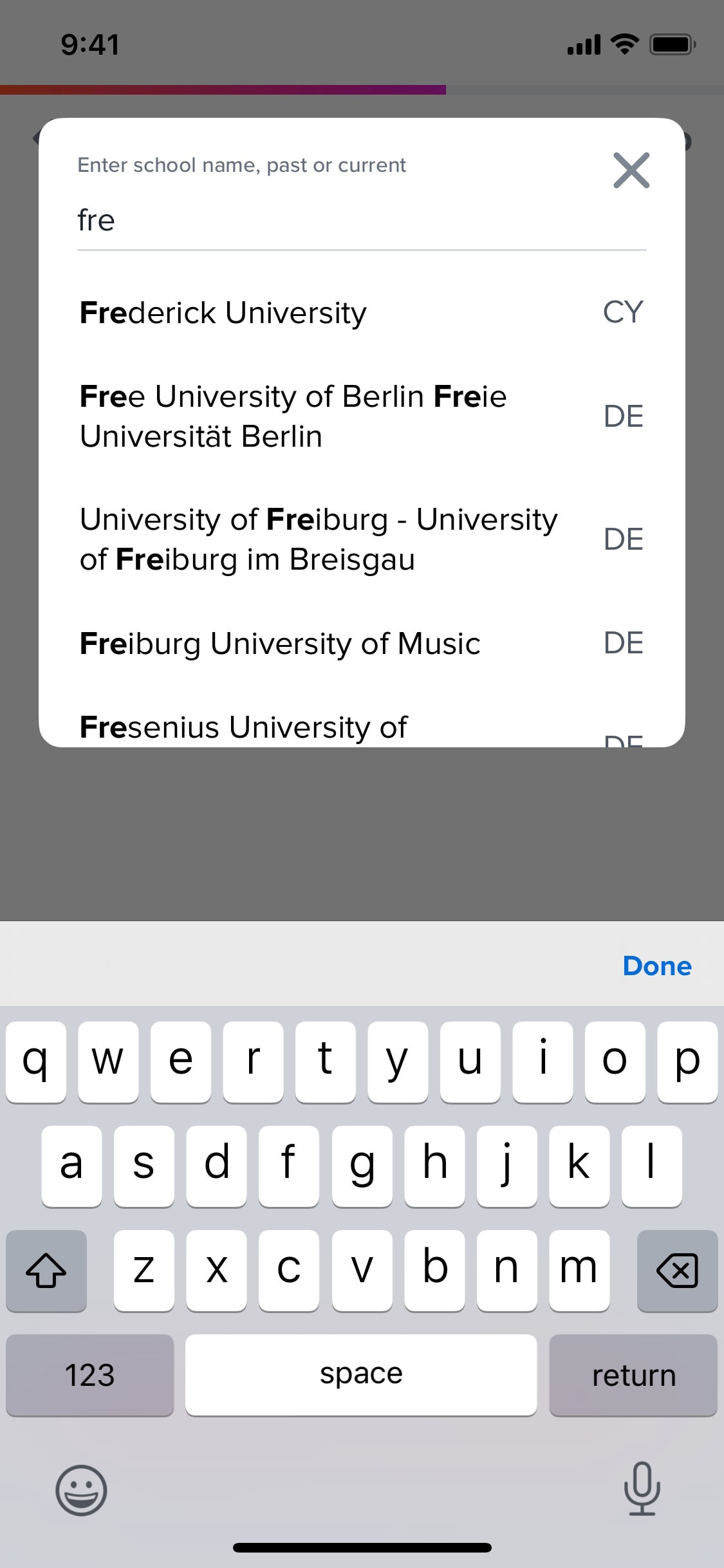
Searching for school name
3 screens
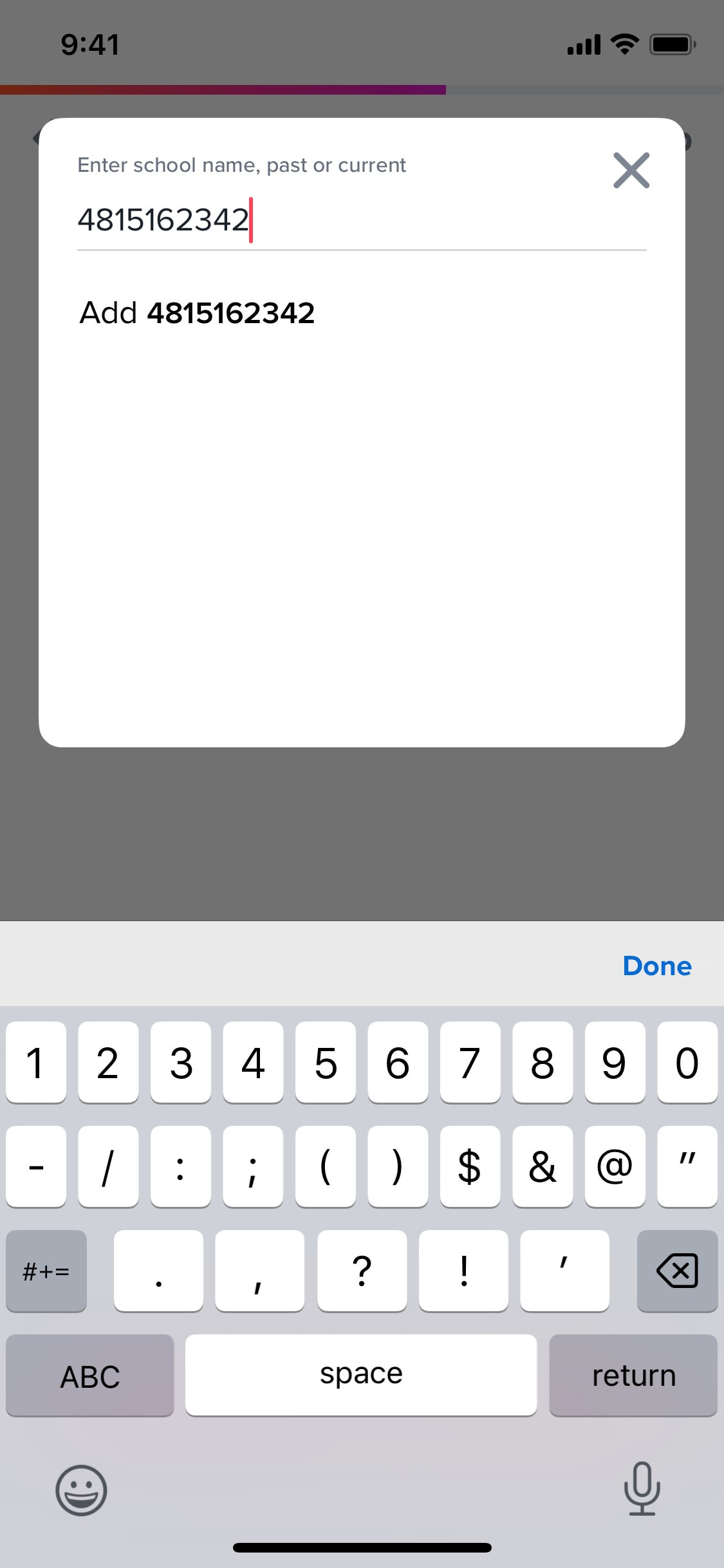
Searching for school name without results
3 screens
Searching for theme song
3 screens
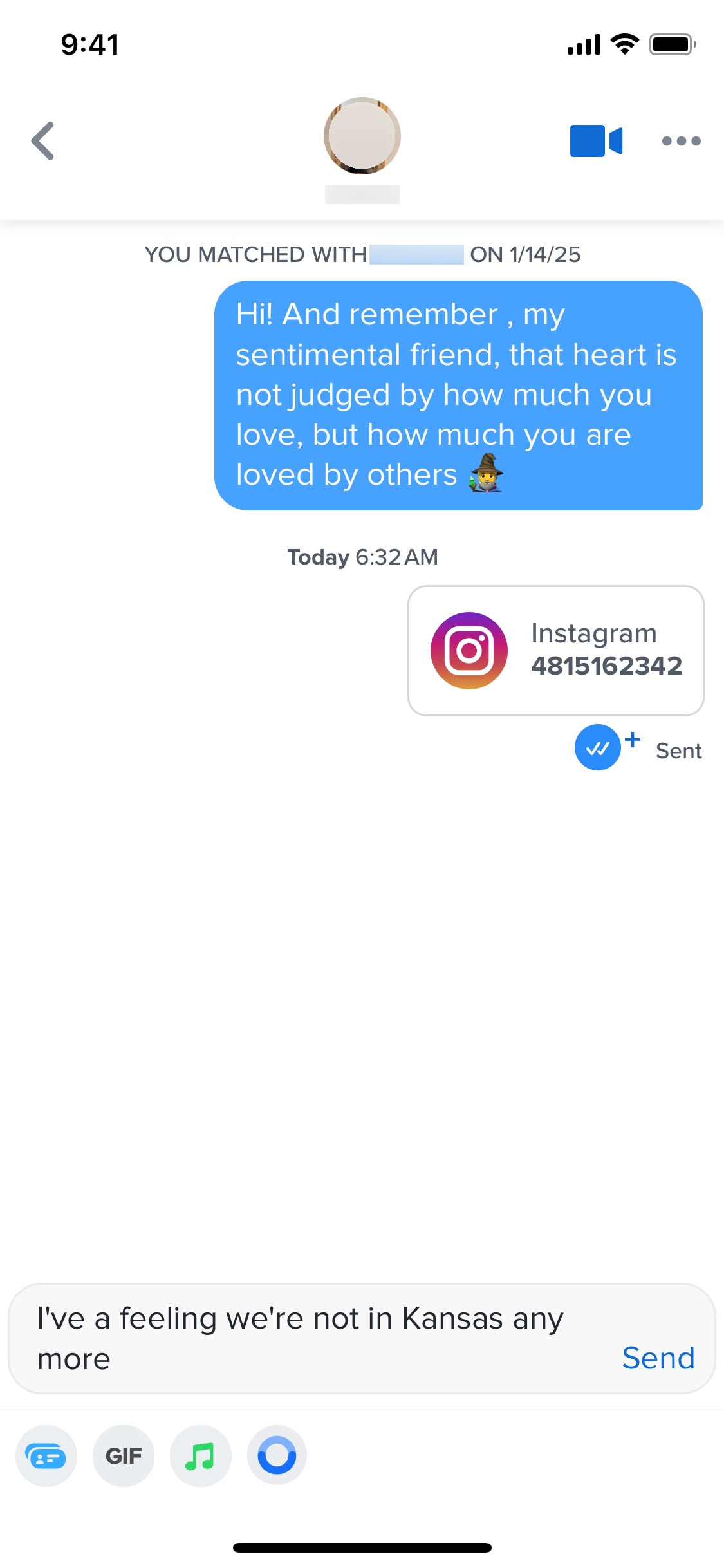
Sending GIF image in chat
4 screens
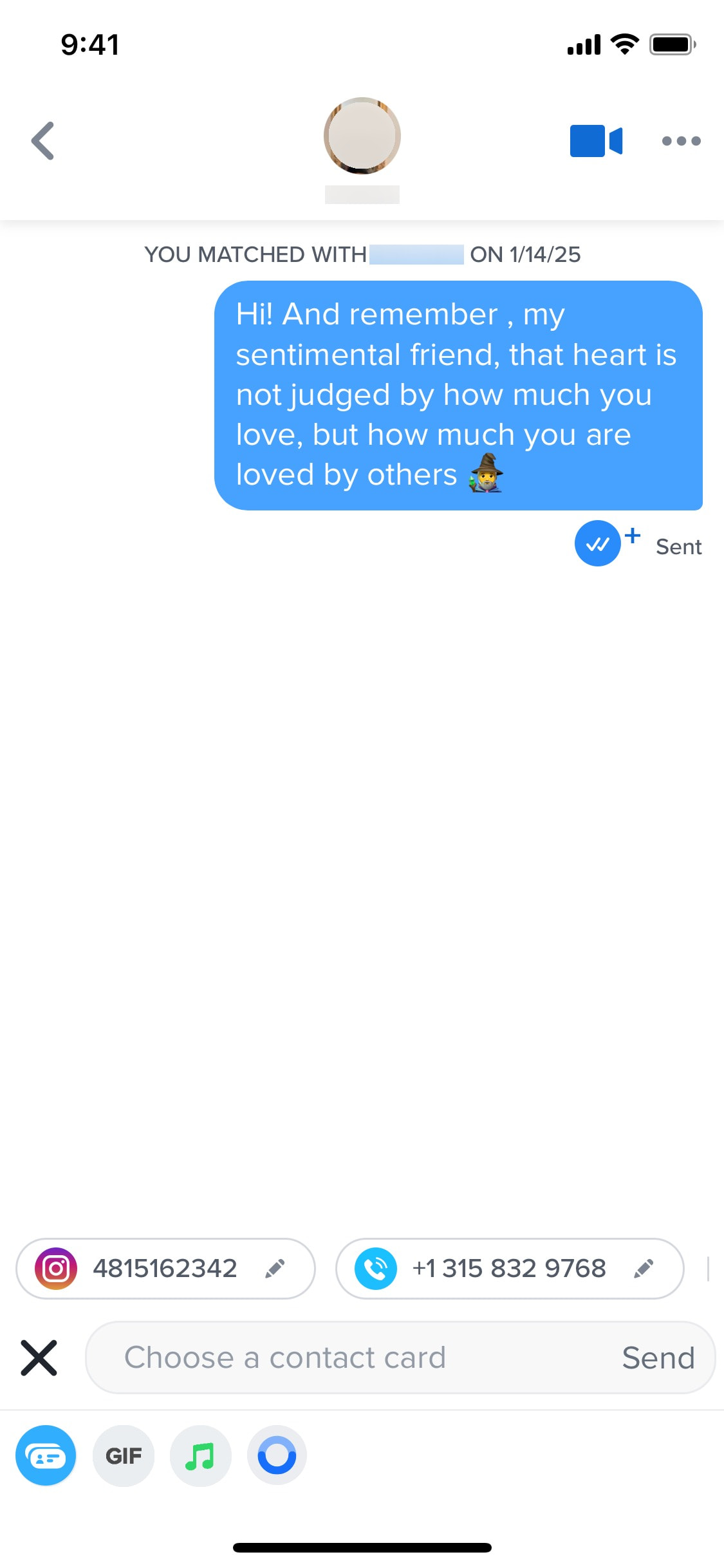
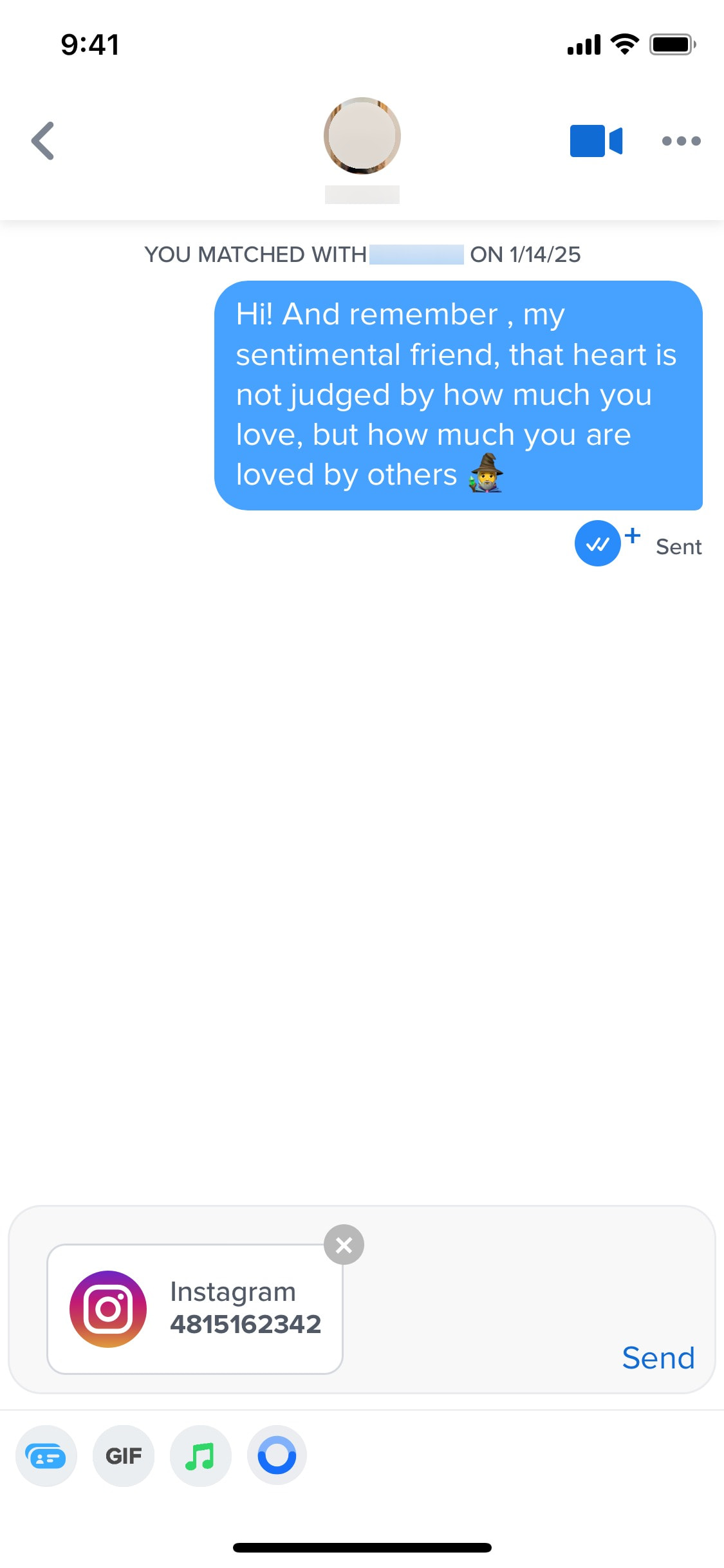

Sending Instagram username in chat
4 screens
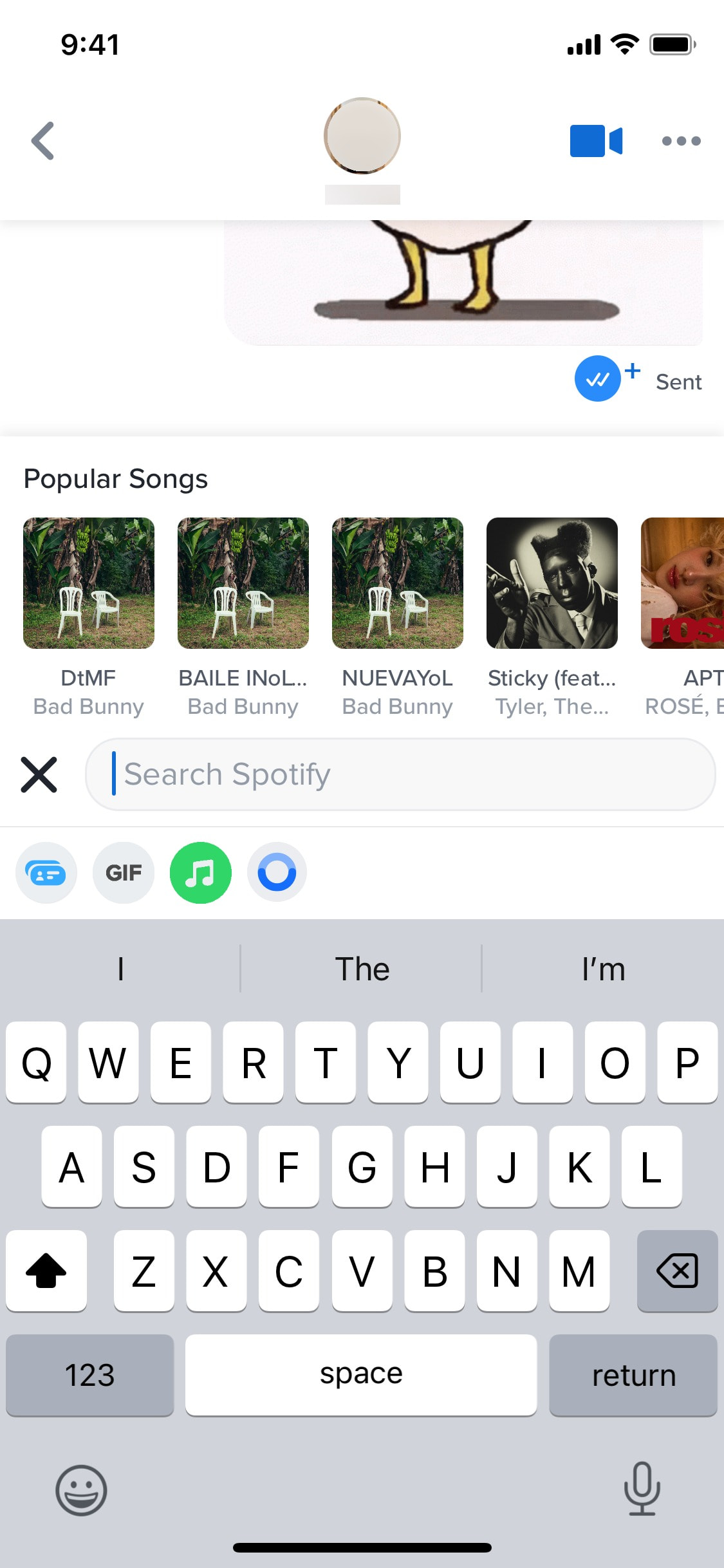
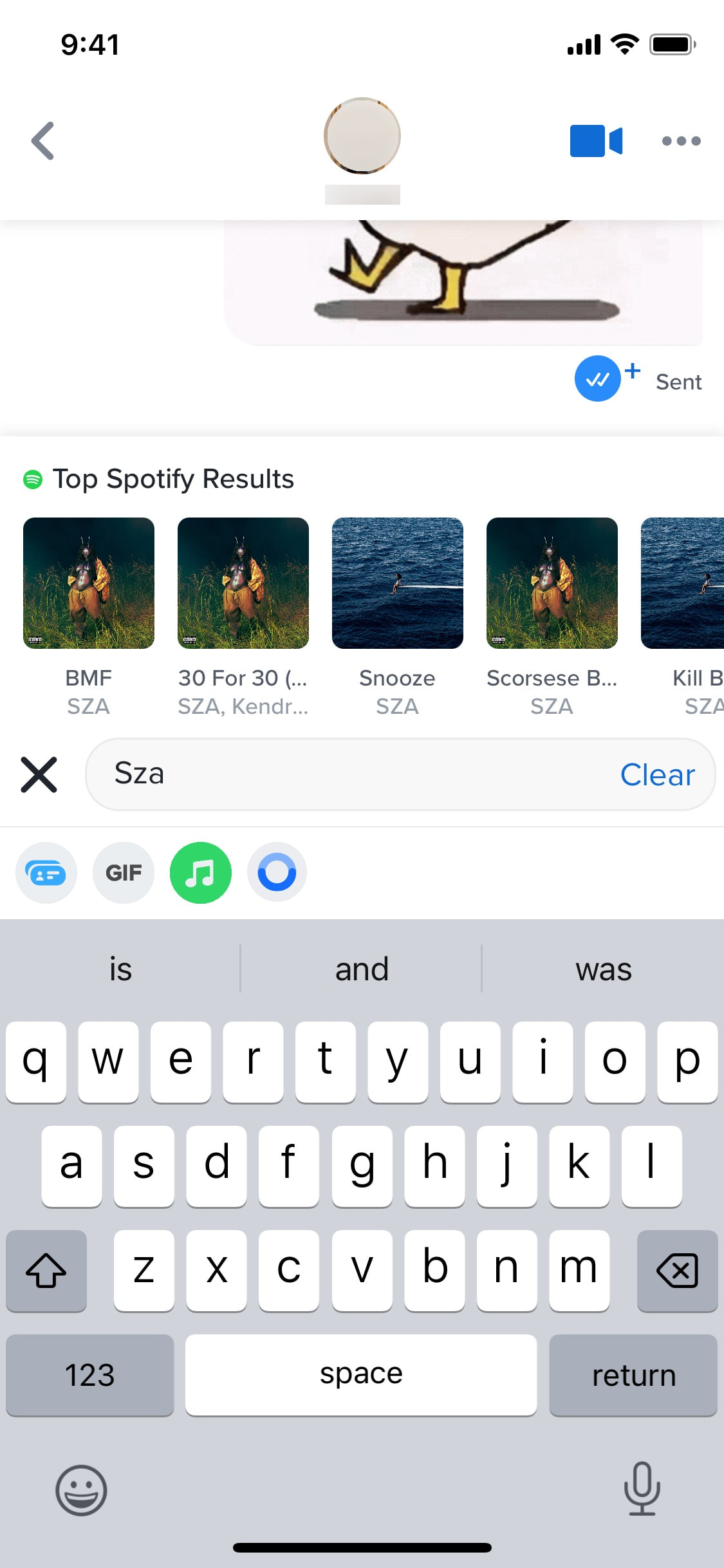
Sending song to chat
7 screens
Sharing profile
3 screens
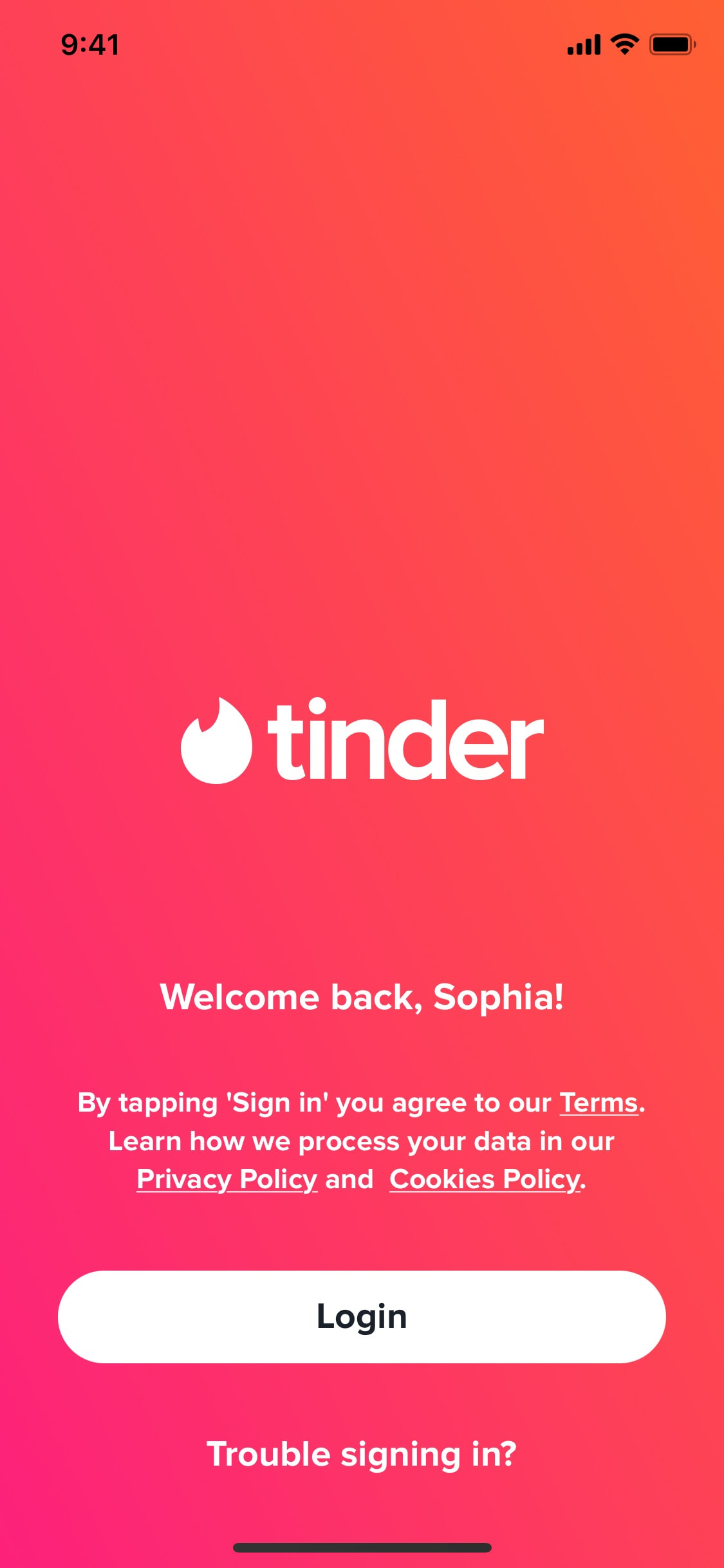


Signing in using device verification
3 screens

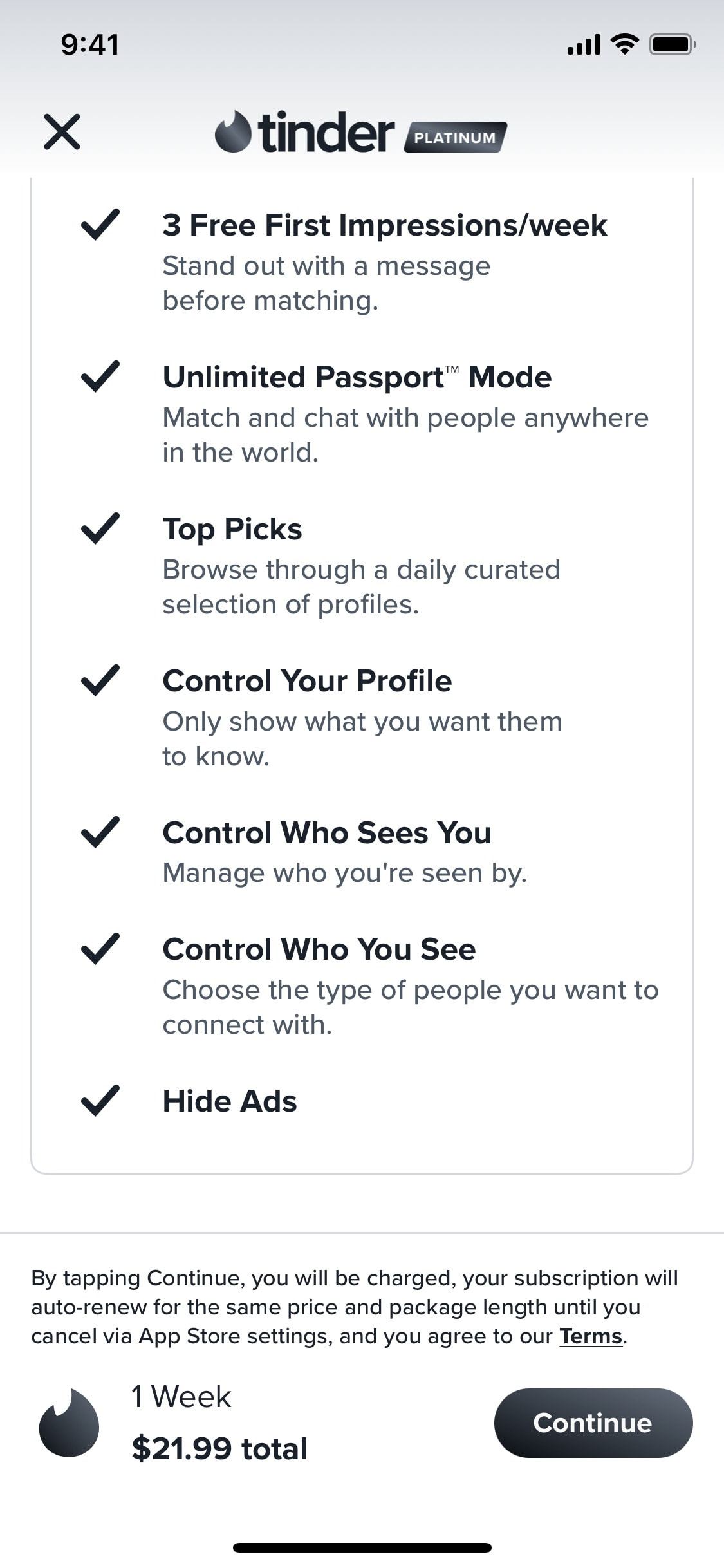
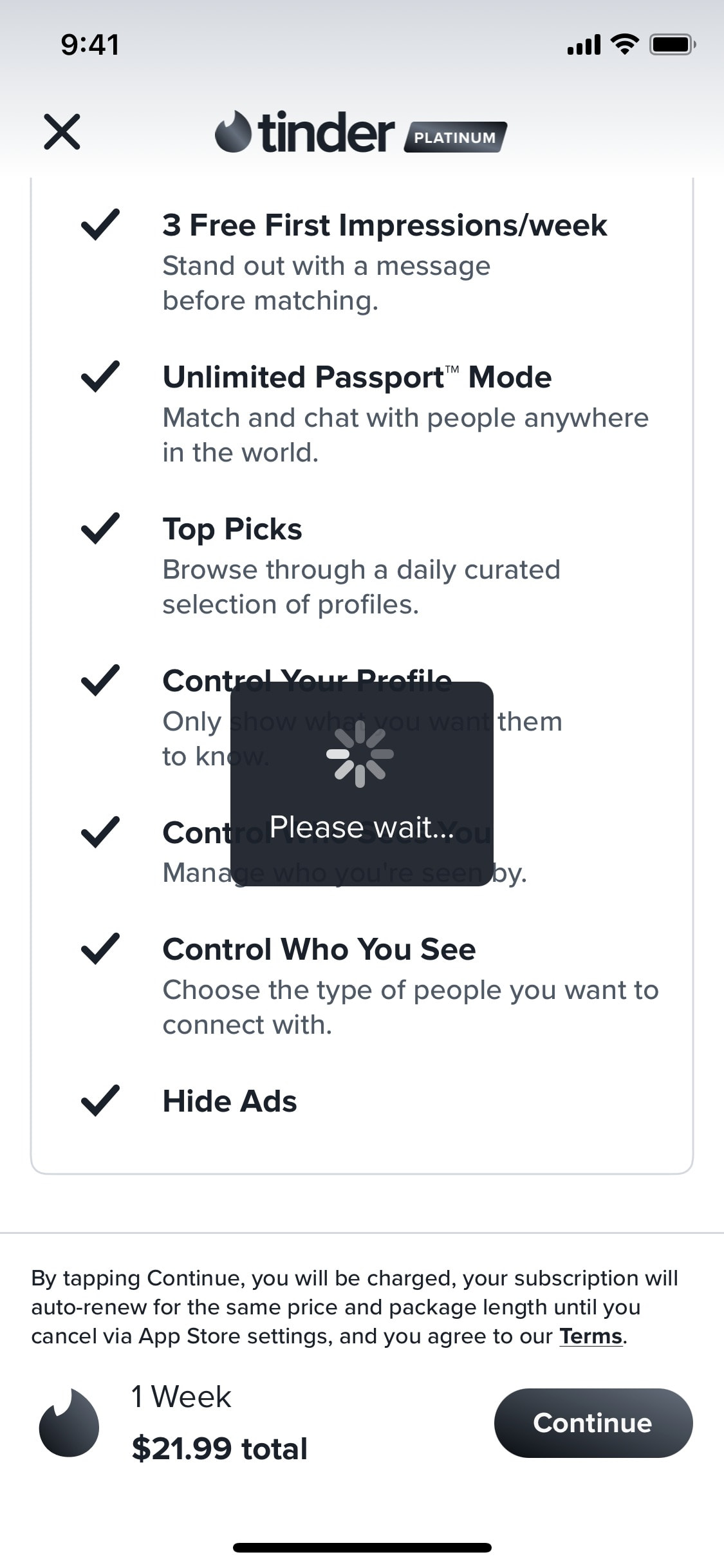
Subscribing to Tinder Platinum
3 screens
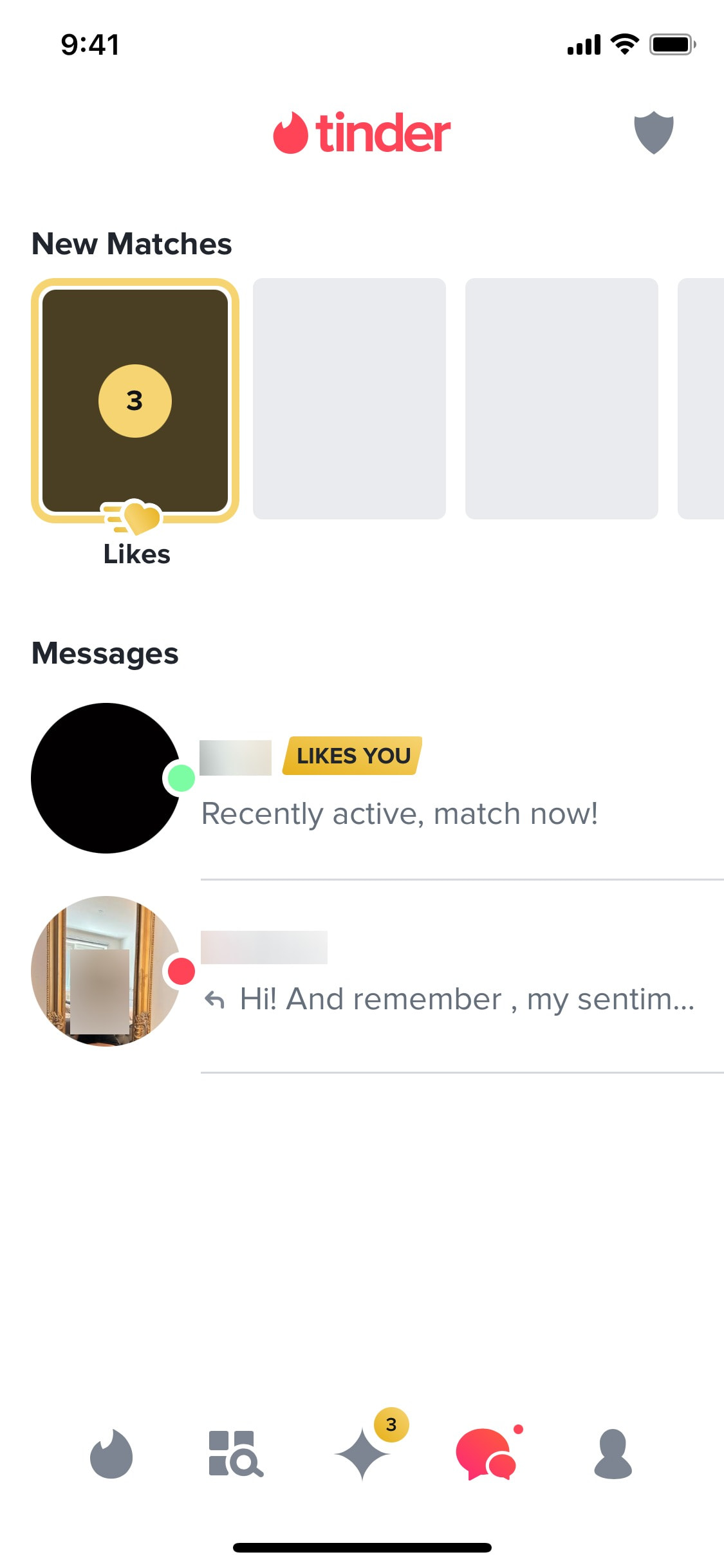
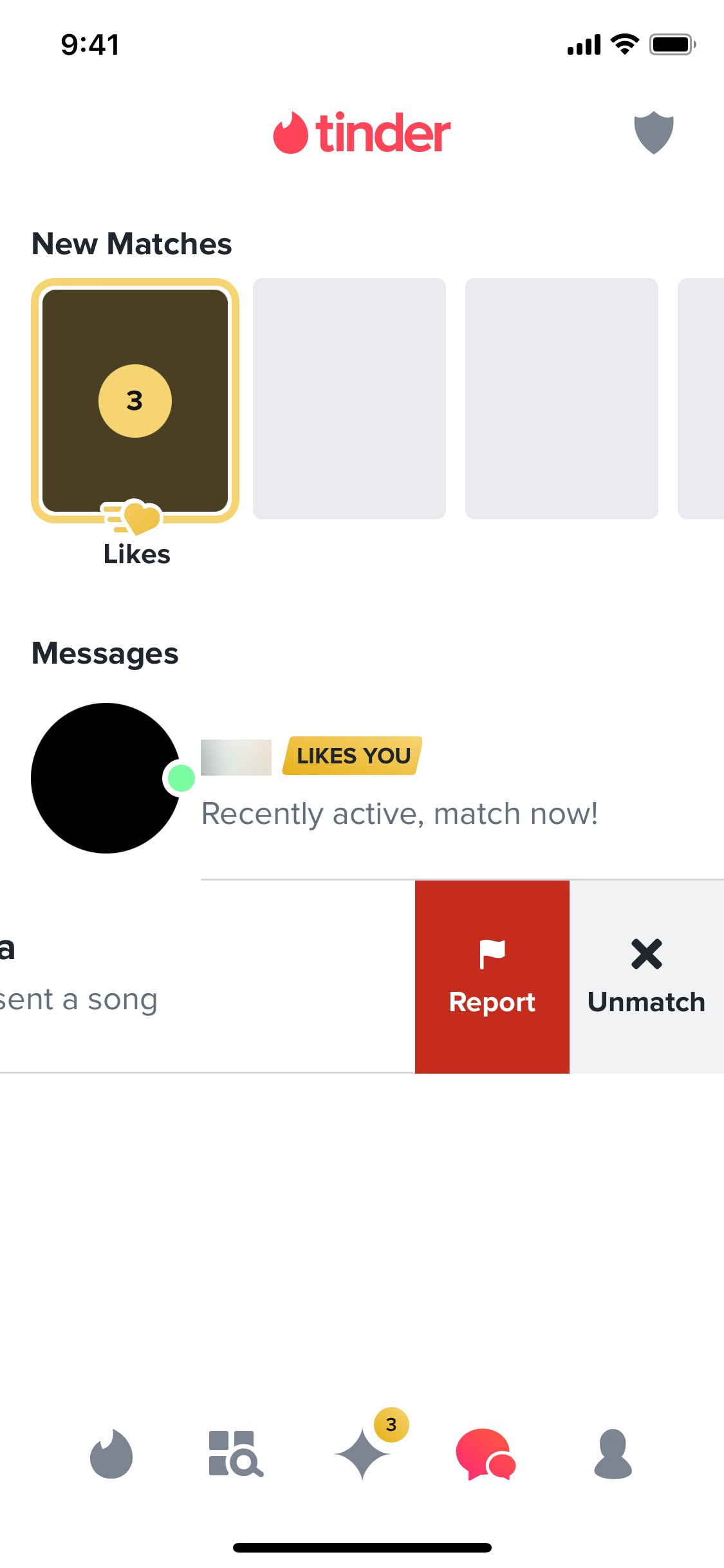
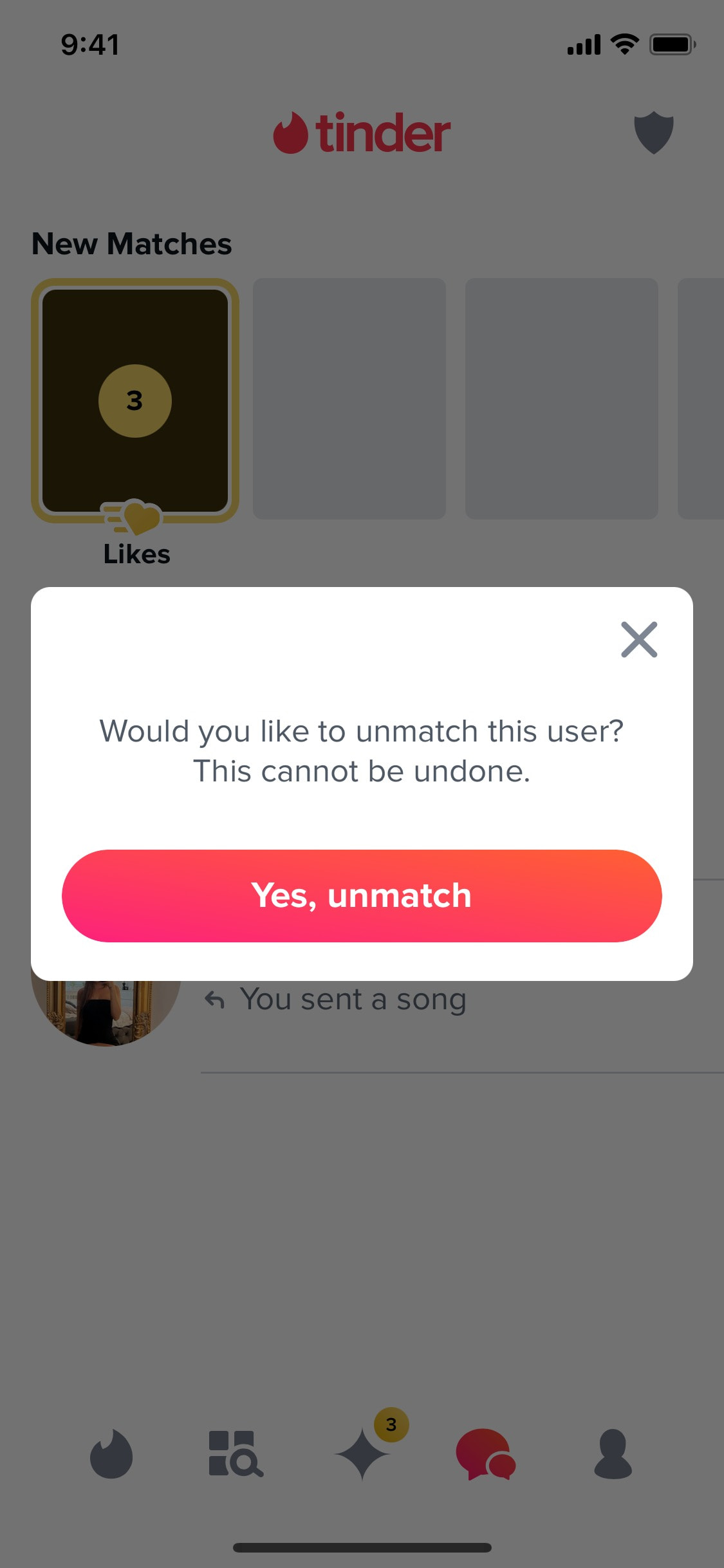
Unmatching from user
4 screens

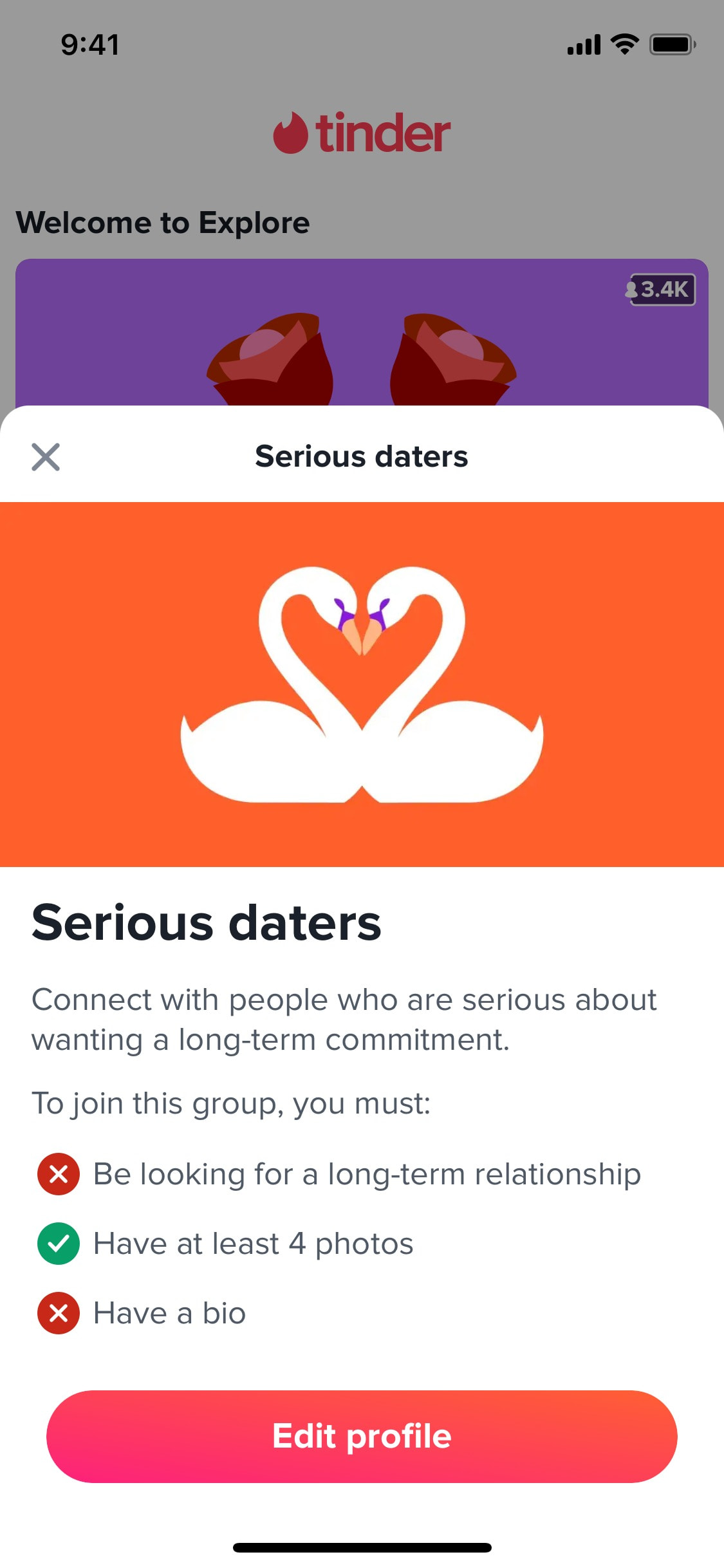
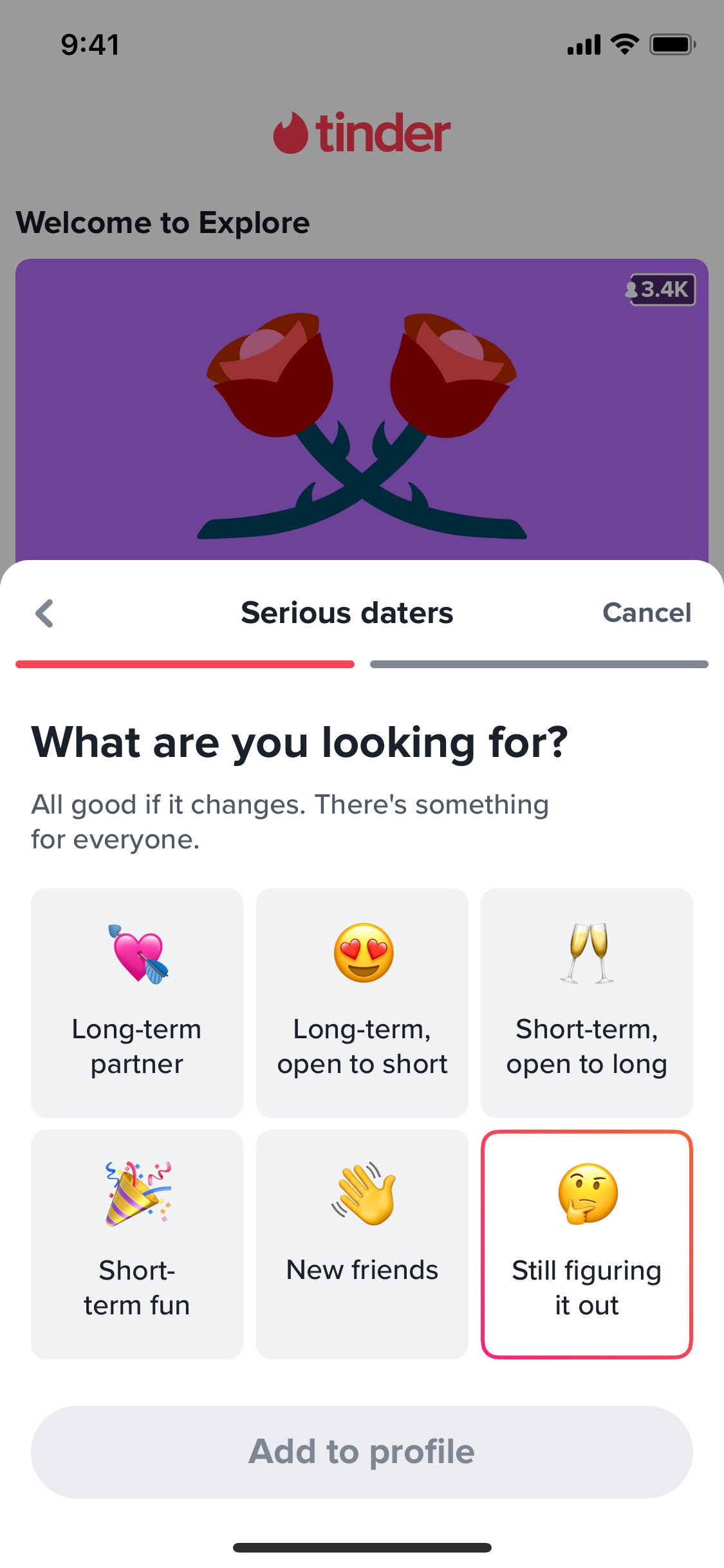
Updating relationship goals
6 screens
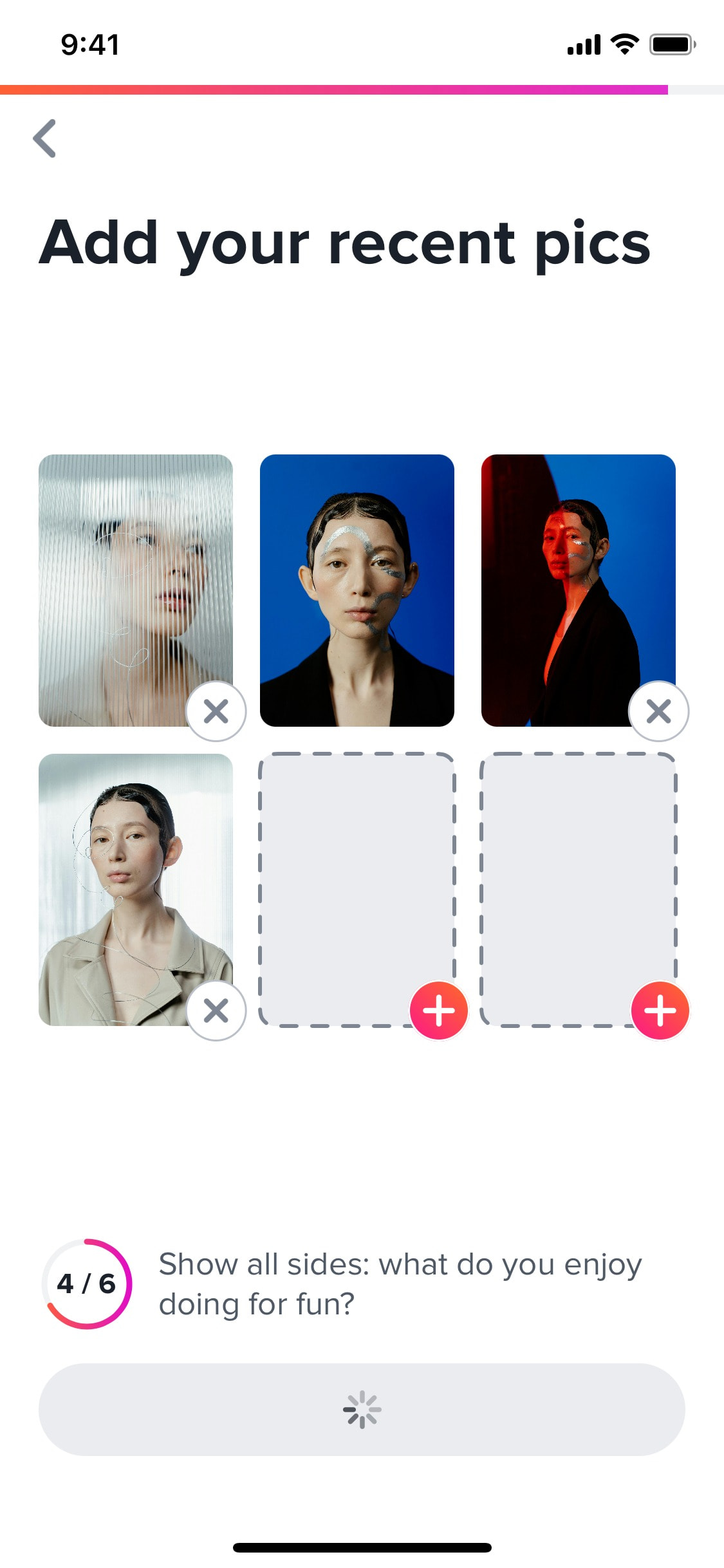
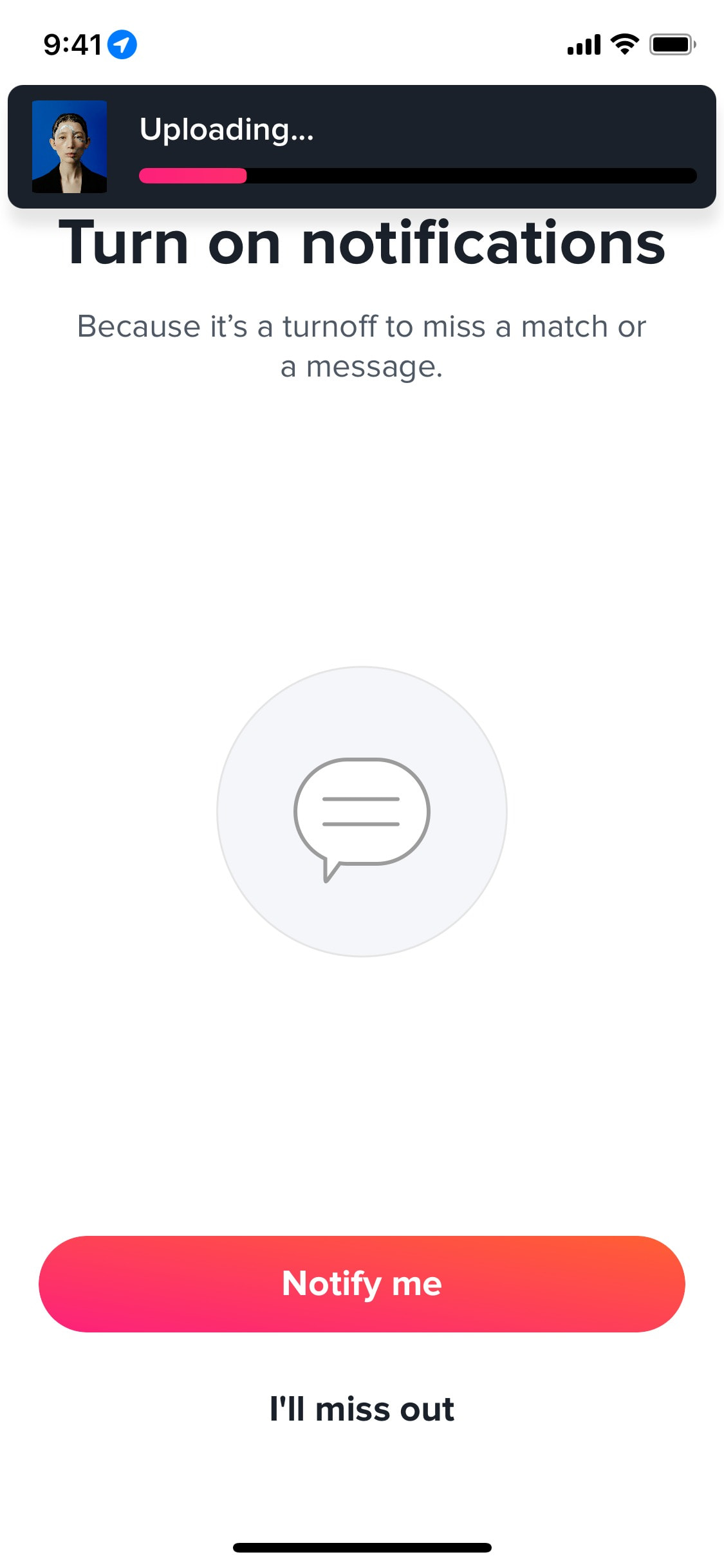
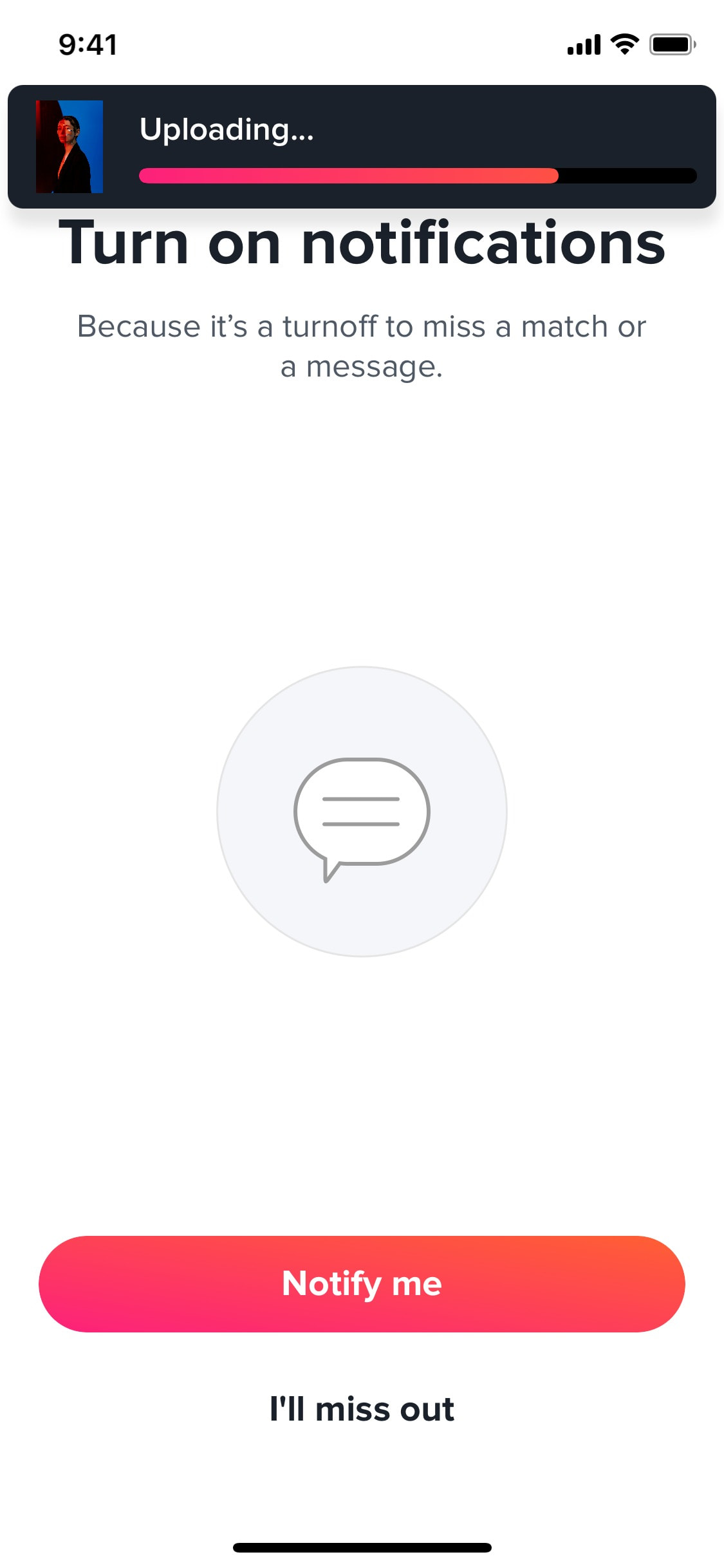
Uploading photos to profile
4 screens
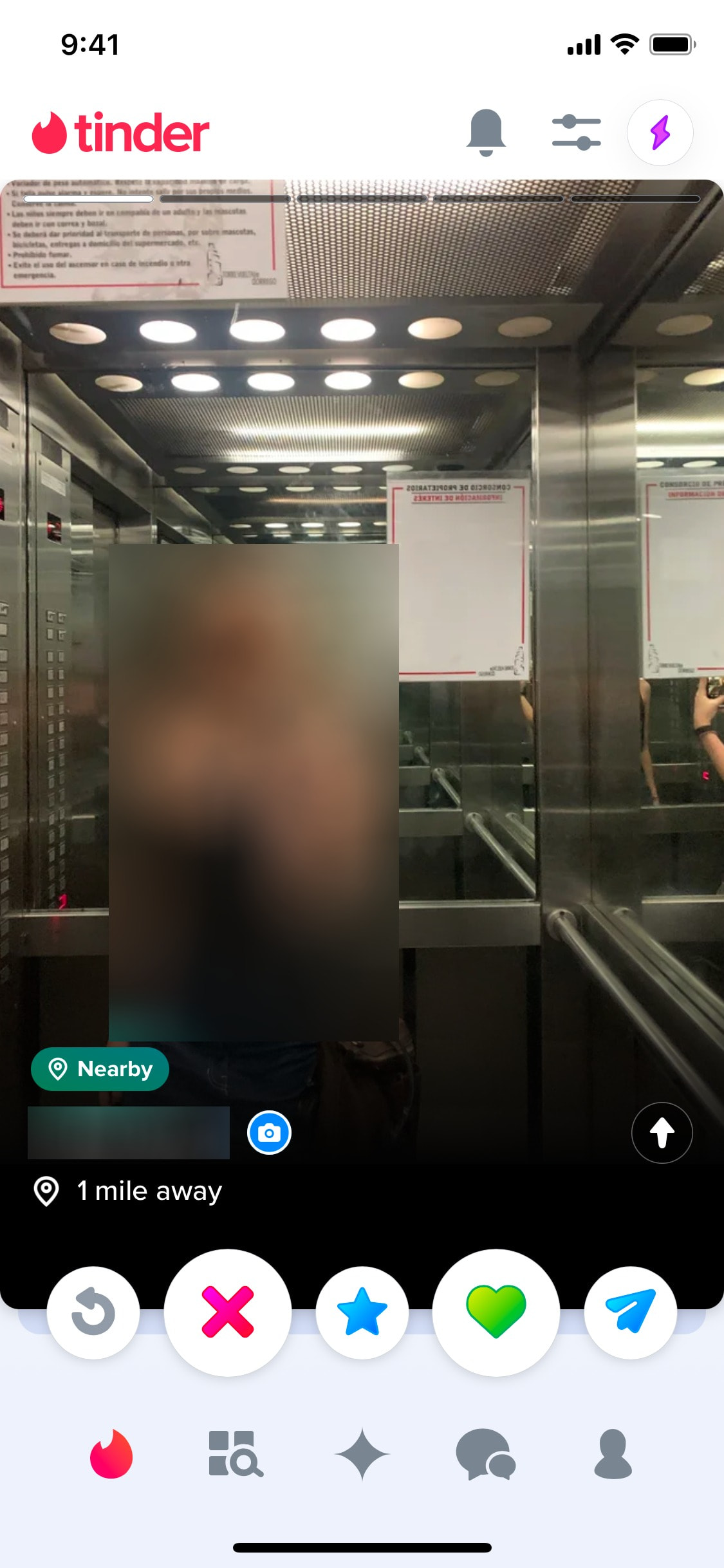
Verifying profile by photo
9 screens
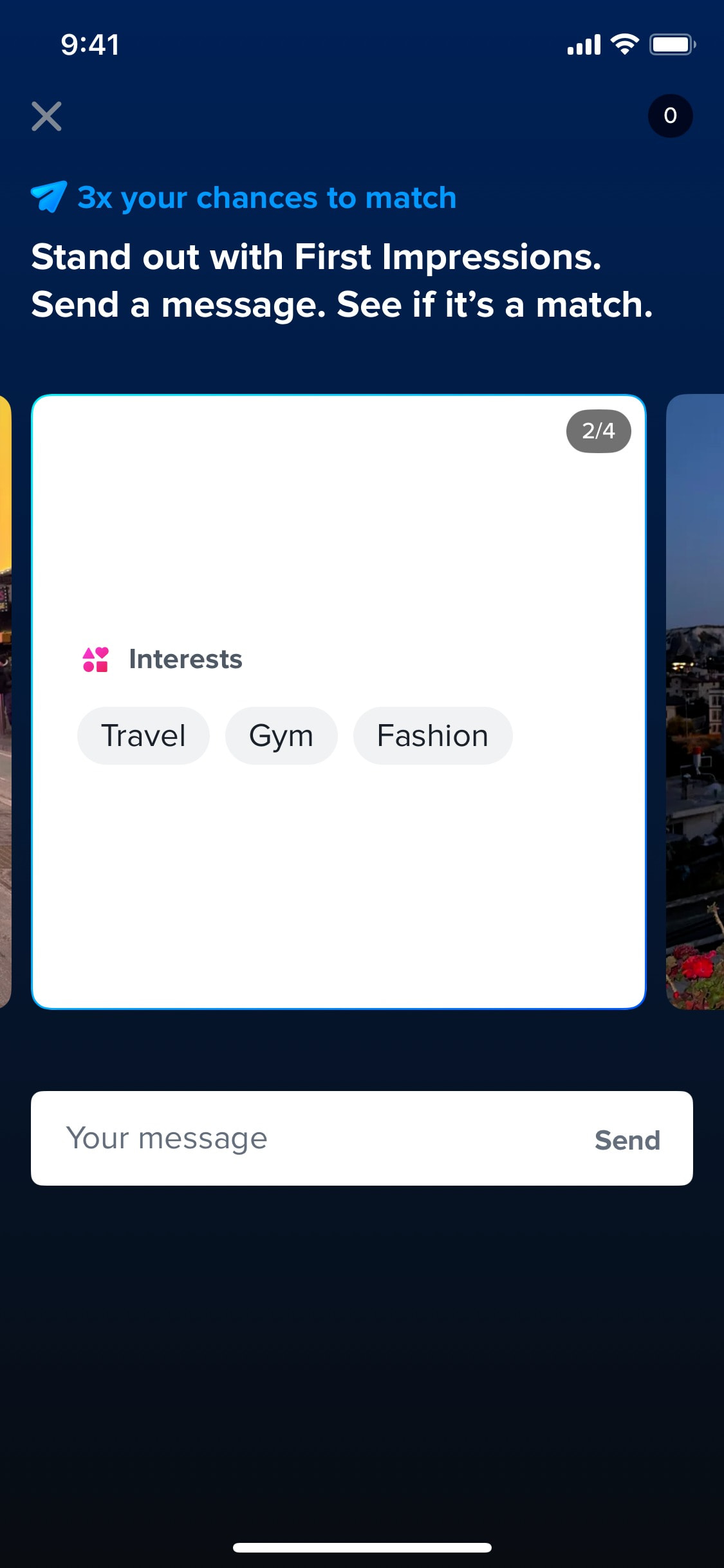
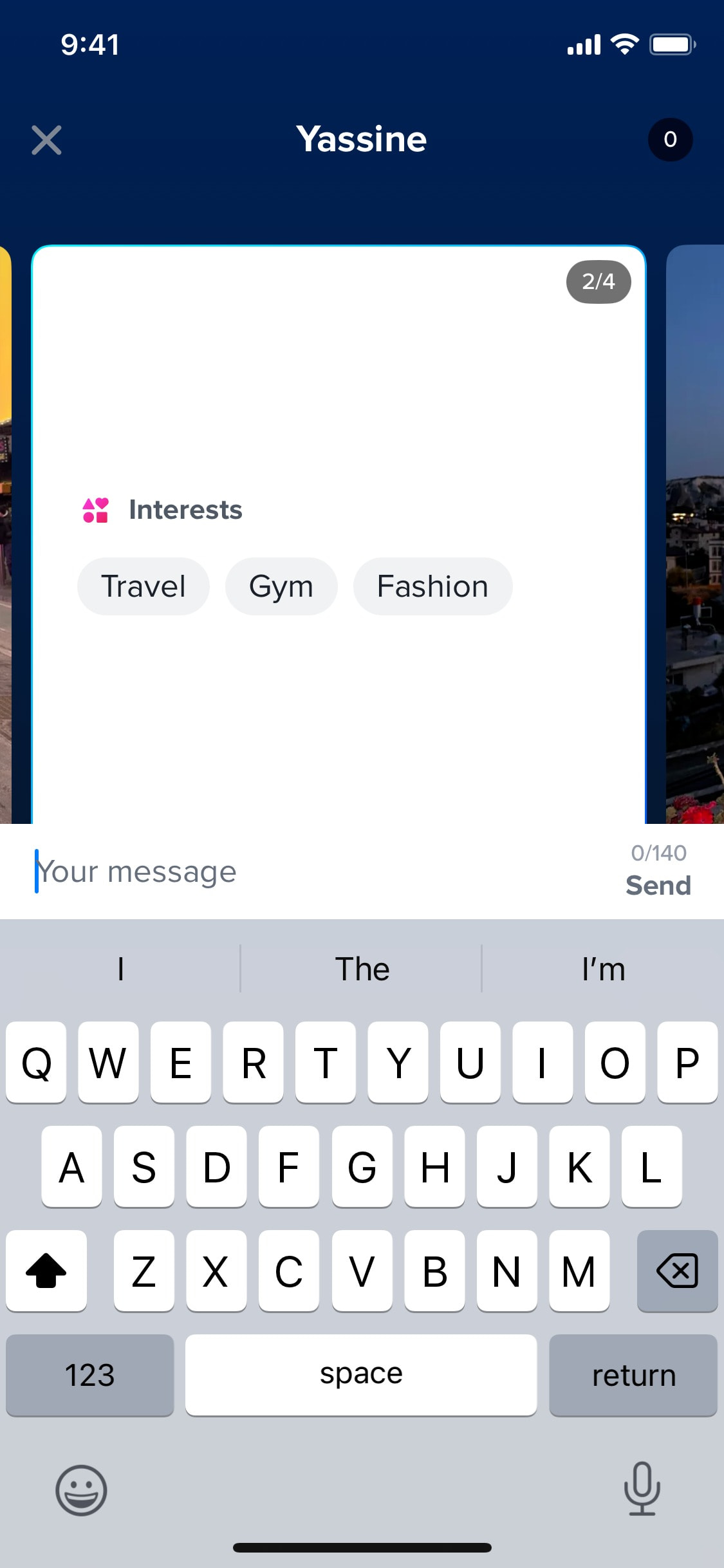
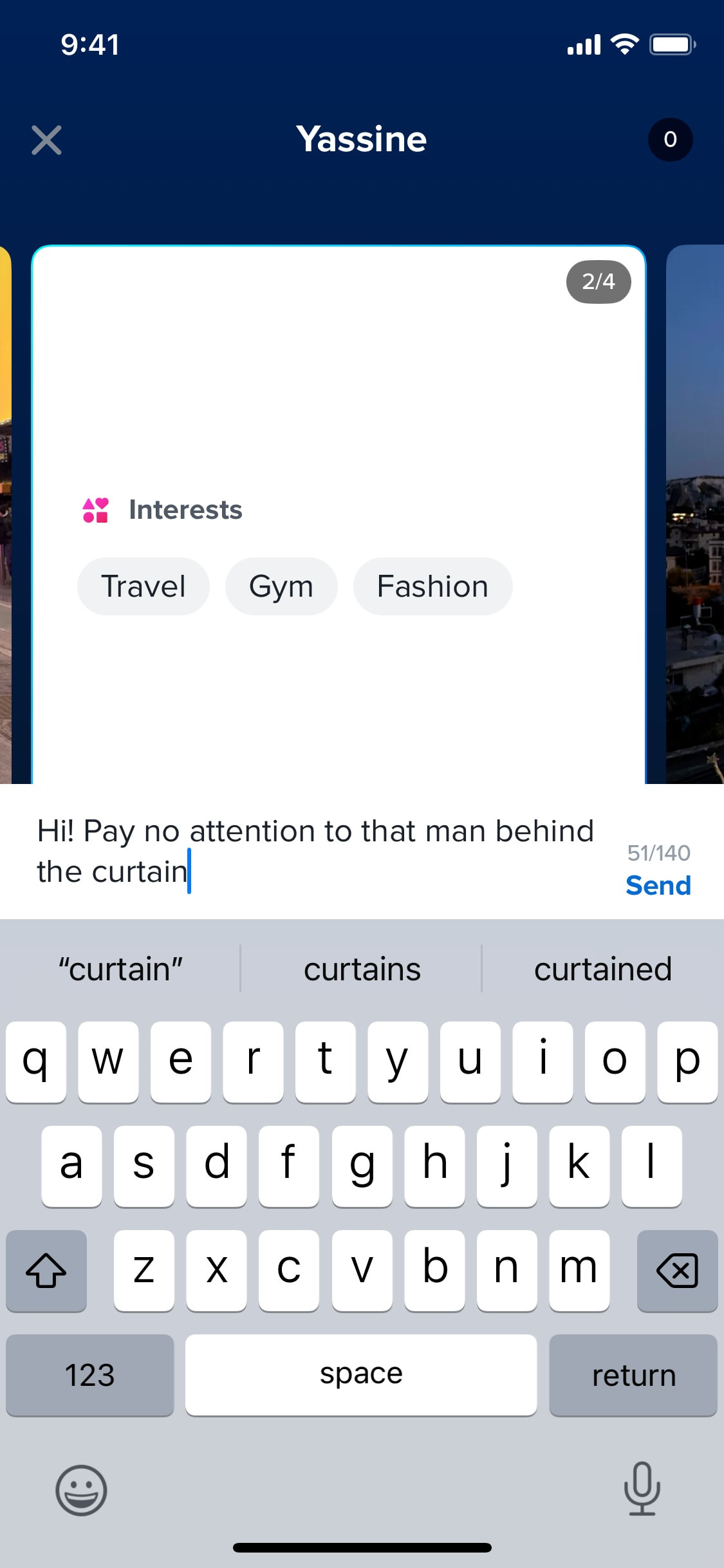
Writing first message
3 screens
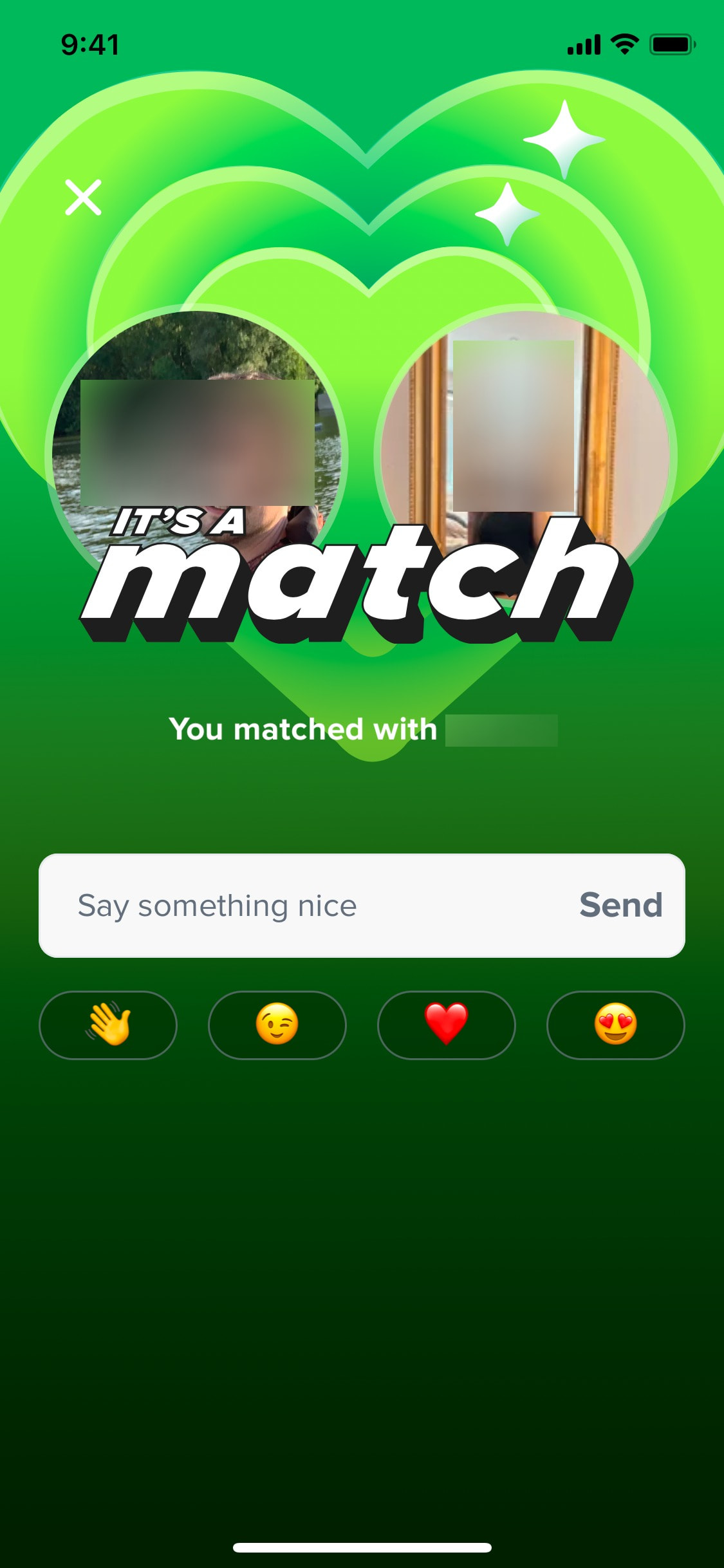
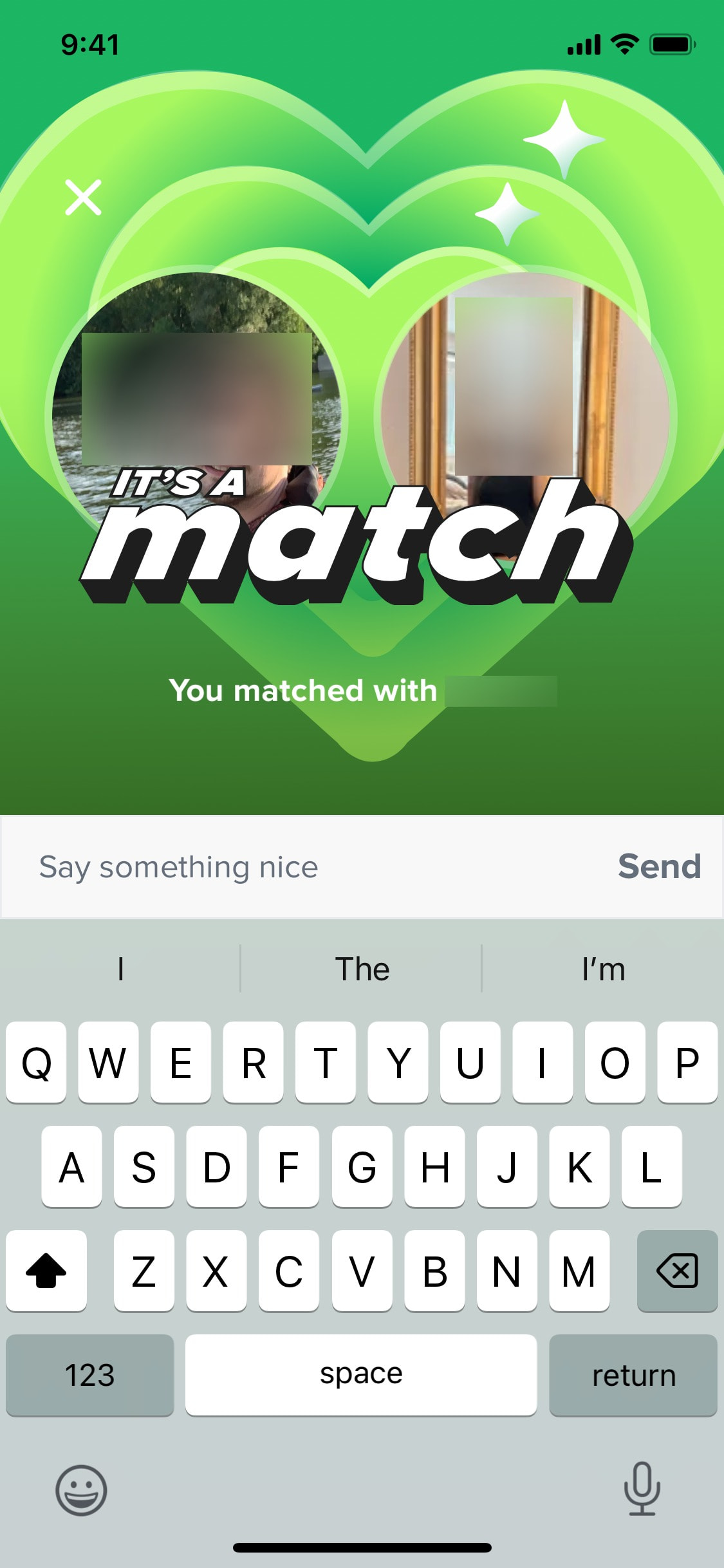
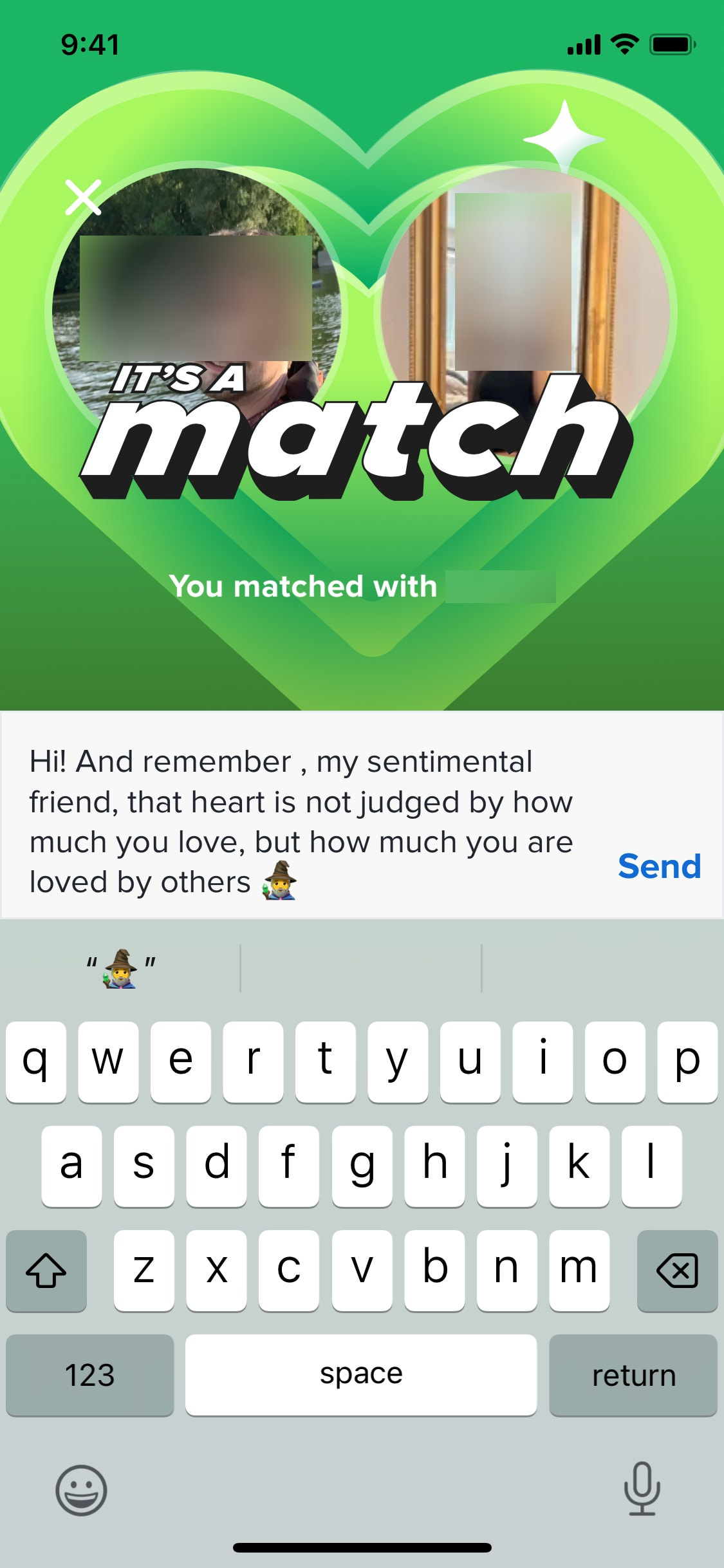
Writing message after match
4 screens